We built Vedain CRM around that exact frustration. At $10 per user per month, every feature is included, email sync, automation, pipeline management, AI agents, with no hidden fees or feature gates. So when we put together this list, we evaluated each option the same way a budget-conscious team would: what do you actually get for the price, and what's going to cost extra later?
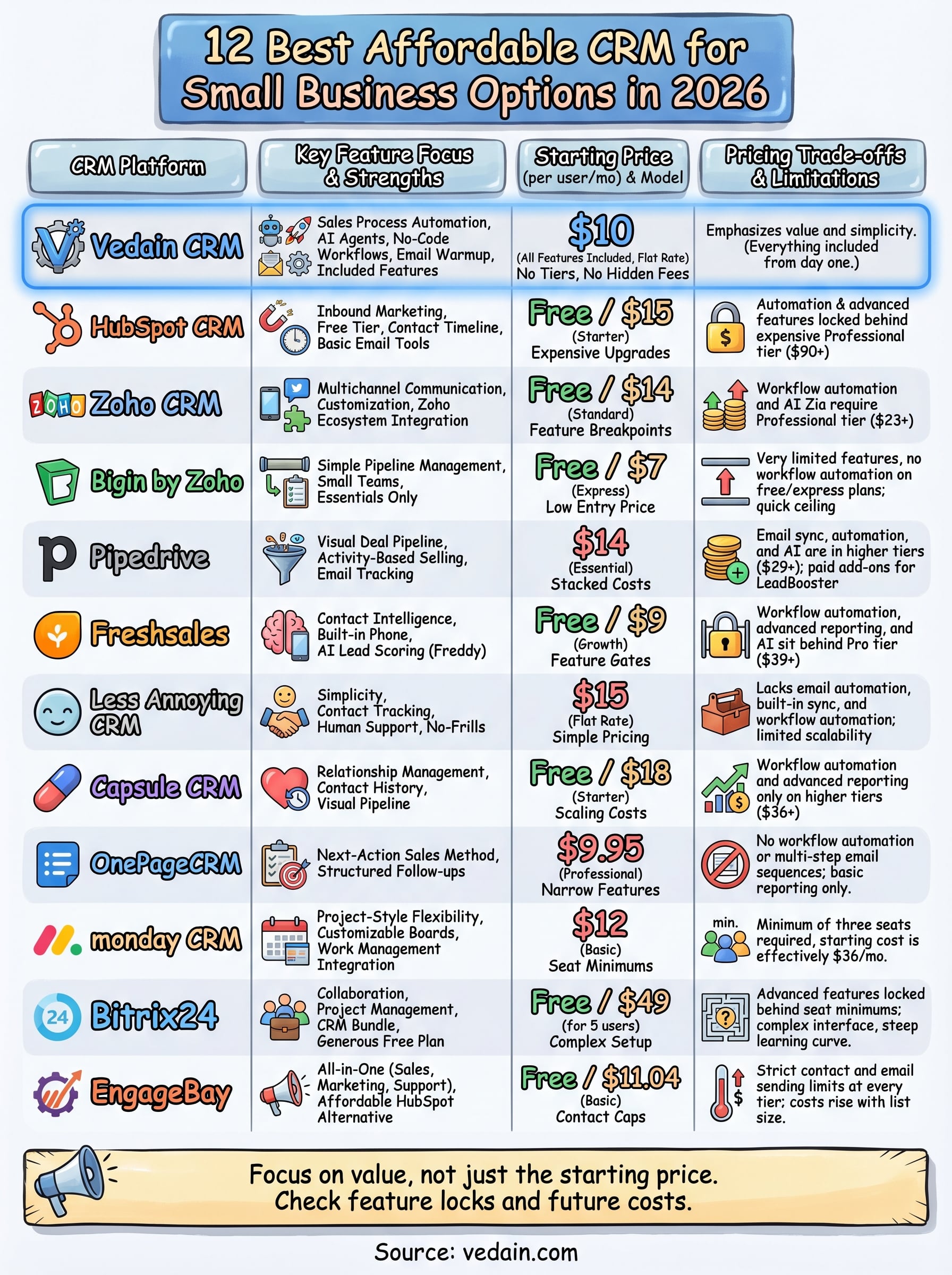
This guide covers 12 CRM platforms that deliver real value for small businesses in 2026. For each one, we break down pricing, standout features, and the trade-offs you should know about before committing. Whether you're a five-person startup or a growing sales team hitting the limits of spreadsheets, you'll find an option here that fits your workflow and your wallet.
1. Vedain CRM
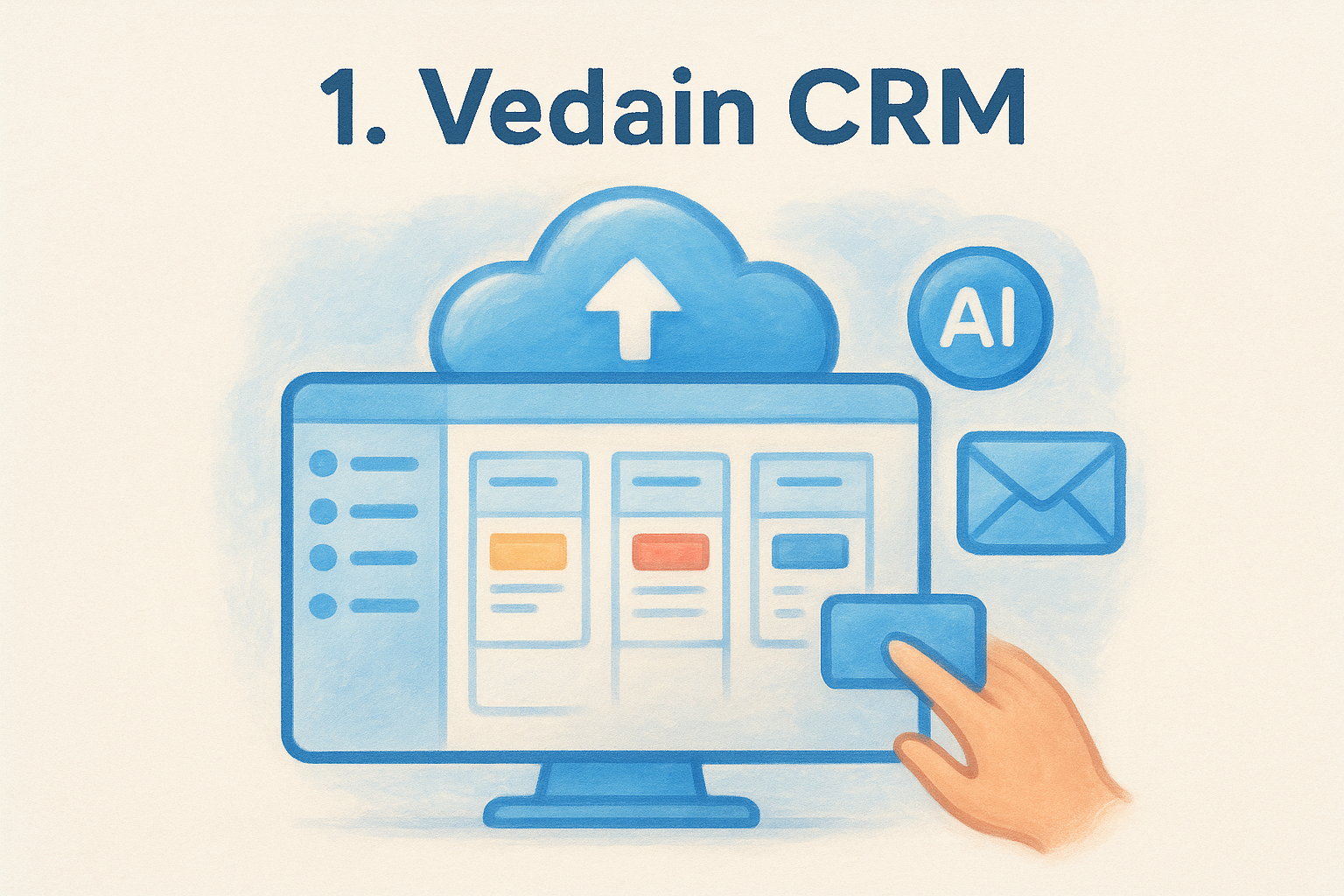
Vedain CRM is a cloud-based sales platform that brings contact management, deal tracking, email automation, and AI tools under one roof. Unlike most platforms that spread these capabilities across multiple pricing tiers, every feature ships with the base plan.
What it does best
Vedain shines on sales process automation. The no-code workflow builder lets you create triggers and actions without any IT support, and the built-in email warmup tool runs your domain through a 21-day deliverability improvement sequence before you send a single campaign. You also get a visual Kanban pipeline, two-way email sync with Gmail and Outlook, multi-step email sequences, and a library of 30+ pre-built AI agents for data enrichment and content generation.
Vedain's AI Studio lets you describe a custom CRM feature in plain English and build it without writing a single line of code, which is rare at this price point.
The platform rounds out its feature set with LinkedIn automation, custom drag-and-drop dashboards, lead capture forms, granular team permissions, and pipeline reports with conversion funnels. These are tools that competitors typically reserve for their mid-tier or enterprise plans.
Who it fits best
Vedain works best for small to mid-sized sales teams that want fast onboarding and a full toolset from day one. Setup takes under five minutes, and you can start your trial without entering a credit card. It suits founders running their own pipeline, as well as teams moving away from HubSpot, Pipedrive, or Zoho who are tired of paying more every time they need a feature unlocked. Teams with limited IT resources will also appreciate that everything runs on a no-code foundation.
Pricing and what is included
At $10 per user per month, you get access to every feature Vedain offers. There are no feature tiers, no record caps, and no separate fees for automation, AI agents, or email sync. That flat-rate structure makes it one of the clearest options for anyone hunting for an affordable CRM for small business use without worrying about what next month's invoice looks like.
Your subscription covers unlimited contacts, deal pipelines, email campaigns, workflows, reports, and sales targets, along with the full AI Agent Marketplace. Whether your team has 5 seats or 500, the per-user cost stays the same.
2. HubSpot CRM
HubSpot CRM is one of the most recognized platforms on the market, and its free tier attracts a large number of small businesses as a starting point. The name carries weight, which is part of why so many teams reach for it first.
What it does best
HubSpot's free plan covers contact management, deal tracking, and basic email tools inside a polished interface that most teams can navigate without training. The platform connects natively with its own marketing tools, and its contact timeline gives reps a full history of every interaction a prospect has had with your team.
Key capabilities available on the free plan include:
- •Two-way email logging with Gmail and Outlook
- •Visual deal pipeline with drag-and-drop stage management
- •Basic reporting and contact activity tracking
- •Live chat widget and meeting scheduling links
Who it fits best
HubSpot works well for early-stage teams that want a credible platform without paying anything upfront. It also suits marketing-focused organizations that benefit from having CRM data and email campaigns running inside the same ecosystem.
Once your team starts needing automation or custom reporting, the required plan upgrades can push your monthly costs much higher than you planned for.
Pricing and upgrade triggers
The free plan supports unlimited users but limits automation and adds HubSpot branding to outgoing emails. Paid tiers start at $15 per user per month for the Starter plan, but features like sequences, advanced reporting, and workflow automation require the Professional plan at $90 per user per month or more.
For any team looking for a genuinely affordable CRM for small business use, mapping out those upgrade triggers before you commit will save you from a bill that grows faster than your pipeline does.
3. Zoho CRM
Zoho CRM is a long-standing platform in the CRM market with a broad feature set covering sales, marketing, and customer support. It attracts small businesses with a free plan for up to three users and a range of paid tiers that scale with team size.
What it does best
Zoho CRM handles contact and lead management well, giving you custom fields, activity tracking, and workflow rules even on lower-tier plans. The platform also offers multichannel communication tools, including email, phone, and social media integrations, which helps teams consolidate outreach inside one interface.
Zoho's AI assistant, Zia, provides lead scoring and sales predictions, but those features only unlock on higher-tier plans.
Who it fits best
Zoho CRM suits small teams that already use other Zoho products like Zoho Books or Zoho Desk, since the native integrations reduce setup time significantly. It also works for teams that need a customizable pipeline without paying enterprise prices, provided you're willing to invest time in the initial configuration.
Pricing and plan breakpoints
The free plan covers three users with basic CRM functions, but automation and advanced reporting require a paid upgrade. Standard starts at $14 per user per month, Professional at $23, and Enterprise at $40. For anyone searching for an affordable CRM for small business use, the plan breakpoints deserve close attention. Workflow automation sits behind the Professional tier, which means your actual cost often ends up higher than the entry price suggests once your team needs features beyond basic contact tracking.
4. Bigin by Zoho
Bigin is Zoho's small business-focused CRM, built specifically for teams that find full Zoho CRM too complex for their needs. It strips the platform down to the essentials, giving you pipeline management, contact tracking, and basic automation in a simpler interface at a lower price point.
What it does best
The platform centers on visual pipeline management, letting you create multiple pipelines for different products or services without getting lost in enterprise-level configuration. Bigin also handles contact records, email integration, and activity tracking cleanly, which makes it a practical starting point for teams moving away from spreadsheets.
Bigin supports up to five pipelines on its paid plan, which works well for small businesses running separate sales tracks without needing a full CRM buildout.
Who it fits best
Bigin suits very small teams and solo operators who want a lightweight tool that covers the basics without a steep learning curve. It works particularly well for service-based businesses like freelancers, consultants, or small agencies that need contact tracking and follow-up reminders more than deep reporting or automation workflows.
Pricing and key limits
Bigin offers a free plan for one user with limited pipelines and storage. The paid Express plan runs at $7 per user per month, and the Premier plan costs $12. Those numbers make it look like an affordable CRM for small business use, but the feature ceiling arrives quickly. You get no workflow automation on the free tier, limited custom fields, and no advanced reporting on Express. Teams that grow past the basics will likely need to migrate up to full Zoho CRM or switch platforms entirely, which adds hidden switching costs to the equation.
5. Pipedrive
Pipedrive is a sales-focused CRM built around a visual pipeline that gives your team a clear view of every deal at every stage. It positions itself as a tool for sales reps rather than marketers, which keeps the interface tight and activity-driven.
What it does best
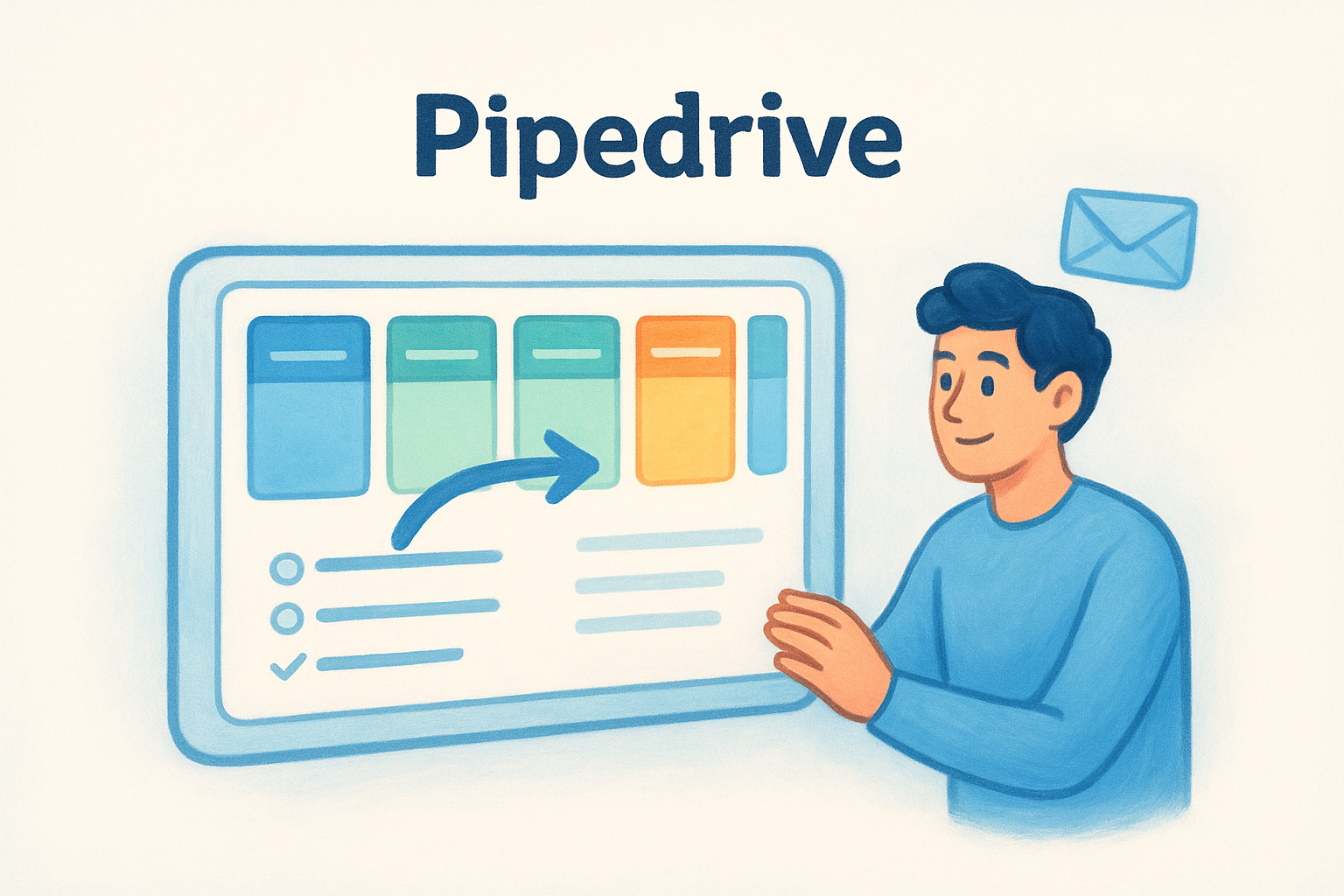
The platform handles deal and activity management exceptionally well. The pipeline view is clean and intuitive, letting you drag deals between stages and set follow-up activities without jumping through menus. Pipedrive also offers email tracking, smart contact data enrichment, and a built-in calling feature on higher plans, making it a practical daily driver for active sales teams.
Who it fits best
Pipedrive works best for teams that prioritize sales pipeline visibility over marketing automation or deep reporting. If your team's primary job is moving deals forward and logging activity, Pipedrive's interface stays out of the way and keeps reps focused. It also suits B2B teams running structured sales cycles where deal stage progression is the main metric that matters.
Pipedrive's simplicity is its biggest strength for pure sales teams, but it can feel limiting once you need multi-step email sequences or advanced reporting without upgrading your plan.
Pricing and common add-on costs
Essential plan pricing starts at $14 per user per month, but that tier excludes email sync, workflow automation, and reporting tools. The Advanced plan at $29 per user per month covers email features, while Professional at $59 adds AI tools and broader automation. On top of that, features like LeadBooster and Web Visitors cost extra as paid add-ons regardless of your plan tier. For teams looking for a genuinely affordable CRM for small business use, those stacked costs add up faster than the entry price suggests.
6. Freshsales
Freshsales is a CRM built by Freshworks, a company that also produces Freshdesk and other business software. It combines contact management, built-in phone and email, and AI-powered lead scoring in a single platform aimed at small and mid-sized sales teams.
What it does best
Freshsales centers on contact intelligence and deal management, giving reps a full view of each lead's activity, including website visits, email opens, and call history, all in one record. The platform's built-in phone system lets your team call leads directly from the CRM and log calls automatically without relying on third-party integrations.
Freshsales' AI assistant, Freddy, provides lead scoring and deal insights, but those capabilities sit behind paid plan walls.
Who it fits best
Freshsales works well for inside sales teams that run a high volume of outbound calls and want activity tracking built into the same tool they use for pipeline management. It also suits teams already using Freshdesk for customer support, since the native integration keeps customer data connected across both platforms without extra setup time.
Pricing and feature gates to watch
Freshsales offers a free plan for up to three users, but it strips out most capabilities beyond basic contact and deal tracking. The Growth plan runs at $9 per user per month, while Pro costs $39 and Enterprise reaches $59. For anyone searching for an affordable CRM for small business use, the feature gates matter more than the base price. Workflow automation, advanced reporting, and AI scoring all require the Pro tier or higher, which pushes the real monthly cost well past the entry-level number most teams notice first.
7. Less Annoying CRM
Less Annoying CRM lives up to its name by keeping the interface and feature set deliberately simple. The platform targets small businesses and solo operators who want a no-frills tool for contact tracking and pipeline management without learning a complex system.
What it does best
The platform focuses on contact records, task management, and a simple pipeline view that anyone can set up in minutes. Every user gets unlimited contacts, pipelines, and companies at a single price, and the interface strips away the complexity that slows teams down in heavier platforms. Customer support is also a standout, with real humans available by phone and email at no extra charge.
Less Annoying CRM's setup time is genuinely minimal, making it one of the fastest platforms to get running for a small team with no IT support.
Who it fits best
Solo reps and very small teams find this platform a natural fit when they need a simple way to track contacts and follow up on leads without a steep learning curve. It works well for local service businesses, consultants, and non-profits that run basic sales processes and don't need automation or detailed reporting to do their jobs.
Pricing and what you do not get
Less Annoying CRM charges a flat $15 per user per month with no tiers or feature gates, which makes it easy to budget. For anyone searching for an affordable CRM for small business use, that simplicity is appealing on the surface. However, the platform lacks email automation, built-in email sync, and workflow automation, which means growing teams will hit a ceiling quickly and likely need to migrate to a more capable platform once their sales process matures.
8. Capsule CRM
Capsule CRM is a UK-based platform that focuses on keeping contact management and sales tracking straightforward. It targets small businesses that want relationship-focused tools without the overhead of a full enterprise CRM, and its interface reflects that priority clearly.
What it does best
Capsule handles contact and organization records well, giving you a complete view of each relationship including notes, emails, tasks, and documents in one place. The platform also offers a visual sales pipeline with customizable stages and milestone tracking that suits teams running a structured sales process.
Capsule's contact tagging and filtering system makes it easy to segment your audience and surface the right follow-ups at the right time, which is genuinely useful for small teams managing large contact lists.
Who it fits best
Capsule works best for relationship-driven businesses like agencies, consultancies, and professional services firms where the quality of client interactions matters more than high-volume outbound sales. It also fits teams that want a clean, minimal interface and don't need deep automation or multi-step email sequences built into the same tool.
Pricing and typical scaling costs
Capsule's free plan covers two users with limited contacts and storage. Paid plans start at $18 per user per month for the Starter tier, with Growth at $36 and Advanced at $54. For anyone searching for an affordable CRM for small business use, Capsule's cost climbs steadily as your team scales. Features like workflow automation and advanced reporting only appear on higher tiers, so the platform's effective cost often lands well above what the entry price implies once your team needs more than basic contact tracking.
9. OnePageCRM
OnePageCRM is a sales-focused platform built around a single concept: every contact gets a next action assigned to it so nothing falls through the cracks. The platform reduces your pipeline to a simple, action-oriented list rather than a complex dashboard with dozens of views competing for your attention.
What it does best
OnePageCRM handles contact management and next-action tracking better than most tools at its price point. The interface organizes your contacts by the next step due, which keeps your team working through leads in a structured order rather than guessing who to call next. You also get email integration, basic deal tracking, and pipeline reporting built into the core product.
The next-action sales method works particularly well for small teams that run high-touch, relationship-driven outreach where consistent follow-up separates closed deals from lost ones.
Who it fits best
OnePageCRM fits small sales teams and individual reps who thrive on structured follow-up routines rather than complex pipeline analytics. It suits consultants, coaches, and service businesses that need a simple system to track conversations and move deals forward without investing time in platform configuration.
Pricing and feature limitations
OnePageCRM's Professional plan runs at $9.95 per user per month, and the Business plan costs $19.95. For anyone searching for an affordable CRM for small business use, the entry price looks competitive, but the platform's feature set stays narrow by design. You won't find workflow automation or multi-step email sequences on any plan, and reporting stays basic across all tiers. Teams that outgrow simple action-based tracking will need a more capable platform sooner than they expect.
10. monday CRM
monday CRM is the sales-focused product built on top of the monday.com work management platform. It brings project-style flexibility to pipeline management, giving teams the ability to customize their CRM layouts the same way they'd configure a project board, with columns, statuses, and views that reflect how their sales process actually works.
What it does best
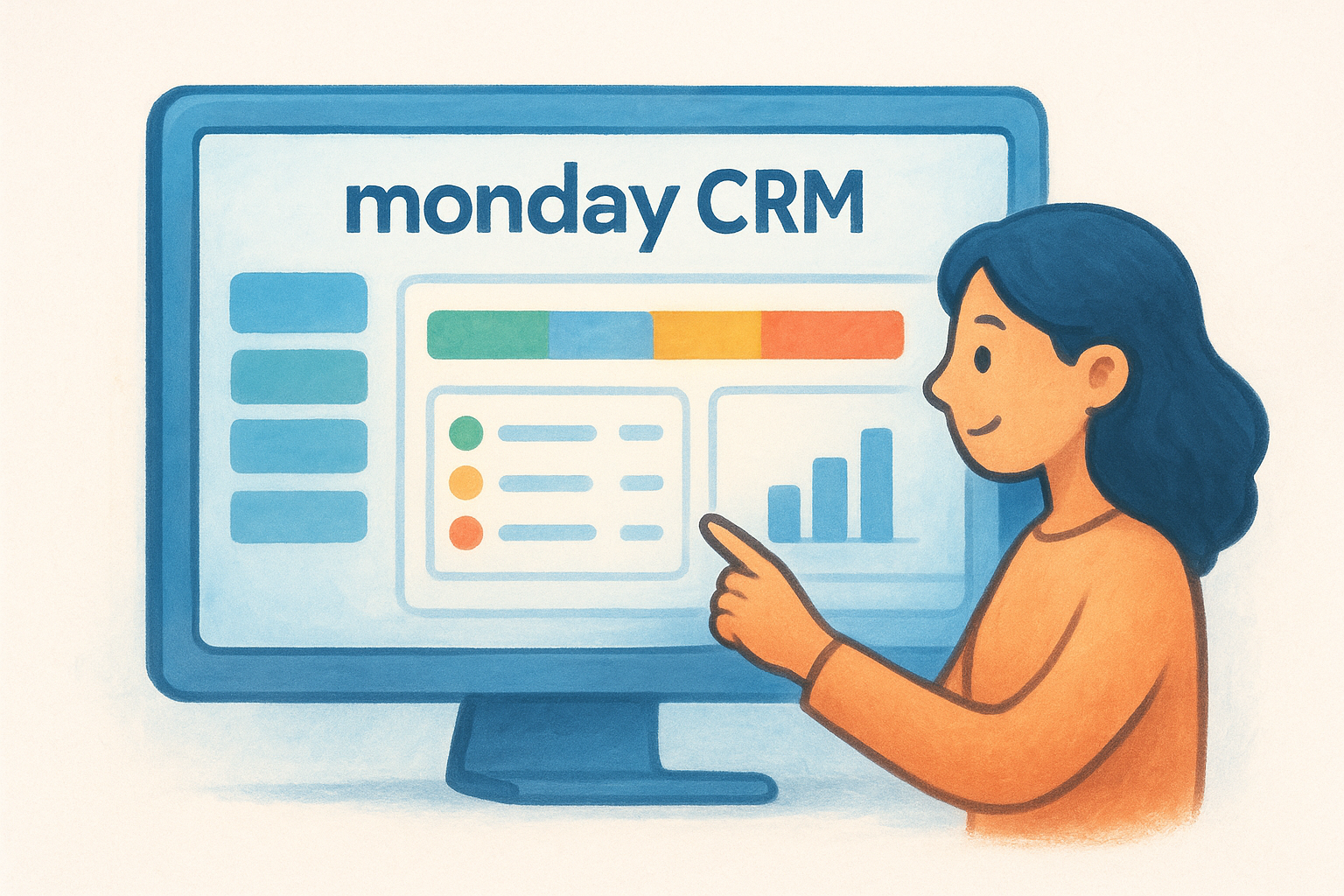
The platform handles visual pipeline customization better than most tools at this price point. You can build your own deal stages, add custom fields, and switch between board, table, and chart views depending on what your team needs to see at any given moment. It also includes email tracking, activity logging, and contact management without requiring a separate tool for each function.
Monday CRM's flexibility is a genuine strength, but it requires more setup time than purpose-built CRM platforms before your team sees real value from it.
Who it fits best
monday CRM works well for teams already using monday.com for project management, since adding the CRM product keeps everything inside one workspace. It also suits small businesses that run non-standard sales processes and need the layout flexibility that more opinionated CRM platforms don't offer.
Pricing and minimum seat requirements
For anyone searching for an affordable CRM for small business use, monday CRM's minimum seat requirement is the most important number to know. Paid plans start at $12 per seat per month, but the platform enforces a minimum of three seats, which means your starting cost is at least $36 per month even if only one person needs access. Teams under three users end up paying for seats they don't actually use.
11. Bitrix24
Bitrix24 is a free-to-start platform that bundles CRM, project management, team communication, and HR tools into a single workspace. It offers one of the most generous free plans on the market in terms of feature count, which makes it an appealing option for budget-conscious small businesses on the surface.
What it does best
Bitrix24 covers contact management, deal pipelines, and task tracking inside one platform, reducing the need for multiple tools if your team juggles both sales and project work. The free plan includes unlimited users and basic CRM functionality, which stands out compared to competitors that cap free plans at two or three seats.
Who it fits best
The platform suits teams that manage both client relationships and internal projects from the same tool. Small agencies, IT consultants, and businesses with operations-heavy workflows tend to get more value from Bitrix24 than pure sales teams do, since the platform's strengths lean toward collaboration and task management rather than sales-specific features.
Bitrix24's breadth can work against you if your team only needs CRM. The interface becomes cluttered quickly when you're not using the project management and HR modules.
Pricing and setup considerations
For anyone searching for an affordable CRM for small business use, Bitrix24's free plan looks attractive but requires significant configuration time before it delivers real value. Paid plans start at $49 per month for five users, which works out to $9.80 per user but locks features behind that five-seat minimum. Advanced automation and CRM marketing tools require the Standard plan at $99 per month, and the sheer number of settings can slow onboarding considerably without dedicated IT support.
12. EngageBay
EngageBay is an all-in-one platform that bundles CRM, marketing automation, and customer support tools into a single product. It targets small businesses that want HubSpot-level functionality at a lower price, and its free plan draws teams that need both sales and marketing tools without paying for two separate subscriptions.
What it does best
EngageBay handles contact management and basic marketing automation in the same interface, letting your team track leads and run email sequences without switching between tools. The platform includes a visual deal pipeline, appointment scheduling, and live chat, giving sales and support teams a shared workspace that reduces the need for multiple software subscriptions.
Key features available across paid plans include:
- •Email broadcast campaigns and drip sequences
- •Deal pipeline with stage-based tracking
- •Landing page builder and lead capture forms
- •Basic helpdesk and live chat tools
Who it fits best
EngageBay suits small teams that handle both sales and marketing in-house and want a single platform to cover both functions without enterprise pricing.
It works particularly well for e-commerce and service businesses that run frequent email campaigns alongside their sales pipeline and need basic automation without committing to a higher-cost platform.
Pricing and contact limits
For anyone searching for an affordable CRM for small business use, EngageBay's free plan covers 250 contacts and 500 branded emails per month, which runs out quickly for any team actively building its list. Paid plans start at $11.04 per user per month for Basic, with Growth at $42.49 and Pro at $67.99.
Contact caps apply at every tier, so your monthly cost rises as your list grows, which makes projecting your contact volume before signing up an important step.
Next steps
Every platform on this list offers something different, but the right choice comes down to what your team actually needs today versus what you'll pay for features you'll need six months from now. If you find yourself constantly checking whether a feature is included or costs extra, that's a sign the pricing model is working against you rather than for you.
Finding a genuinely affordable CRM for small business use means looking past the headline price and asking what's locked behind the next tier. Most platforms on this list start cheap and scale up fast once your team needs automation, email sync, or reporting.
Vedain keeps it simple with every feature included at $10 per user per month, no tiers, no hidden fees, and no credit card required to start. If you want to see what that looks like in practice, try Vedain CRM free today and have your pipeline running in under five minutes.