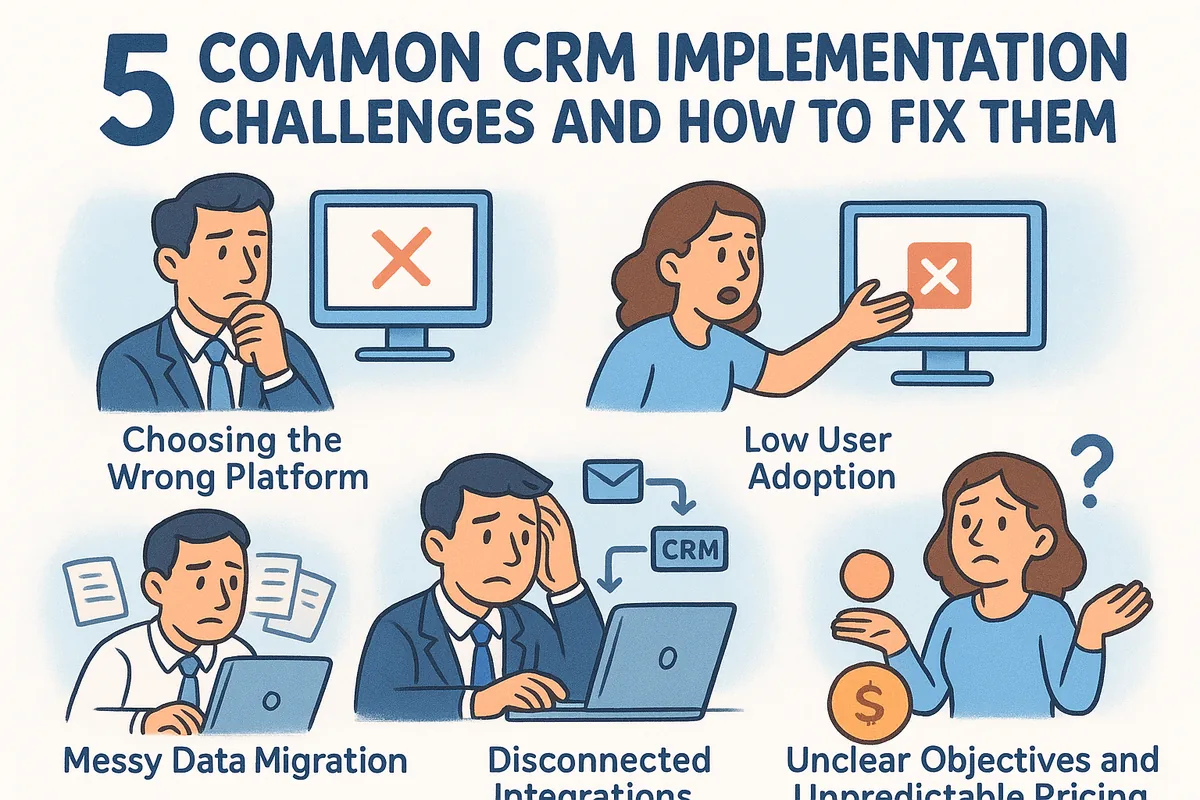
The good news is that these problems are predictable, which means they're also fixable. Most CRM rollouts stumble over the same handful of issues: poor user adoption, messy data migration, clunky integrations with existing email tools, unclear workflows, and pricing structures that punish you for using the features you actually need. Each one has a practical fix once you know what to look for.
This article walks through five challenges that trip up sales teams during implementation, along with concrete solutions you can apply right away. We'll cover what causes each problem, how to spot it early, and what a smoother rollout actually looks like, including why picking the right platform from the start (one with straightforward pricing and fast setup) saves you from half these headaches later.
1. Choosing the wrong CRM platform
Many teams pick a CRM based on a flashy demo or a sales rep's promise instead of a structured way to choose a CRM for a small business, then discover six months in that the tool doesn't match how their reps actually sell. This is one of the most expensive crm implementation challenges because it forces you to redo the entire rollout, migrate data twice, and retrain everyone from scratch.
Why it happens
Decision-makers often shop for a CRM the same way they'd shop for any software: they compare feature lists on a spreadsheet instead of watching how their team works day to day. Procurement teams get swayed by enterprise-grade feature lists that sound impressive but sit unused, while the basics like email sync or pipeline visibility get overlooked. Nobody asks the reps who'll use the tool every day what they actually need.
Warning signs to watch for
- •Your sales team can't explain, in one sentence, why this CRM was chosen over the last one.
- •The pricing tiers force you to upgrade just to unlock automation or reporting you assumed was included.
- •Setup requires a consultant or a multi-week onboarding call before anyone can log a single deal.
- •The platform was chosen mainly because a competitor uses it, not because it fits your process.
How to fix it
Start with a two-week trial using your real pipeline and real reps, not a sandbox demo. Watch whether people log deals without being reminded, and whether the pricing stays predictable as your team grows.
The right CRM should fit how your team already sells, not force your team to relearn selling.
Vedain CRM was built around this exact problem: one flat rate of $10 per user, no feature gates, and a setup that takes under five minutes so you can test it with your actual workflow before committing. If a platform can't prove its value in your first week, it won't prove it in your first year either.
2. Low user adoption across the sales team
Reps skip the CRM entirely and keep working out of their inbox or a personal spreadsheet, so the data you need for forecasting never makes it into the system. This is one of the most common crm implementation challenges because the software can be perfectly configured and still fail if nobody wants to open it, which is why most CRM implementations fail.
Why it happens
Usually the tool adds extra steps to a rep's day instead of removing them. If logging a call takes five clicks and switching between three tabs, most reps will quietly go back to their old habits. Poor training and a launch that skips explaining "what's in it for me" make this worse, since reps see the CRM as a management reporting tool rather than something that helps them close deals.
Warning signs to watch for
- •Deals sit in the same pipeline stage for weeks with no notes or activity logged.
- •Reps ask teammates for pipeline updates instead of checking the CRM.
- •Login frequency drops sharply a few weeks after launch.
- •Managers have to manually chase reps for weekly reports.
How to fix it
Tie the CRM directly to email, so logging activity happens automatically instead of as a separate chore. Two-way Gmail and Outlook sync removes most of the manual data entry that kills adoption in the first place.
A CRM only works if using it is easier than avoiding it.
Pair that with onboarding that gets your sales team to actually use the CRM: short, role-specific training instead of one long session, and a quick win for reps, like an automated follow-up sequence, in their first week.
3. Messy data migration and poor data quality
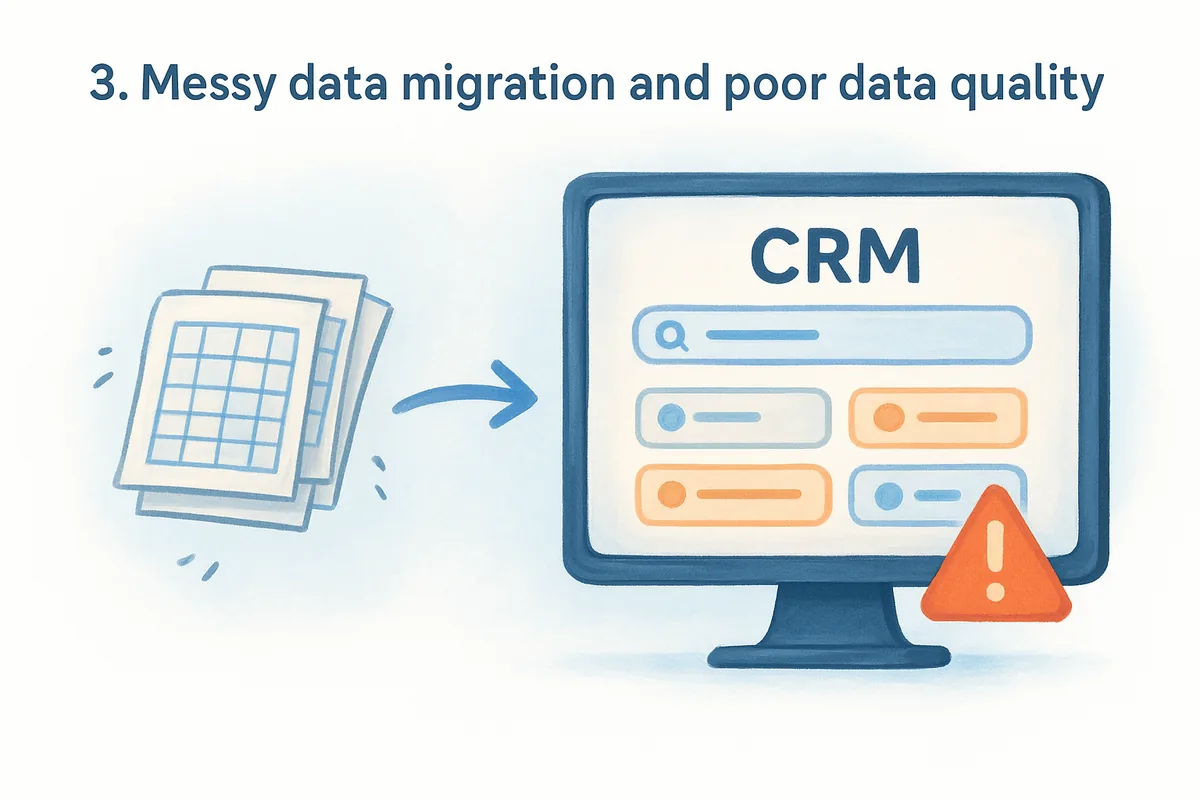
Moving years of spreadsheets and old CRM exports into a new system sounds routine, but it's where a lot of rollouts quietly fall apart, and it's worth knowing what CRM migration actually involves before you start. Duplicate contacts, outdated deal stages, and half-filled fields follow you into the new platform, and now your data quality problem just has a new home instead of a fix.
Why it happens
Teams treat migration as a one-time export-and-import job instead of a cleanup project. Nobody assigns ownership for deduplicating records or standardizing fields before the move, so whatever mess existed in the old spreadsheet gets copied field for field into the new CRM. Custom fields rarely map cleanly between systems either, which means notes and history get dumped into a single catch-all field nobody reads again.
Warning signs to watch for
- •Search results return the same contact three or four times under slightly different spellings.
- •Reports show deals with no close date, no owner, or no stage.
- •Reps say they don't trust the numbers in the dashboard.
- •Old, dead leads clutter every pipeline view.
How to fix it
Clean your source data before you migrate, not after. Export your old records, run a deduplication pass, and strip out anything untouched for over a year, following basic contact database hygiene rules.
Bad data migrated into a new CRM is still bad data, just harder to find.
Vedain CRM's smart filters and custom fields make it easier to catch duplicates and gaps once records land, but a clean import always beats a cleanup job later.
4. Disconnected integrations and workflows
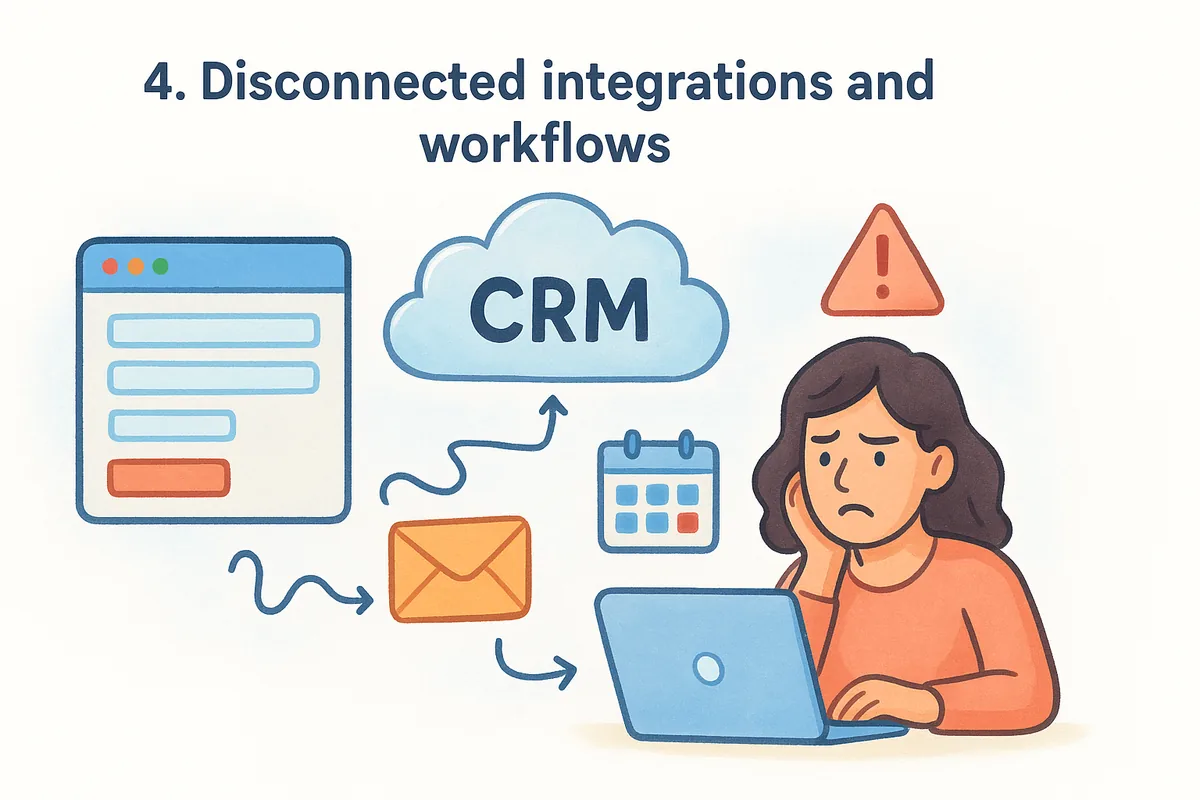
Your CRM shouldn't live on an island. When it doesn't talk to your email, calendar, or website forms, reps end up copy-pasting information between tools all day, which is one of the more frustrating crm implementation challenges because it defeats the entire point of centralizing your data.
Why it happens
Teams often pick a CRM without checking whether it actually connects to the tools they already use. Instead of native sync, they end up stitching things together with third-party connectors or manual exports. Lead capture breaks down first: a website form fills out, and someone has to manually copy the details into the pipeline hours later, if they remember at all.
Warning signs to watch for
- •Leads from your website forms show up in your inbox but not in the CRM.
- •Reps keep a separate calendar or spreadsheet to track follow-ups.
- •Emails sent to prospects never appear on the contact's timeline.
- •Automations only trigger after someone manually updates a field.
How to fix it
Look for a platform that can capture website leads automatically into your CRM, with lead forms and email sync built in rather than bolted on through a third-party integration that breaks every few months. Vedain's no-code workflow builder for sales teams lets you connect form submissions straight into a pipeline stage with no code involved.
A CRM that doesn't connect to your existing tools just becomes one more inbox to check.
Map your actual workflow first, then confirm the CRM supports it before you sign anything.
5. Unclear objectives and rising costs
Teams often launch a CRM without agreeing on what success actually looks like, then get blindsided months later when the invoice doubles because of add-on modules nobody budgeted for. This is one of the sneakier crm implementation challenges because the software works fine technically, it's the goals and the pricing that quietly drift.
Why it happens
Leadership picks a CRM to "improve sales" without defining what that means in numbers, so nobody can tell if the rollout succeeded. Meanwhile, tiered pricing plans push you to pay extra for reporting, automation, or user seats that were never explained upfront, so it pays to know what CRM software really costs across vendors before those charges pile up.
Warning signs to watch for
- •Nobody can name a specific metric the CRM was supposed to improve.
- •Your monthly bill keeps climbing as you add basic features.
- •Different teams use the CRM for different, conflicting purposes.
- •Renewal time brings a price jump nobody saw coming.
How to fix it
Set one or two measurable goals before rollout, like cutting lead response time or improving pipeline visibility, and revisit them monthly.
If you can't name the goal, you can't tell if the CRM delivered it.
Pair that with flat, predictable pricing like Vedain's $10 per user model, which includes automation, email sync, and reporting with no upsells waiting at renewal.
Making your CRM implementation stick
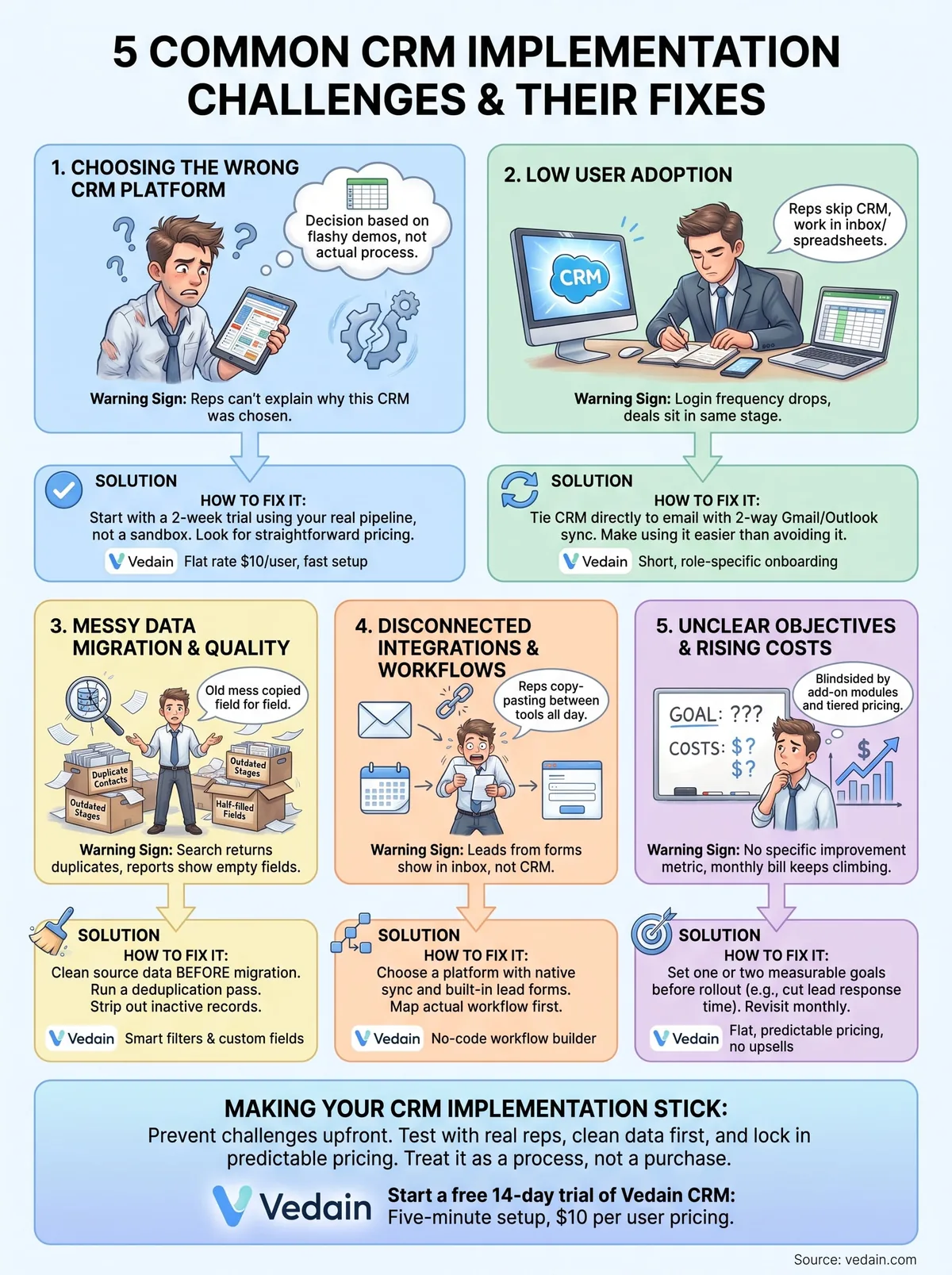
Every challenge in this list traces back to the same root cause: picking a tool that doesn't match how your team actually sells, then bolting on fixes after the fact. Wrong platform choices, low adoption, messy data, broken integrations, and fuzzy goals all compound each other once a rollout is underway. Catch them before launch and you skip months of rework.
Fixing these problems after the fact costs far more than preventing them upfront. The teams that get CRM implementation right treat it as a process, not a purchase, testing with real reps, cleaning data first, and locking in predictable pricing before signing anything.
If you're evaluating platforms right now, start with one that removes these headaches by design instead of adding them later. Start a free 14-day trial of Vedain CRM and see whether a five-minute setup and flat $10-per-user pricing actually holds up against your real sales process.
Frequently Asked Questions
How long does it typically take to implement a CRM system?
CRM implementation typically takes 3-6 months for small businesses and 6-12 months for enterprises, depending on complexity and customization needs. HubSpot's implementation averages 2-3 months due to its user-friendly interface, while Salesforce implementations often take 6-12 months because of extensive customization requirements. Zoho CRM and Pipedrive offer faster deployments (1-3 months) with lower costs starting at $20-50/month, making them ideal for quick implementations.
What is the biggest reason CRM implementations fail?
Poor user adoption is the #1 reason CRM implementations fail, occurring in approximately 40-60% of failed projects. This happens when teams aren't properly trained or don't understand how the system benefits their daily work—a problem common across HubSpot, Salesforce, and Zoho if change management isn't prioritized. Addressing this requires dedicated training programs, executive sponsorship, and selecting systems like Freshsales or Vedain that emphasize intuitive interfaces to reduce learning curves.
How much does a CRM implementation cost on average?
CRM implementation costs range from $5,000-$50,000 for small businesses to $100,000-$500,000+ for enterprises, including software licensing, customization, and services. HubSpot's implementation typically costs $15,000-$40,000 annually, while Salesforce can exceed $100,000 due to licensing and consulting fees. More affordable alternatives like Zoho ($20-65/month), Pipedrive ($15-99/month), and Vedain offer lower TCO, though enterprise solutions like Freshsales provide mid-range pricing ($29-79/month) with faster ROI.
Why do companies struggle with data migration during CRM implementation?
Data migration failures occur because of poor data quality, incompatible formats, and lack of proper planning before moving information into the new system. Many organizations discover that their existing data in legacy systems contains duplicates, incomplete records, or formatting issues that aren't compatible with platforms like Salesforce or HubSpot. Solutions include conducting a data audit before migration, using automated data mapping tools, and selecting CRMs like Zoho or Pipedrive that offer robust migration support and cleansing features.
How do you ensure high user adoption of a new CRM system?
Ensuring high CRM adoption requires comprehensive training, executive buy-in, demonstrating clear ROI, and selecting an intuitive platform that reduces resistance. HubSpot and Freshsales excel at user adoption with their clean interfaces and built-in learning resources, while Salesforce requires more intensive training programs. Best practices include involving end-users in the selection process, providing ongoing support, celebrating early wins, and using platforms like Vedain or Pipedrive that offer simpler learning curves for faster team buy-in.
What customization issues arise during CRM implementation?
Over-customization during implementation leads to longer timelines, higher costs, and difficulty updating the system later—a common pitfall with Salesforce that can inflate budgets by 50-100%. Many organizations customize too much before defining core processes, resulting in bloated systems that don't address actual business needs and create maintenance headaches. Choose CRMs like HubSpot, Zoho, or Pipedrive that balance customization capabilities with out-of-the-box functionality, allowing you to solve 80% of needs without heavy customization before adding advanced features.