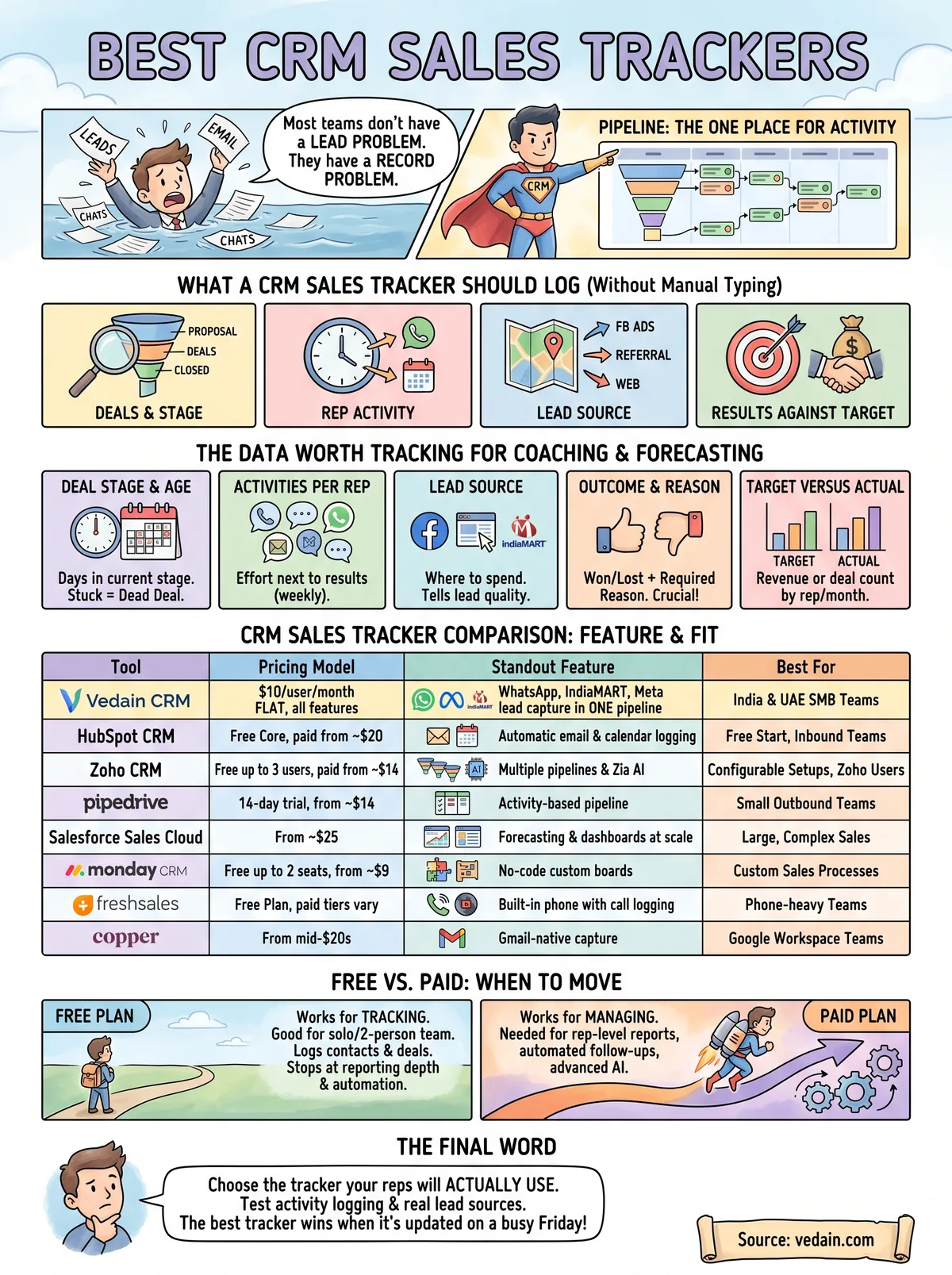
Most teams do not have a lead problem. They have a record problem. Deals sit in a spreadsheet, conversations sit in WhatsApp chats and personal inboxes, and a manager learns that a deal died only when the month closes. A sales tracking CRM fixes this by making the pipeline the one place where activity gets logged, but dozens of tools claim to do it.
This guide compares eight of them, two with a free plan. For each one you get how it tracks sales, who it suits and what it costs, followed by a side-by-side table and a short trial test. We make Vedain, so it comes first, and we say plainly where it is the wrong fit.
What a CRM sales tracker should log
A CRM sales tracker should log four things without manual typing: deals and their stage, rep activity, lead source, and results against target. A tool that only stores contacts is an address book, not a tracker.
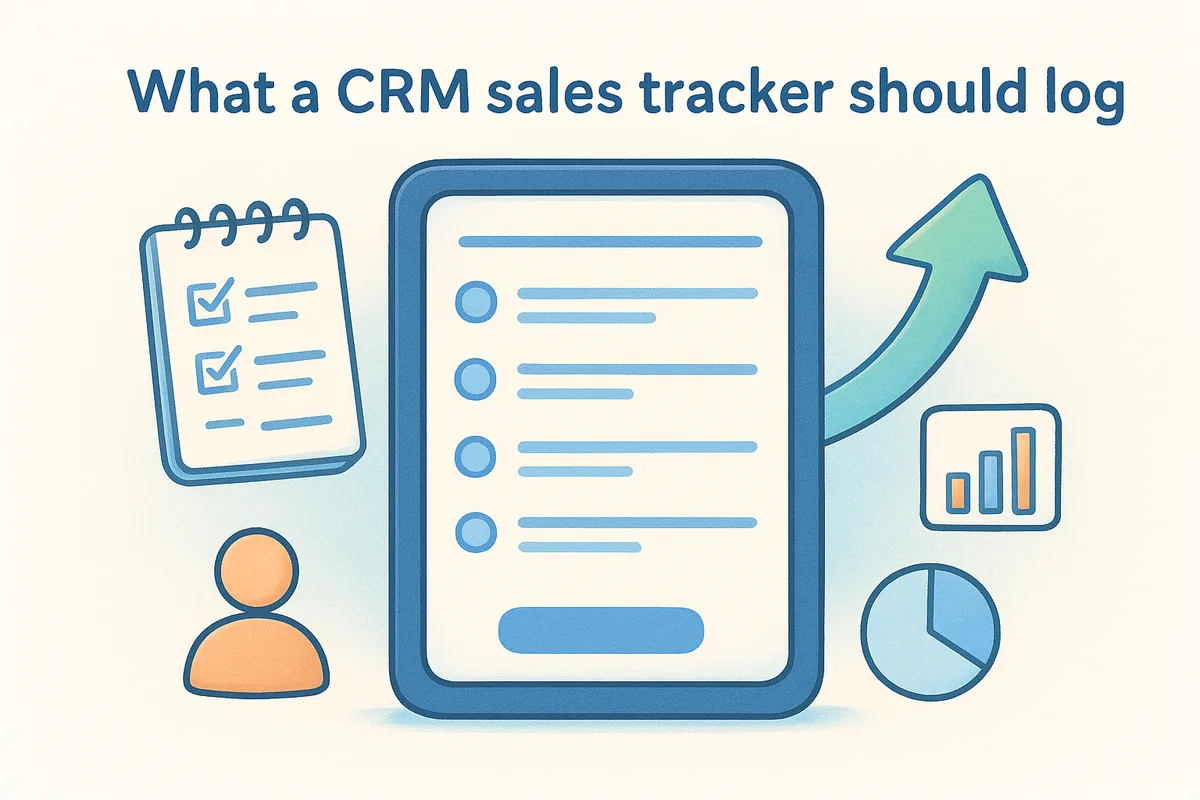
A sales tracker earns its place when a manager can see why deals are won or lost, not just how many exist.
The data worth tracking
Start with the fields that change decisions. These five cover most of what a sales manager needs to coach reps and forecast.
- •Deal stage and age. How many days each deal has sat in its current stage. A deal stuck at "proposal sent" for 30 days is usually a dead deal.
- •Activities per rep. Calls, emails, WhatsApp messages and meetings per week, so you see effort next to results.
- •Lead source. IndiaMART, Justdial, Facebook or Instagram ads, website chat, referral. Source tells you where to spend.
- •Outcome and reason. Won or lost, plus a required loss reason.
- •Target versus actual. Revenue or deal count by rep and by month.
Source and loss reason are the two fields teams skip and later regret. Without them you cannot tell whether low conversion is a lead quality problem or a follow-up problem. Make both mandatory on day one.
When a spreadsheet stops working
A spreadsheet tracker works while one person owns every deal. It breaks when a second rep joins, because nobody can tell who contacted a lead last and nothing reminds anyone to follow up.
Three signs tell you it is time to move: follow-ups get missed, you rebuild the forecast by hand every week, and emails live outside the sheet. Most CRMs import a CSV, so clean the columns first, with one row per deal and one source value per lead, and then import.
1. Vedain CRM
Vedain CRM is a crm sales tracker for small and mid-sized teams in India and the UAE, priced at a flat $10 per user per month with every feature included. It keeps your pipeline, email, WhatsApp and lead capture in one record, so nothing a rep does happens off the books.
How it tracks sales
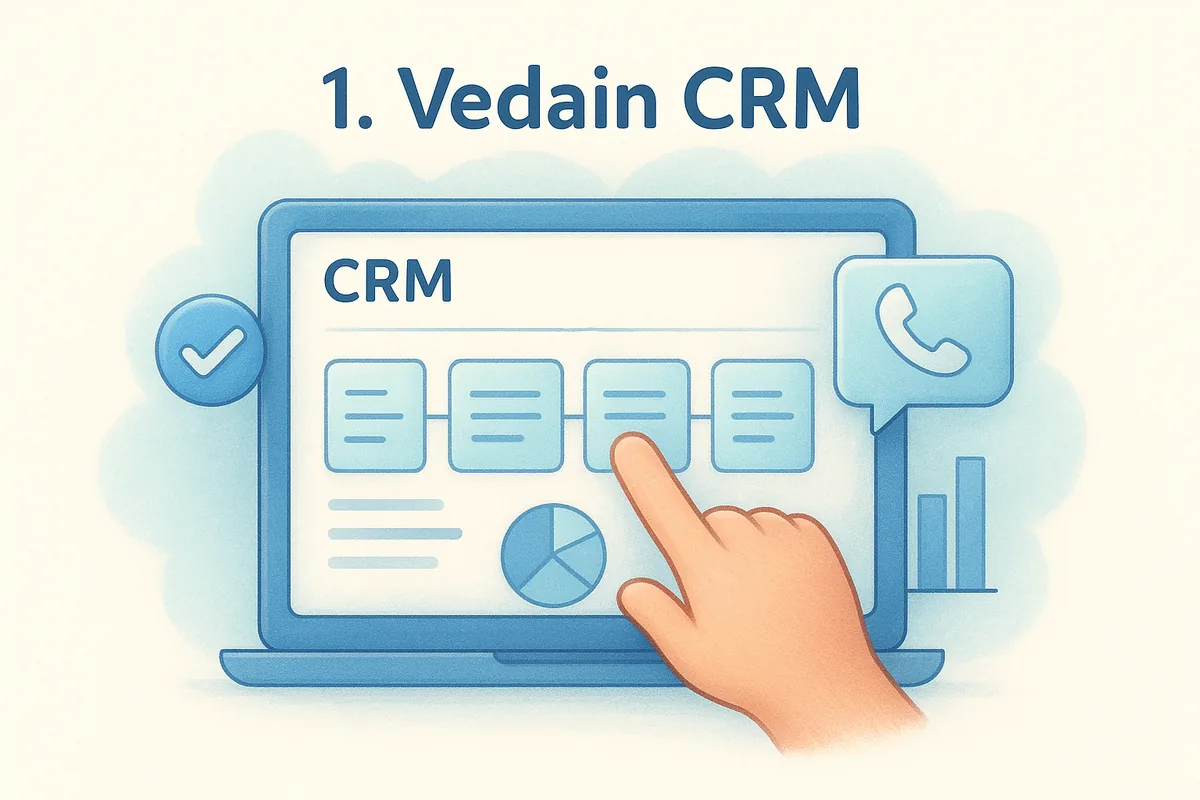
Every lead and contact sits in a visual deal pipeline arranged by stage. Two-way Gmail and Outlook sync attaches emails to the right contact, and WhatsApp Business messaging runs from inside the CRM, so the channel your buyers prefer is tracked instead of vanishing on a personal phone. Reports and custom dashboards then turn that activity into pipeline and rep views. The full list sits on the features page.
- •Lead capture by API from IndiaMART, Justdial and Facebook and Instagram Lead Ads, plus website Live Chat with an AI assistant
- •No-code workflows for follow-up tasks and stage changes
- •Multi-step email campaigns with 130+ templates, domain warmup and email verification
- •Reports and custom dashboards
Who it suits
Vedain fits founders and sales managers who sell over WhatsApp, buy leads from IndiaMART or Justdial, run Meta ads, and want to be live quickly. Pick your industry at sign-up and Vedain preconfigures custom fields, deal stages and email templates, and setup takes under five minutes, which matters when the alternative is a multi-week rollout. It is also a practical switch for teams that are tired of paying by tier on HubSpot, Zoho or Pipedrive.
- •Pick it if: you want transparent pricing, WhatsApp-first selling, GST invoicing and INR or AED billing.
- •Skip it if: you need a large marketplace of third-party apps or Salesforce-level custom development.
Pricing and limits
Pricing is one number: $10 per user per month, with no feature tiers and no hidden fees, quoted in INR, AED or USD. A team of 10 pays $100 a month whether it uses reports, campaigns or workflows. You can check it against other tools on the CRM price comparison or read the pricing page. Annual billing gets two months free, and the 14-day free trial needs no credit card.
The limits are real. Vedain is built for small and mid-sized teams, so it does not try to match the app ecosystem or deep customization of an enterprise platform. If you want to see it with your own deals, book a walkthrough.
2. HubSpot CRM
HubSpot CRM is the easiest free crm sales tracker to start with, because the core pipeline, contact records and email tracking cost nothing. Paid Sales Hub plans add forecasting, sequences and deeper reports.
How it tracks sales
HubSpot connects to your email and calendar and logs rep activity automatically, which removes most manual entry. Deals move through a drag-and-drop pipeline, and email notifications tell reps when a prospect opens their message. Higher tiers add AI lead scoring, forecasting and custom reporting.
- •Automatic email and calendar logging
- •Drag-and-drop deal pipeline with custom stages
- •Email open and click notifications
- •Forecasting and advanced reports on paid tiers
Who it suits
HubSpot suits teams that want a polished free start and plan to run inbound marketing in the same system. It is built around its own ecosystem, which helps if you use the marketing tools and adds overhead if all you need is a pipeline.
- •Pick it if: you need a free tracker today and expect a small team for a while.
- •Skip it if: you want flat, predictable per-seat costs with every feature included.
Pricing and limits
The core CRM is free for up to two users. Sales Hub Starter costs $20 per seat per month billed monthly, and HubSpot currently advertises it from $7 per seat on annual billing. Professional costs $90 per seat annually ($100 monthly) plus a $1,500 onboarding fee, and Enterprise about $150 per seat plus $3,500. The reporting and automation most managers want tend to sit in those higher tiers.
Model the cost for your headcount in year two, not just today's free tier. A tracker that is free for two reps can become your largest software line at ten.
3. Zoho CRM
Zoho CRM works as a full crm sales tracker with a free edition for up to three users and paid plans from $14 per user per month on annual billing. It tracks several pipelines at once and fits teams that already run other Zoho apps.
How it tracks sales
Zoho lets you run multiple customizable pipelines, move deals through visual stages and automate workflows such as email sequences and task triggers. Its Zia AI assistant handles lead scoring and predictions on higher plans, and analytics cover lead, activity and deal insights.
- •Multiple pipelines with visual deal tracking
- •Workflow automation and email sequences
- •Zia AI for scoring and predictions on higher tiers
- •Activity and deal analytics
Who it suits
Zoho suits teams that want depth without Salesforce pricing and are happy to configure things. It is an Indian company, and many teams in India already use other Zoho products, so a shared login is a real advantage. The interface can feel crowded to new reps, so plan onboarding time.
- •Pick it if: you want many features at a low entry price and already use Zoho apps.
- •Skip it if: you want a tracker your reps can use on day one without configuration.
Pricing and limits
The free edition covers up to three users with basic features. On annual billing, Standard is $14 per user per month, Professional is $23, Enterprise is $40 and Ultimate is $52. Annual billing saves up to roughly a third compared with paying monthly.
The catch is where features sit. Blueprint process control starts at Professional, and Zia AI and territory management start at Enterprise. A team that wants the full tracking toolkit often ends up above the entry price.
4. Pipedrive
Pipedrive is a pipeline-first crm sales tracker for small teams, with paid plans from about $14 per user per month on annual billing and a 14-day trial instead of a free plan.
How it tracks sales
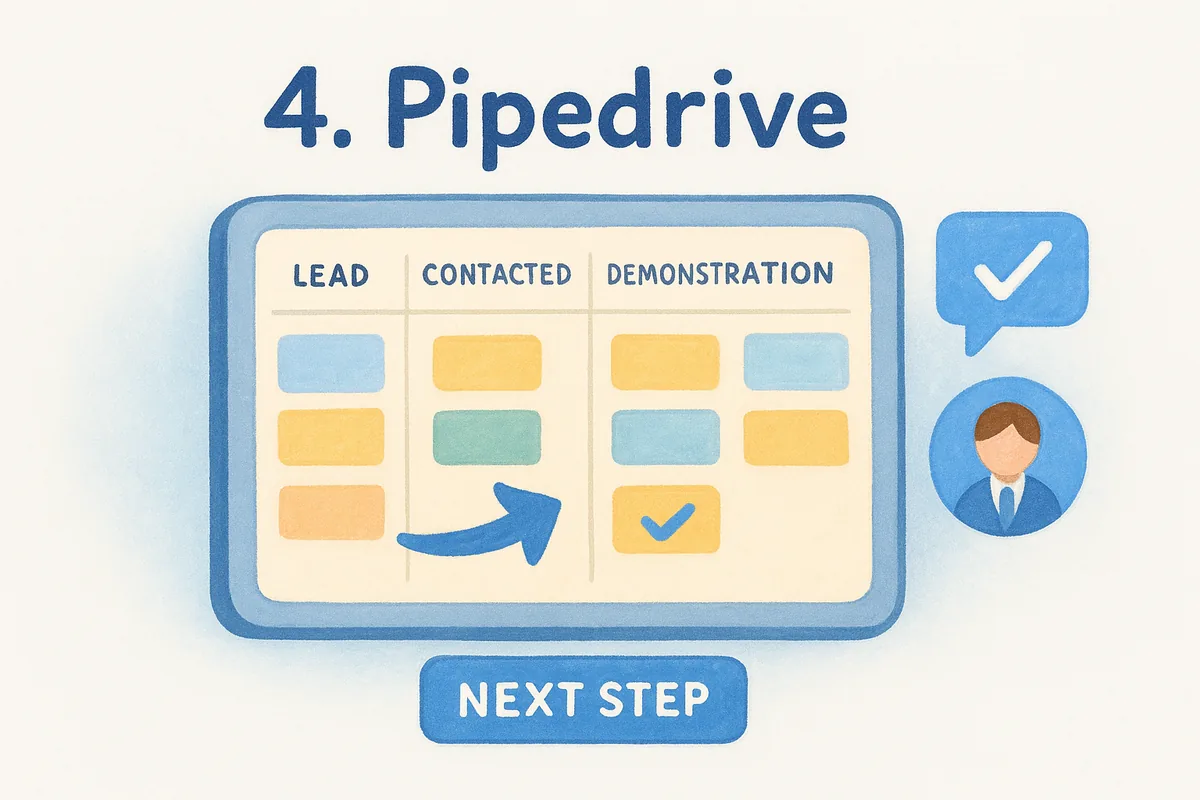
Pipedrive shows deals on a Kanban-style board you drag from stage to stage. Its activity-based approach asks you to schedule a next step on each deal, then logs calls, emails and meetings and sends reminders. An AI sales assistant flags stuck deals and suggests next steps.
- •Drag-and-drop pipeline with customizable stages
- •Scheduled activities and automated reminders
- •Call, email and meeting history per deal
- •AI assistant for lead scoring and next-step prompts
Who it suits
Pipedrive suits small outbound sales teams that want the pipeline front and center and minimal training. Reps pick it up fast because the board is the product. It is less suited to teams that need heavy marketing automation in the same tool.
- •Pick it if: your reps live in a pipeline and you value simplicity over breadth.
- •Skip it if: you need advanced reporting on the cheapest plan or built-in marketing campaigns.
Pricing and limits
Plans start at about $14 per user per month on annual billing, and higher tiers climb as you add automation, reporting depth and AI features. A 14-day trial is available without a credit card. Add-ons such as Campaigns and Projects cost extra.
Reporting on entry plans is basic. If your manager's main job is rep-level analysis, test the reports on the exact plan you would buy, not the top tier shown in the trial.
5. Salesforce Sales Cloud
Salesforce Sales Cloud is the enterprise standard for tracking complex sales, with pricing from about $25 per user per month and far more at higher editions. As a crm sales tracker it logs emails, calls and meetings automatically and forecasts from real-time dashboards.
How it tracks sales
Sales Cloud captures activity automatically and rolls it into customizable dashboards and forecasts. Einstein AI adds lead scoring and opportunity insights, and a mobile app lets field reps update deals on the move. Reports can be built around nearly any field you define.
- •Automatic logging of emails, calls and meetings
- •Real-time pipeline dashboards and forecasting
- •AI lead scoring and deal insights
- •Mobile app for field teams
Who it suits
Salesforce suits large or complex organizations with multi-stage deals, several products or regions, and someone who can administer the system. If you already have a Salesforce admin, the depth is a genuine advantage.
- •Pick it if: your sales process needs deep customization and integrations with many other systems.
- •Skip it if: you have fewer than a handful of reps and nobody to maintain the setup.
Pricing and limits
Entry pricing starts around $25 per user per month, and higher editions plus AI add-ons raise the cost well beyond that. Advanced CRMs like this one can take several weeks of training before a team uses them well.
The cost is not only the license. Budget for admin time and onboarding. For a small team, those hidden hours often outweigh the subscription.
6. monday CRM
monday CRM is a no-code sales tracker built on the monday.com work platform. It has no free plan; paid plans start at $12 per seat per month on annual billing, with a three-seat minimum and a 14-day free trial.
How it tracks sales
You build customizable boards where deals are items, then view them as a Kanban pipeline. Automations handle lead assignment and follow-up reminders, dashboards track KPIs, and AI features help draft emails and generate tasks. Because it sits on a general work platform, sales can link to projects and onboarding.
- •Customizable deal boards with a Kanban view
- •Automations for assignment and reminders
- •Dashboards and forecasting
- •AI help for emails and task generation
Who it suits
monday CRM suits teams with an unusual sales process or those that already manage projects in monday. You can mirror your exact stages and fields without a developer. Teams that want a ready-made pipeline may find the blank canvas slower.
- •Pick it if: you want to shape the tracker yourself and connect sales to delivery work.
- •Skip it if: you want a finished sales workflow out of the box.
Pricing and limits
There is no free plan, but a 14-day trial needs no credit card. On annual billing, Basic is $12 per seat per month, Standard is $17 and Pro is $28 ($18, $25 and $41 billed monthly), with a minimum of three seats. Enterprise is custom.
Pricing is per seat and tiered, so the automations you will want most sit in Standard or above. Check the plan, not just the headline price.
7. Freshsales
Freshsales is a crm sales tracker with a built-in phone, email and chat. Its current pricing page lists paid plans only, from $9 per user per month on annual billing, with a 21-day free trial.
How it tracks sales
Freshsales gives each contact a 360-degree view with interaction history and a timeline. Calls placed through the built-in phone are logged automatically and can be recorded, and email and chat live in the same record. The Freddy AI assistant scores leads, surfaces deal insights and supports forecasting.
- •Built-in phone with automatic call logging and recording
- •Email and chat inside the contact record
- •Complete interaction timeline per contact
- •AI lead scoring and revenue forecasting
Who it suits
Freshsales suits phone-heavy inside sales teams and companies that care about the customer experience across channels. Reps do not need to switch apps to call, email and log the result.
- •Pick it if: most of your selling is done by phone and email and you want a free plan to start.
- •Skip it if: you rely on a long list of third-party integrations. Check that yours exist first.
Pricing and limits
On annual billing, Growth is $9 per user per month, Pro is $39 and Enterprise is $59, and annual billing saves about 20%. Freshsales no longer lists a free plan on its pricing grid, so plan for a paid seat from day one.
Some advanced features carry usage caps even on higher plans, which can mean add-on purchases. Ask what the cap is for the feature you care about most.
8. Copper
Copper is a CRM built inside Google Workspace, so it works as a crm sales tracker from your Gmail inbox. Paid plans start at $23 per user per month on annual billing.
How it tracks sales
Copper captures contacts and conversation history from Gmail automatically, so reps do not copy details into a separate system. Deals sit in drag-and-drop pipelines, and email tracking shows opens and clicks so reps can follow up at the right moment.
- •Automatic contact and conversation capture from Gmail
- •Drag-and-drop pipelines with real-time deal progress
- •Email open and click tracking
- •Lead scoring and advanced automation on higher tiers
Who it suits
Copper suits small and mid-sized teams on Google Workspace that want almost no learning curve. If your reps already live in Gmail and Calendar, adoption is easy.
- •Pick it if: your whole company runs on Google Workspace.
- •Skip it if: your team uses Outlook or mixed email providers.
Pricing and limits
On annual billing, Basic is $23 per user per month, Professional is $59 and Business is $99 ($134 billed monthly). Lead scoring and advanced automation sit in the higher tiers, so the real cost depends on which features you need.
Reporting is basic compared with larger platforms. If you need detailed rep analytics, test the dashboards during your trial before you commit.
How to compare and choose a sales tracking CRM
Choose a sales tracking CRM by testing three things: how much activity it logs without typing, whether your real lead sources land in it, and what it costs at your team size in year two. Features matter less than whether reps actually use it.
Side-by-side comparison
This table puts the eight tools next to each other using published list prices on annual billing. Vendors change prices, so confirm before buying.
| CRM | Starting paid price (annual) | Free plan | Best for |
|---|---|---|---|
| Vedain | $10/user/mo, every feature included | No (14-day trial, no card) | WhatsApp and portal-lead teams in India and the UAE |
| HubSpot | Starter from $7/seat/mo (annual; $20 monthly) | Yes, up to 2 users | Teams that want a free start and inbound marketing |
| Zoho CRM | $14/user/mo (Standard) | Yes, up to 3 users | Teams that want depth and already use Zoho apps |
| Pipedrive | $14/user/mo (Lite) | No (14-day trial) | Small outbound teams |
| Salesforce | $25/user/mo (Starter Suite) | No (30-day trial) | Large or complex sales organizations |
| monday CRM | $12/seat/mo (Basic, 3-seat minimum) | No (14-day trial) | Teams designing their own process |
| Freshsales | $9/user/mo (Growth) | No (21-day trial) | Phone-heavy inside sales teams |
| Copper | $23/user/mo (Basic) | No | Teams that run on Google Workspace |
Seat math changes the ranking. For 10 users, Vedain costs $100 a month, monday CRM Basic $120, Zoho Standard $140, Zoho Professional $230 and Salesforce's entry price $250 before add-ons. Tiered tools get pricier as you unlock reporting and automation, while a flat price stays put.
Free plans versus paid plans
Free plans work for tracking, not for managing. HubSpot's free core (two users) and Zoho's free edition (three users) both let you log contacts and deals. They stop at seat count, reporting depth and automation.
- •Zoho: free for up to three users.
- •HubSpot: the core is free for up to two users, but advanced reports and automation are paid.
A solo founder or two-person team can stay free for a long time. Once you need rep-level reports or automated follow-ups, budget for a paid plan. Our free CRM guide explains when a flat $10 plan beats a free tier.
A 30-minute trial test
Run the same test on every shortlisted tool. It exposes weak logging faster than any feature checklist.
- Import 50 real deals from your spreadsheet as a CSV and check that stages and sources map correctly.
- Connect Gmail or Outlook, send five emails and confirm they attach to the right contacts.
- Route one live lead source, such as a Meta lead form or a portal enquiry, into the pipeline.
- Build a report showing activity and open deals per rep.
- Ask one rep to log a full day of work without help, and note every point where they get stuck.
Pick the tracker your reps will actually use
A good CRM sales tracker logs deals, activity and lead source automatically, and it costs something you can still afford at twice your current headcount. Free plans from HubSpot and Zoho are fine for starting out. Pipedrive, Salesforce, monday CRM, Freshsales and Copper each fit a specific kind of team, and the table above shows which.
If your buyers talk on WhatsApp and your leads come from IndiaMART, Justdial or Meta ads, test Vedain first on the five-step trial. Compare the flat $10 price on the Vedain pricing page, then see your own pipeline in it.
Frequently Asked Questions
What is a CRM sales tracker?
A CRM sales tracker is a CRM set up to record every deal, its stage, rep activity, lead source and results against target, ideally logging emails, calls and messages automatically so reps do not type anything twice.
What is the best free CRM sales tracker?
HubSpot's free CRM (up to two users) and Zoho CRM's free edition (up to three users) both track contacts and deals at no cost. They limit seats, reporting depth and automation, so budget for a paid plan once you need rep-level reports.
How much does a sales tracking CRM cost for 10 users?
On annual billing, 10 users cost about $100 a month on Vedain, $120 on monday CRM Basic, $140 on Zoho Standard or Pipedrive Lite and $250 on Salesforce Starter Suite, before add-ons and higher tiers.
Can a CRM track WhatsApp, IndiaMART and Justdial leads?
Vedain captures IndiaMART and Justdial enquiries through API integrations and logs WhatsApp Business conversations on the contact record for teams in India and the UAE. Facebook and Instagram Lead Ads, website forms and live chat land in the same pipeline.
When should I move from a spreadsheet to a CRM?
Move when a second rep joins, follow-ups start slipping, you rebuild the forecast by hand every week, or emails live outside the sheet. Clean the columns first, with one row per deal and one source value per lead, then import the CSV.
Ready to grow your business?
Try Vedain CRM free for 14 days. No credit card required.
Start Free Trial