But here's where most small teams get stuck: they assume automation is either too expensive or too complex for their size. That used to be true. Enterprise CRMs like Salesforce built automation for large organizations with dedicated admins and six-figure budgets. Now, platforms like Vedain CRM offer no-code workflow automation, email sequences, and AI-powered tools at $10/user/month, no feature gates, no surprise invoices. The barrier to entry has dropped significantly, and small teams are the ones benefiting most from it.
This article breaks down 12 practical sales automation ideas you can implement right away, along with the tools that make each one possible. You'll find specific examples of tasks worth automating (and a few that aren't), budget-friendly software comparisons, and step-by-step tips to get started without hiring a consultant. Whether you're a founder managing your own pipeline or a sales lead trying to scale a team of five, there's something here you can put to work this week.
1. Vedain CRM
Vedain CRM is built specifically as a complete sales operating system for teams that want automation without complexity. Instead of paying extra for each feature unlock, you get the full platform at $10 per user per month, which includes workflows, email sequences, AI agents, and reporting all in one place. This makes it one of the most practical starting points for any sales automation for small business setup.
What it automates
At its core, Vedain handles the most time-consuming parts of the sales process automatically. Lead assignment, follow-up reminders, and deal stage updates all run through its no-code workflow builder, meaning you set the rules once and the system does the rest. You can also trigger automated email sequences based on deal activity, set up email warmup to protect your domain deliverability, and use AI agents to enrich contact data without manually researching each company.
Once your workflows are live, your team stops doing administrative work and starts spending time on conversations that actually move deals forward.
How to implement it fast
Vedain is designed to get you up and running in under five minutes. You connect your Gmail or Outlook account for two-way email sync, import your existing contacts via CSV, and start building your pipeline with a visual Kanban board. From there, you can activate pre-built workflow templates to automate lead routing and follow-ups without writing a single line of code.
Here's a simple starting sequence most small teams run on day one:
- •Connect email and sync existing contacts
- •Set up pipeline stages to match your actual sales process
- •Build one workflow that auto-assigns new leads and sends an intro email
- •Activate an email sequence for outbound outreach
- •Turn on email warmup if you're using a new or low-volume domain
Tools to use and pricing
At $10 per user per month, Vedain includes every feature with no tiers, no annual contract required, and no credit card needed to start a trial. The AI Agent Marketplace gives you 30+ pre-built agents for data enrichment and content generation, LinkedIn automation, custom dashboards, and granular team permissions, all covered under that flat rate.
Compared to alternatives like HubSpot, where automation features sit behind plans starting at $800+/month, or Pipedrive, which charges add-on fees for email sequences, Vedain's pricing gives smaller teams access to tools that previously only made sense for enterprise budgets. You can sign up and test the full platform at vedain.com with no payment details required.
2. Lead capture with web forms
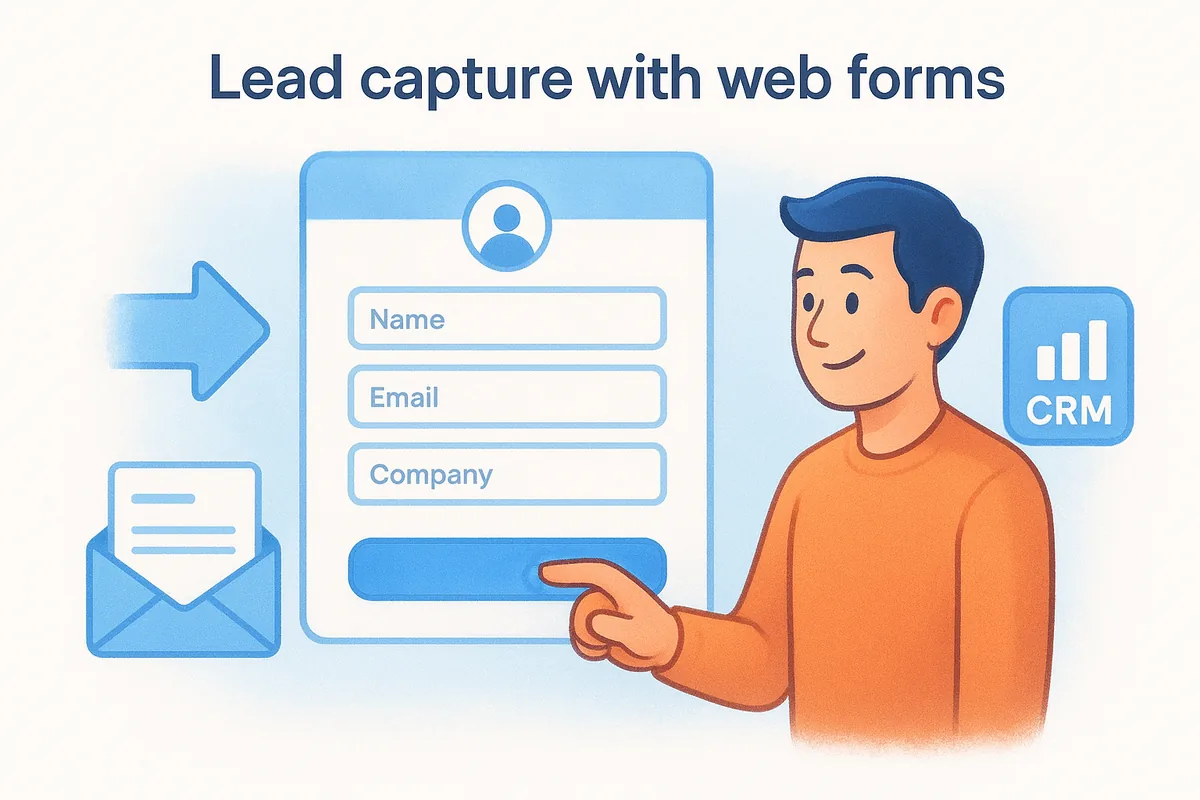
Every lead that lands on your website and leaves without entering your system is a missed opportunity. Web forms connected directly to your CRM eliminate the manual process of copying contact details from email inquiries, demo requests, or event registrations into a spreadsheet. For any sales automation for small business setup, this is one of the first automations worth turning on because the fix is simple and the payoff is immediate.
What it automates
Web forms automatically capture prospect information (name, email, company, and any custom fields you define) and push it straight into your pipeline without anyone on your team lifting a finger. The form submission triggers the next step, whether that's assigning the lead to a rep, sending a confirmation email, or kicking off an outreach sequence.
Removing the manual handoff between form submission and CRM entry cuts response time significantly, and faster first contact wins more deals.
How to implement it fast
Start by identifying the highest-intent pages on your site where a prospect might take action, such as your pricing page, contact page, or any campaign landing page. Keep the form short by collecting only the information your sales team actually needs. From there, connect the form to your CRM using these steps:
- •Embed the form using a native CRM form builder or a lightweight embed code
- •Map each form field to the correct CRM contact and deal fields
- •Set a workflow trigger so every submission auto-assigns the lead and sends a confirmation
- •Test the full flow before going live
Tools to use and pricing
Vedain CRM includes a built-in Lead Forms feature at no additional cost, which feeds submissions directly into your pipeline and triggers any workflow you have set up. For standalone options, Google Forms (free) can capture basic data, but you will need a third-party connector to sync entries to your CRM. Native form tools built inside a CRM are almost always faster to configure and more reliable than stitched-together integrations.
3. Lead enrichment and data cleanup
Bad data kills sales efficiency faster than almost anything else. When your CRM is full of incomplete contact records, duplicate entries, and outdated company information, your reps waste time researching instead of selling. Lead enrichment automation pulls in missing data automatically and keeps your records clean so your team always works from accurate information.
What it automates
Lead enrichment tools fill in the gaps on new and existing contacts by pulling company size, industry, job title, LinkedIn profile, and tech stack data from external databases. On the cleanup side, automation identifies and merges duplicate records, flags contacts with missing key fields, and standardizes formatting across your database. For any sales automation for small business setup, this is one of the highest-leverage fixes because better data directly improves targeting and outreach quality.
A clean CRM is not a nice-to-have. It is the foundation every other automation depends on to work correctly.
How to implement it fast
You do not need a dedicated data team to get this running. Most modern CRMs let you trigger enrichment automatically when a new contact enters your pipeline. Here is a straightforward approach to get started:
- •Connect your CRM to an enrichment source or use built-in AI agents
- •Set a workflow trigger to enrich new contacts automatically on entry
- •Run a one-time bulk enrichment on your existing database to fill gaps
- •Schedule a weekly deduplication check to catch any overlapping records
Tools to use and pricing
Vedain CRM's AI Agent Marketplace includes pre-built agents for data enrichment that activate without any third-party integration, all covered under the flat $10 per user per month rate. Standalone enrichment tools charge separately on top of your existing CRM subscription, which adds up quickly. Using a platform that bundles enrichment natively keeps your stack simple and your budget predictable.
4. Lead scoring and prioritization
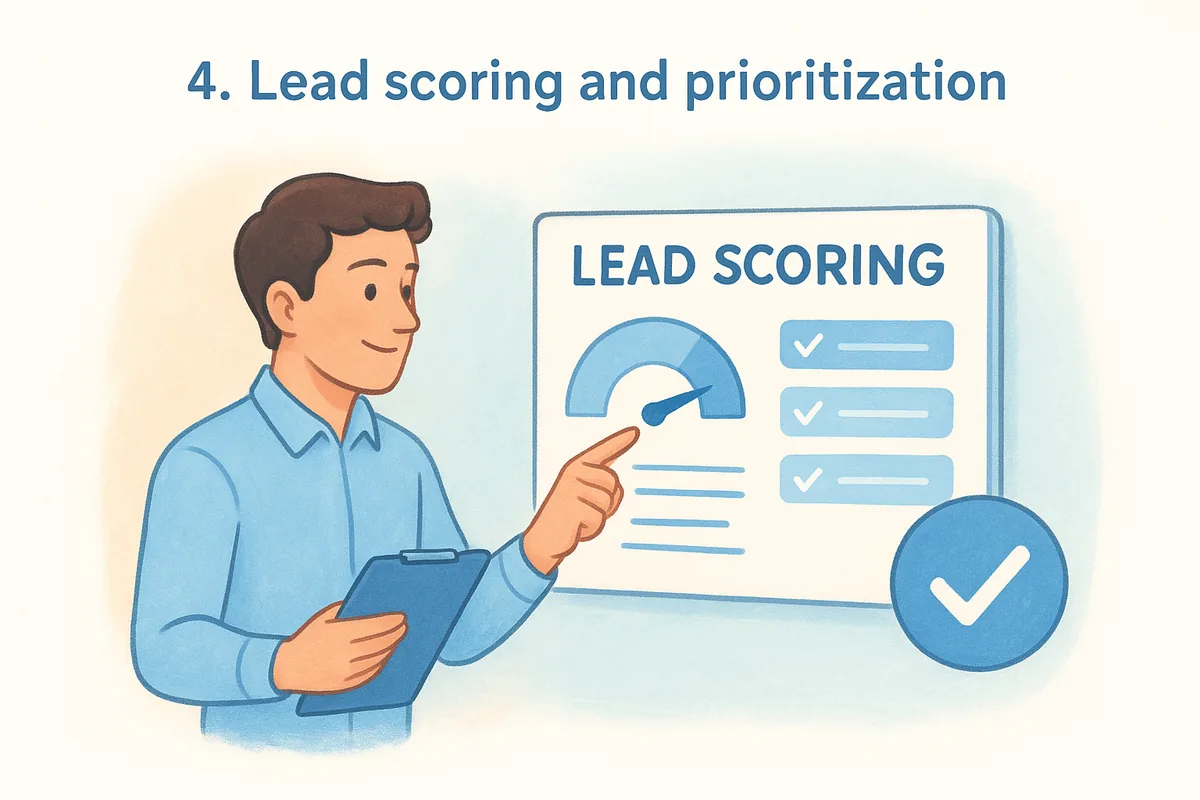
Not every lead in your pipeline deserves the same amount of attention from your reps. Lead scoring automation ranks prospects based on behavioral signals and profile data so your team knows exactly who to contact first, without spending time manually sorting through a long list of contacts.
What it automates
Lead scoring assigns numeric values to specific prospect actions, like opening an email, clicking a link, visiting your pricing page, or matching your ideal customer profile criteria. When a contact crosses a defined score threshold, the system automatically alerts the rep, moves the deal to a new stage, or triggers the next step in an outreach sequence without any manual review required.
Reps who contact high-intent leads first consistently close more deals than teams working their pipeline in the order contacts arrived.
How to implement it fast
Setting up lead scoring for sales automation for small business does not require a data analyst. You define the rules once, and the system applies them continuously. A practical starting framework looks like this:
- •Add 5-10 points for each email open or link click
- •Add 20-30 points for pricing page visits or demo requests
- •Add 15-20 points for contacts matching your target company size or industry
- •Subtract 10 points for contacts showing no activity over 30 days
- •Set a priority threshold (for example, 50+ points) that automatically notifies the assigned rep
Once scoring rules are active, your reps work from a filtered view that puts the highest-value contacts at the top.
Tools to use and pricing
Vedain CRM's no-code workflow builder lets you define scoring rules and trigger automatic actions when a lead hits your threshold, all included in the flat $10 per user per month pricing. Standalone scoring tools charge separately on top of your existing CRM subscription, which adds unnecessary cost and a more complex stack. Keeping scoring native to your CRM means your data stays centralized and your automations run reliably without extra configuration.
5. Email sequences for outreach
Sending one cold email and waiting rarely moves a prospect through your pipeline. Multi-step email sequences send the right message at the right time automatically, keeping your outreach consistent without requiring your rep to manually track who received what and when. This is one of the most effective forms of sales automation for small business because it removes the inconsistency that kills most outreach efforts before they ever gain traction.
What it automates
Email sequences automate the entire multi-touch outreach process, from the first introduction email through follow-ups, value-add messages, and final check-ins. Instead of your rep remembering to send email three on day seven, the system handles the timing, personalization tokens, and send order automatically based on rules you define. If a prospect replies or books a meeting, the sequence stops automatically so they do not receive another follow-up after already responding.
Consistent multi-touch outreach converts significantly more prospects than a single email, and automation is the only practical way to maintain that consistency across your full pipeline.
How to implement it fast
Start by mapping out three to five touchpoints that match how your prospects typically buy. Keep each email short and focused on a single point so your message does not get lost. Here is a simple sequence structure to start with:
- •Day 1: Introduction email with a clear reason for reaching out
- •Day 3: Value email sharing a relevant use case or result
- •Day 7: Soft follow-up asking if they have any questions
- •Day 14: Final check-in with an easy opt-out option
Tools to use and pricing
Vedain CRM includes email sequences natively with full Gmail and Outlook sync, automatic reply detection, and multi-step campaign building, all at the flat $10 per user per month rate. Standalone sequencing tools often charge $50 to $150 per user per month on top of your existing CRM, which adds up quickly for smaller teams watching their budget closely.
6. Follow-ups and task reminders
Missed follow-ups are one of the most common reasons deals go cold. When your rep is managing 30 open opportunities at once, manually tracking who needs a check-in and when becomes nearly impossible without a system. Automated follow-ups and task reminders keep every deal moving by making sure no contact falls through the cracks, which is exactly where sales automation for small business pays off most consistently.
What it automates
Follow-up automation handles the repetitive nudging that sales reps should not have to think about. The system auto-creates tasks or sends follow-up emails based on deal inactivity, missed call logs, or elapsed time since the last touchpoint. Instead of relying on your rep to remember to circle back, workflows trigger the next action automatically based on rules you define, such as sending a check-in email if a deal has not moved in five days.
Deals that receive consistent follow-up close at a significantly higher rate than those left waiting for a rep to remember.
How to implement it fast
You can get a basic follow-up automation running in under an hour by setting a few simple inactivity triggers in your CRM workflow builder. Start with these rules:
- •Create a task reminder if a deal sits in one stage for more than three business days
- •Auto-send a follow-up email if no reply is received after five days
- •Trigger a rep notification when a contact opens your email but does not respond within 48 hours
Tools to use and pricing
Vedain CRM's no-code workflow builder handles follow-up automation natively, meaning you build the rules once and the platform manages timing and delivery automatically. This is fully included in the flat $10 per user per month pricing with no add-on fees.
Standalone reminder tools or follow-up add-ons from other CRMs typically charge extra and sit outside your main pipeline view. Keeping follow-up automation inside your CRM keeps your data centralized and removes the need to manage yet another subscription.
7. Meeting scheduling automation
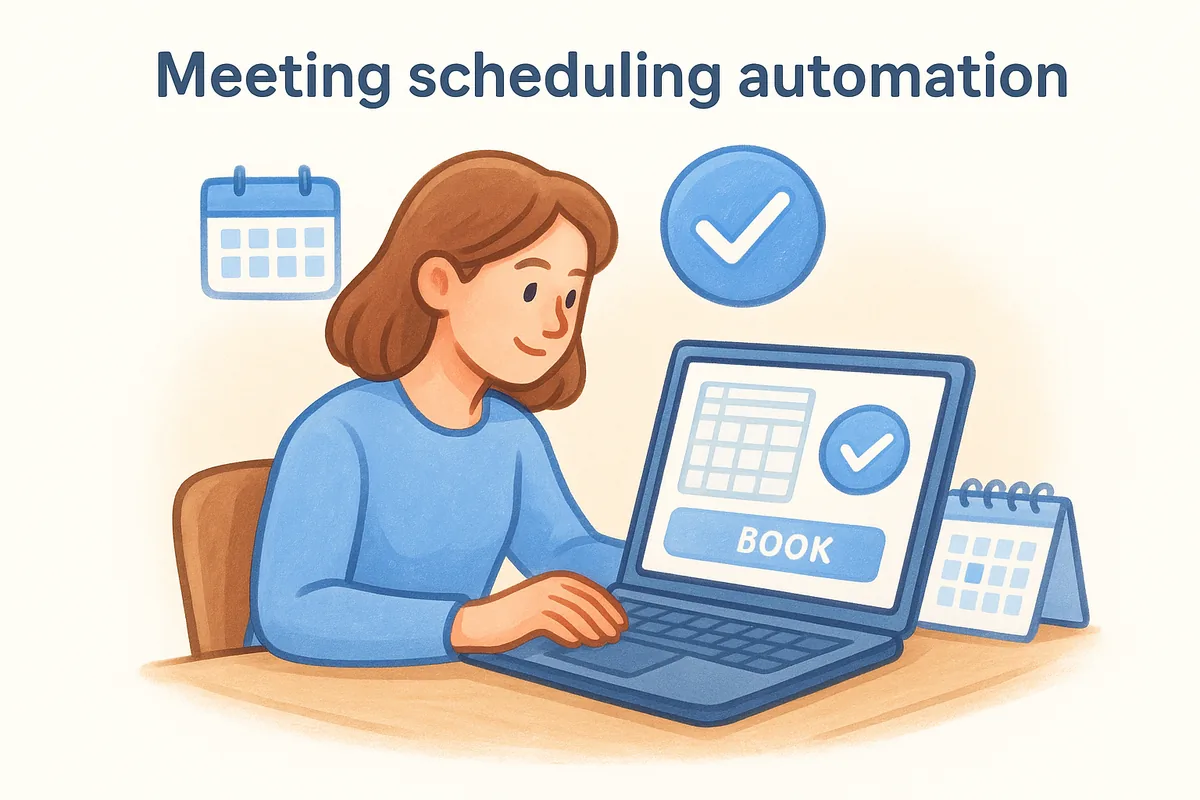
Back-and-forth emails trying to find a meeting time waste more of your sales cycle than most reps realize. Scheduling automation removes that friction entirely by letting prospects book directly onto your calendar based on your real-time availability. For any sales automation for small business workflow, this is a high-impact change you can activate in minutes.
What it automates
Scheduling automation eliminates the manual coordination between your rep and a prospect to lock in a call or demo. You set your available time blocks and buffer rules once, and the system handles everything from there. Prospects receive a personal booking link, pick a time that works for them, and get an automatic confirmation email and calendar invite without your rep sending a single message.
The faster a prospect can book time with your team, the less likely they are to lose interest or go with a competitor who made it easier.
How to implement it fast
Getting scheduling automation live takes less than 30 minutes if you connect it directly to your calendar and CRM. Follow these steps to set it up cleanly:
- •Connect your Google Calendar or Outlook Calendar to your scheduling tool
- •Define your available hours, minimum notice periods, and meeting buffer times
- •Create separate booking links for demos, discovery calls, and follow-up meetings
- •Embed the link in your email signature, outreach sequences, and proposal pages
- •Set an automatic confirmation email that reminds prospects 24 hours before the call
Tools to use and pricing
Calendly is a widely used standalone option with a free tier for basic single-event scheduling and paid plans starting at $10 per user per month for more advanced routing and integrations. You can also embed scheduling links directly inside your CRM email sequences to reduce the number of steps a prospect needs to take before booking time with your team.
8. Website chat and lead qualification
When a prospect visits your pricing page at 9 PM on a Tuesday, no one on your team is available to answer their question. A website chat bot fills that gap by engaging visitors in real time, asking qualifying questions, and routing high-intent leads directly into your pipeline without any rep involvement. For sales automation for small business teams with limited headcount, this is one of the most practical ways to capture and qualify leads around the clock.
What it automates
Chat automation handles the initial lead qualification conversation that would otherwise require a rep to be available at any hour. The bot asks pre-set questions about company size, budget, timeline, and use case, then routes qualified prospects to a rep or books a meeting directly based on their answers.
Every hour your website sits without a qualification layer is an hour where high-intent prospects leave without ever entering your pipeline.
Low-intent or irrelevant contacts get filtered out automatically before they ever reach your team. This means your reps spend their time on real buying conversations instead of manually sorting through noise from visitors who were never a good fit.
How to implement it fast
Setting up a qualifying chat flow takes less time than most teams expect. Start with a small set of high-impact questions that match your actual qualification criteria:
- •Ask about company size and team role to filter out poor-fit leads immediately
- •Include a question about timeline or budget to separate browsers from buyers
- •Connect qualified responses to your CRM so new leads appear in your pipeline automatically
- •Route high-scoring conversations directly to a scheduling link for faster follow-up
Tools to use and pricing
Intercom and Drift are two widely used options, with entry-level plans starting around $39 to $50 per month depending on your seat count and feature requirements. Both connect to major CRMs and push qualified lead data directly into your pipeline without manual entry.
Before adding a standalone subscription, check whether your existing CRM includes a native chat or bot feature. Some platforms bundle basic chat qualification into their core product, which keeps your stack simpler and your monthly costs lower.
9. Quotes, proposals, and e-signatures
Sending a quote manually, formatting a proposal in Word, and then waiting for a printed signature is a slow process that introduces unnecessary delays at the most critical stage of your deal. Automating quotes, proposals, and e-signatures keeps the momentum going after a prospect says they're interested, removing the friction that causes deals to stall between verbal agreement and signed contract.
What it automates
Proposal automation pulls contact details, deal values, and product information directly from your CRM to generate a ready-to-send document in seconds. Instead of building a proposal from scratch every time, you work from a pre-built template that populates with deal-specific data automatically. Once sent, the system tracks when the prospect opens the document and can trigger a follow-up reminder if they view it but do not respond within a defined window.
Automated proposals sent within hours of a verbal yes close at a higher rate than those that take days to arrive.
How to implement it fast
You do not need a complex setup to start automating this part of your pipeline. Focus on these steps to get a working flow in place quickly:
- •Build one master proposal template with dynamic fields that pull from your CRM data
- •Set a workflow trigger to notify your rep when the prospect opens the proposal
- •Connect an e-signature tool so prospects can sign directly in the document without printing anything
Tools to use and pricing
PandaDoc and DocuSign are two widely used options for proposal automation and e-signatures. PandaDoc starts at around $19 per user per month for basic document automation, while DocuSign offers plans starting at $15 per month for individual use. Both connect to major CRMs and represent a practical addition to any sales automation for small business workflow that involves formal proposals or contracts.
10. Invoicing and payment collection
Chasing down payments manually is one of the most frustrating tasks in any sales process, and it is completely avoidable. Automating invoicing and payment collection removes the manual handoff between closing a deal and getting paid, which means your team spends less time following up on outstanding invoices and more time working the next opportunity.
What it automates
Invoice automation generates and sends a payment request directly from your CRM the moment a deal is marked closed, pulling all relevant details like pricing, contact information, and line items from the existing record. Payment reminders go out automatically on a defined schedule, so you are not manually tracking which clients have paid and which have not.
The faster you send an invoice after closing a deal, the faster you get paid, and automation makes that gap nearly instant.
For any sales automation for small business workflow, this step often gets overlooked because it sits just outside the traditional sales process, but it directly impacts your cash flow and team efficiency.
How to implement it fast
Getting invoice automation running requires connecting your payment tool to your CRM and defining a simple trigger. Start with these steps:
- •Create an invoice template with dynamic fields that pull deal data automatically
- •Set a workflow trigger to send the invoice when a deal moves to your "Closed Won" stage
- •Schedule automated payment reminders at 3, 7, and 14 days past the due date
Tools to use and pricing
Stripe handles automated invoicing and payment collection with plans starting at no monthly fee plus a percentage per transaction. QuickBooks offers invoicing automation starting at around $35 per month and connects to major CRMs through native or third-party integrations. Both tools handle recurring billing, payment reminders, and real-time payment tracking without requiring manual input from your team after the initial setup.
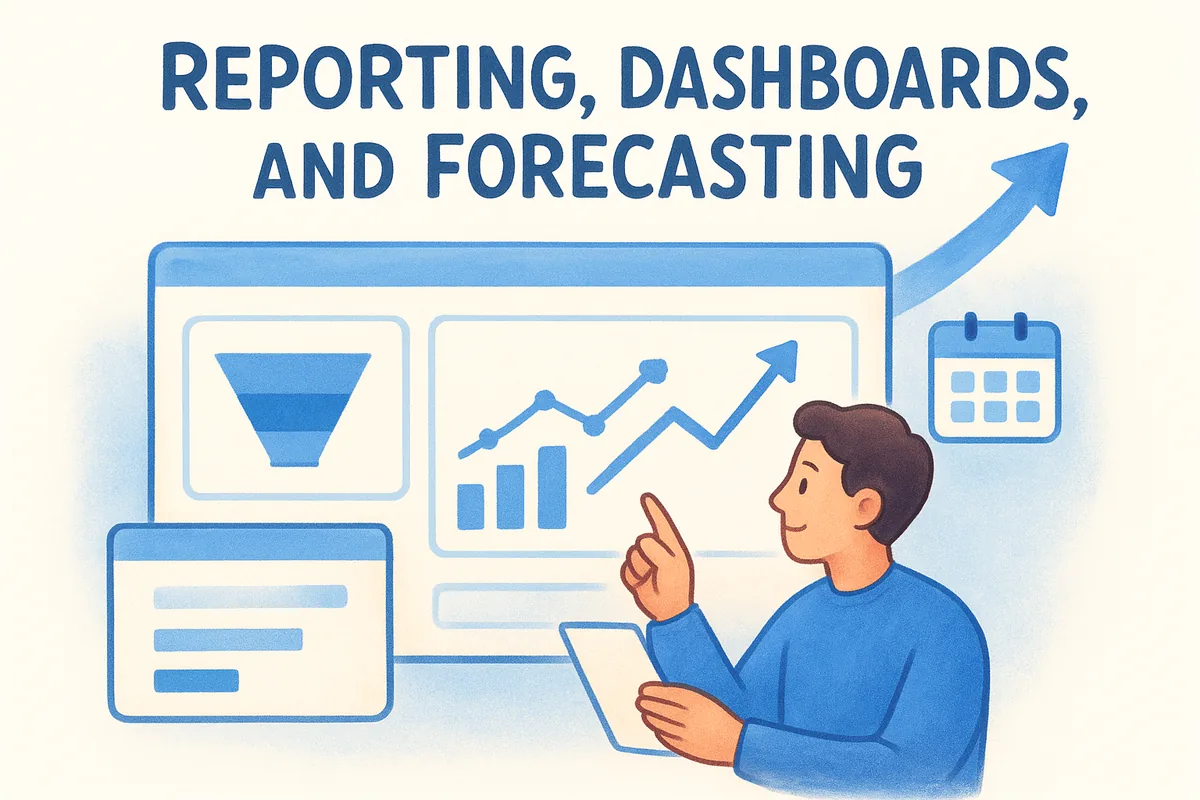
11. Reporting, dashboards, and forecasting
If your team is pulling revenue numbers from spreadsheets or manually compiling weekly pipeline updates, you are spending time on work that a reporting system can handle automatically. Automated reporting and forecasting give you a real-time view of your pipeline health, team performance, and projected revenue without anyone building a report from scratch every week.
What it automates
Reporting automation continuously updates your dashboards with live data from every deal, email interaction, and stage movement in your CRM. Instead of waiting for a Monday morning export, you get conversion rates, average deal size, and win/loss breakdowns updated in real time. Forecasting tools take that data further by projecting future revenue based on your current pipeline volume and historical close rates.
When your numbers update automatically, you spend your meetings making decisions instead of debating whether the data is current.
How to implement it fast
You do not need a business analyst to set up useful reporting for sales automation for small business. Most modern CRMs let you build dashboards with drag-and-drop widgets in under an hour. Start with these core views:
- •Pipeline report showing deal count and value by stage
- •Conversion funnel tracking how leads move from first contact to close
- •Team leaderboard with individual activity and revenue metrics
- •Monthly forecast based on weighted deal probability
Tools to use and pricing
Vedain CRM includes custom dashboards, pipeline reports, conversion funnels, team leaderboards, and sales target tracking all within the flat $10 per user per month pricing. You can build drag-and-drop dashboard views without touching any settings outside the CRM itself. Standalone business intelligence tools like Google Looker Studio (free) connect to CRM data via integrations if you need more advanced visualization, but for most small teams, native CRM reporting covers the full picture without an additional subscription.
12. App integrations and data sync
Your sales stack does not operate in isolation. When your CRM, email platform, marketing tools, and payment systems do not communicate, data gets duplicated, records fall out of sync, and your team wastes time manually transferring information between platforms. App integration automation keeps your tools connected and synchronized so data flows automatically between them without anyone acting as the middleman.
What it automates
Integration automation handles the continuous, bidirectional sync of contact records, deal data, and activity logs across every tool in your stack. When a prospect fills out a form in your marketing platform, that contact appears in your CRM immediately. When a deal closes, your invoicing tool gets updated automatically without a rep copying details across tabs. For any sales automation for small business setup, integrations are what hold the rest of your automations together.
A disconnected stack creates data gaps that compound over time, making every downstream automation less reliable.
How to implement it fast
Start by mapping which tools need to exchange data and in which direction before building anything. Focus on the highest-friction handoffs first so you solve the most disruptive gaps immediately. A practical starting point:
- •Connect your CRM to your email platform for two-way contact sync
- •Link your form tool to your CRM so new leads appear automatically
- •Sync your invoicing or payment tool to update deal records on payment confirmation
Tools to use and pricing
Zapier is the most widely used no-code integration platform, with a free tier covering basic single-step automations and paid plans starting at $19.99 per month for multi-step workflows. Make (formerly Integromat) offers a more visual workflow builder with a free tier and paid plans from $9 per month. Both connect thousands of apps and work well alongside any CRM that does not already include native integrations for your core tools.
Your next steps
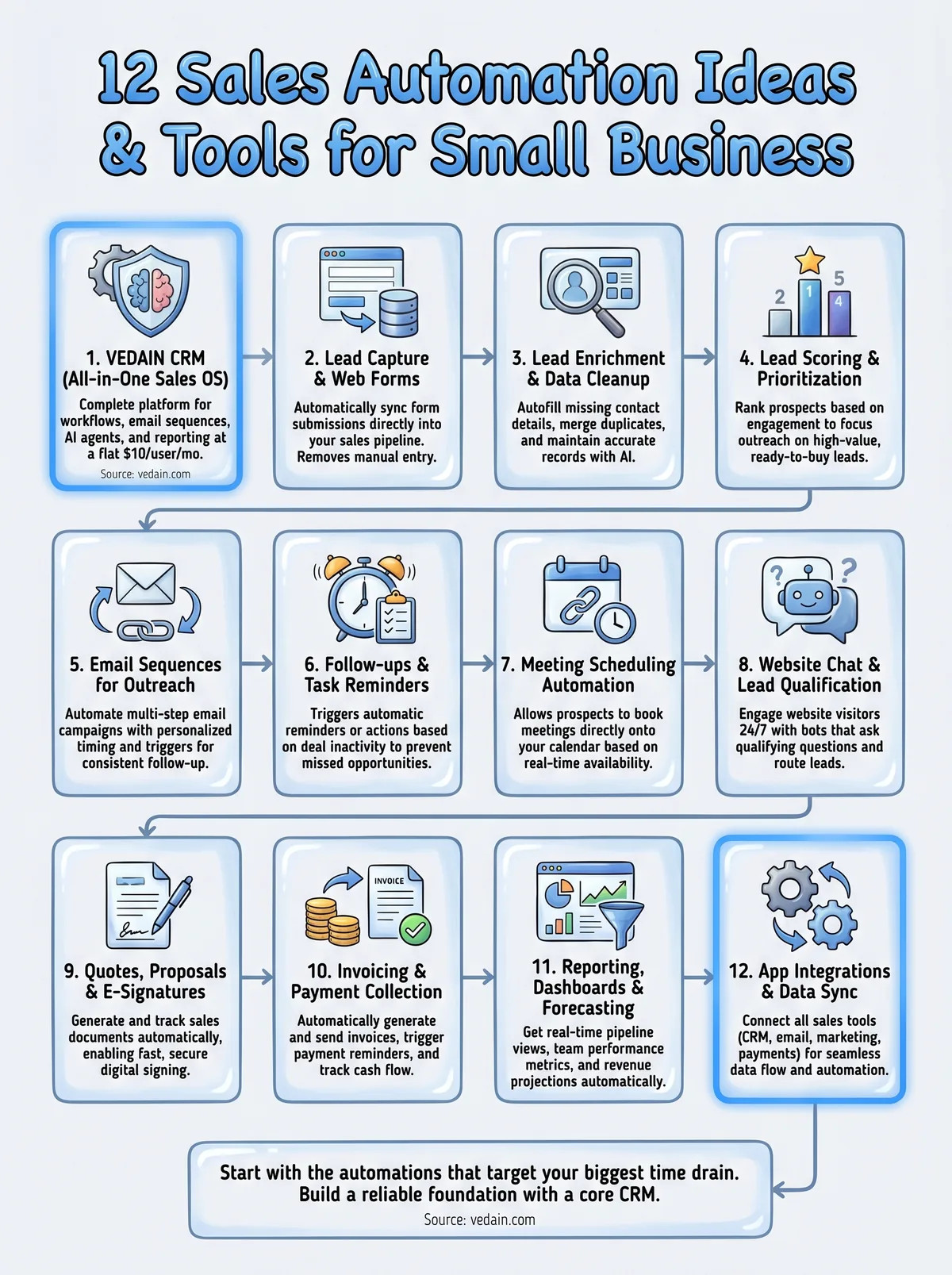
You now have a clear picture of what sales automation for small business looks like in practice, from lead capture and enrichment to invoicing and reporting. The goal is not to implement all 12 at once. Start with the automations that target your biggest time drain right now, get those running reliably, and build from there.
Most teams see the fastest results by starting inside their CRM, since that is where lead data, email activity, deal stages, and reporting all connect. When your core pipeline automation is working, every other tool you add has a reliable foundation to sync with.
If you do not have a CRM that covers these automations without charging extra for each feature, that is the first thing worth fixing. Vedain CRM gives your team the full platform at a flat rate with no feature gates and no credit card required to start. Try it at vedain.com and see how quickly your pipeline starts moving on its own.
Frequently Asked Questions
What is the best sales automation software for small businesses under $100 per month?
Pipedrive and Zoho CRM are the best affordable options, with Pipedrive starting at $39.50/month and Zoho CRM at $18/month, both offering strong automation features without enterprise complexity. HubSpot's free tier is also excellent for startups, though paid automation features begin at $50/month. Freshsales provides competitive automation at $29/month, making it ideal for small teams seeking cost-effective pipeline management.
How can small businesses automate email follow-ups with prospects?
Most modern CRMs like HubSpot, Pipedrive, and Freshsales include built-in email automation that triggers follow-up sequences based on prospect actions or time intervals. You can set up automated emails when leads are added to your pipeline, after a deal stage changes, or on specific dates, saving hours each week. Zoho CRM and Vedain also offer similar workflow automation, allowing you to create conditional email chains without manual intervention.
What sales automation features do I actually need as a small business owner?
The essential features are lead scoring, email automation, pipeline management, and activity tracking—all of which help you prioritize hot leads and maintain consistent outreach. Task automation (like automatic reminders for follow-ups) and deal stage workflows are also critical for staying organized without manual updates. Most affordable CRMs like Pipedrive, Freshsales, and Zoho include these core features, while Salesforce typically requires higher-tier plans for the same functionality.
Can small businesses automate lead assignment and routing?
Yes, lead assignment automation is available in HubSpot, Pipedrive, Salesforce, and Freshsales, allowing you to automatically route leads to specific sales reps based on territory, product, or skill. This eliminates delays in follow-up and ensures hot leads reach the right person immediately. Zoho CRM also offers sophisticated lead routing rules, making it competitive for small teams that need intelligent distribution without manual oversight.
How much time can sales automation save a small business team?
Sales automation typically saves 5-10 hours per week by eliminating manual data entry, scheduling, and routine follow-ups—time your team can redirect to closing deals. For a 3-person sales team, this translates to roughly one full workday per week recovered across the group. Platforms like Pipedrive and HubSpot are specifically designed to maximize this time savings through intelligent workflow automation and integration with tools you already use.
Is Pipedrive better than HubSpot for small business sales automation?
Pipedrive is often better for small businesses focused purely on sales automation due to its lower price ($39.50/month vs. HubSpot's $50/month) and superior pipeline visualization designed specifically for sales teams. HubSpot excels if you need integrated marketing and customer service automation alongside sales, while Pipedrive offers superior deal pipeline management and forecasting. For budget-conscious small businesses prioritizing sales-only automation, Pipedrive and Zoho CRM typically outperform HubSpot on cost-to-value ratio.