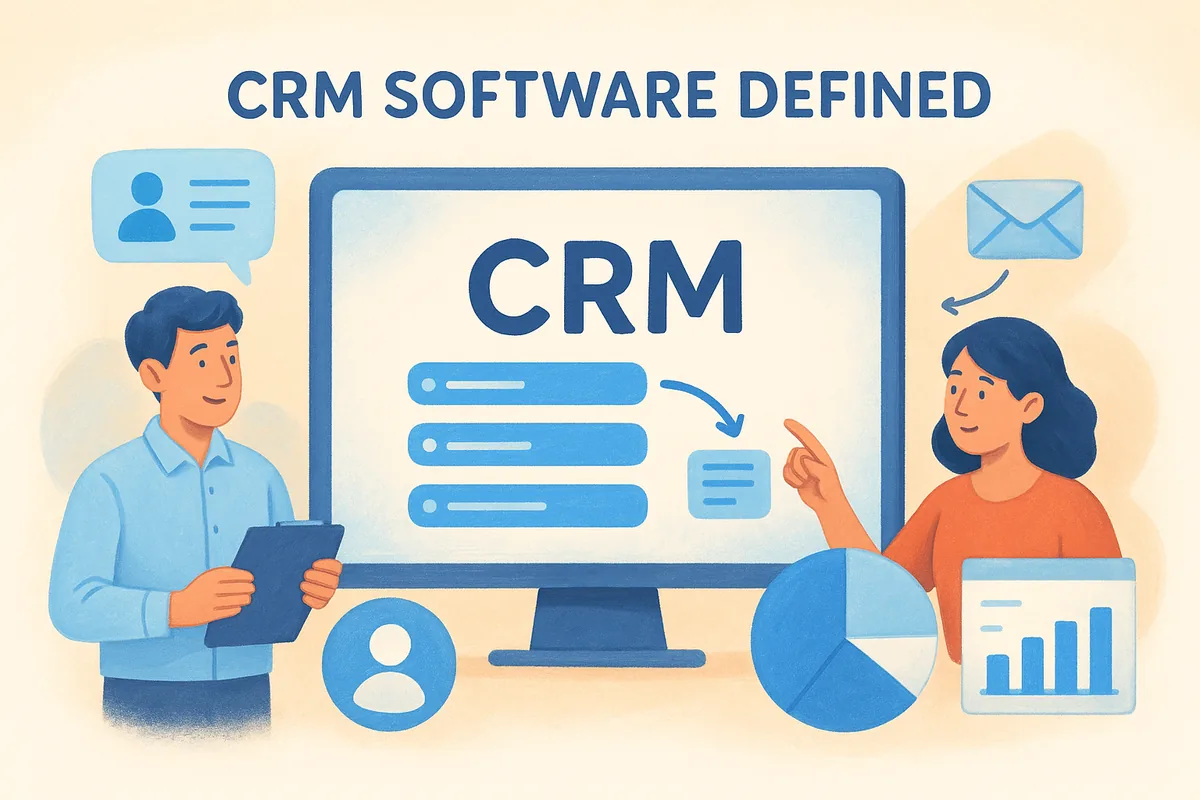
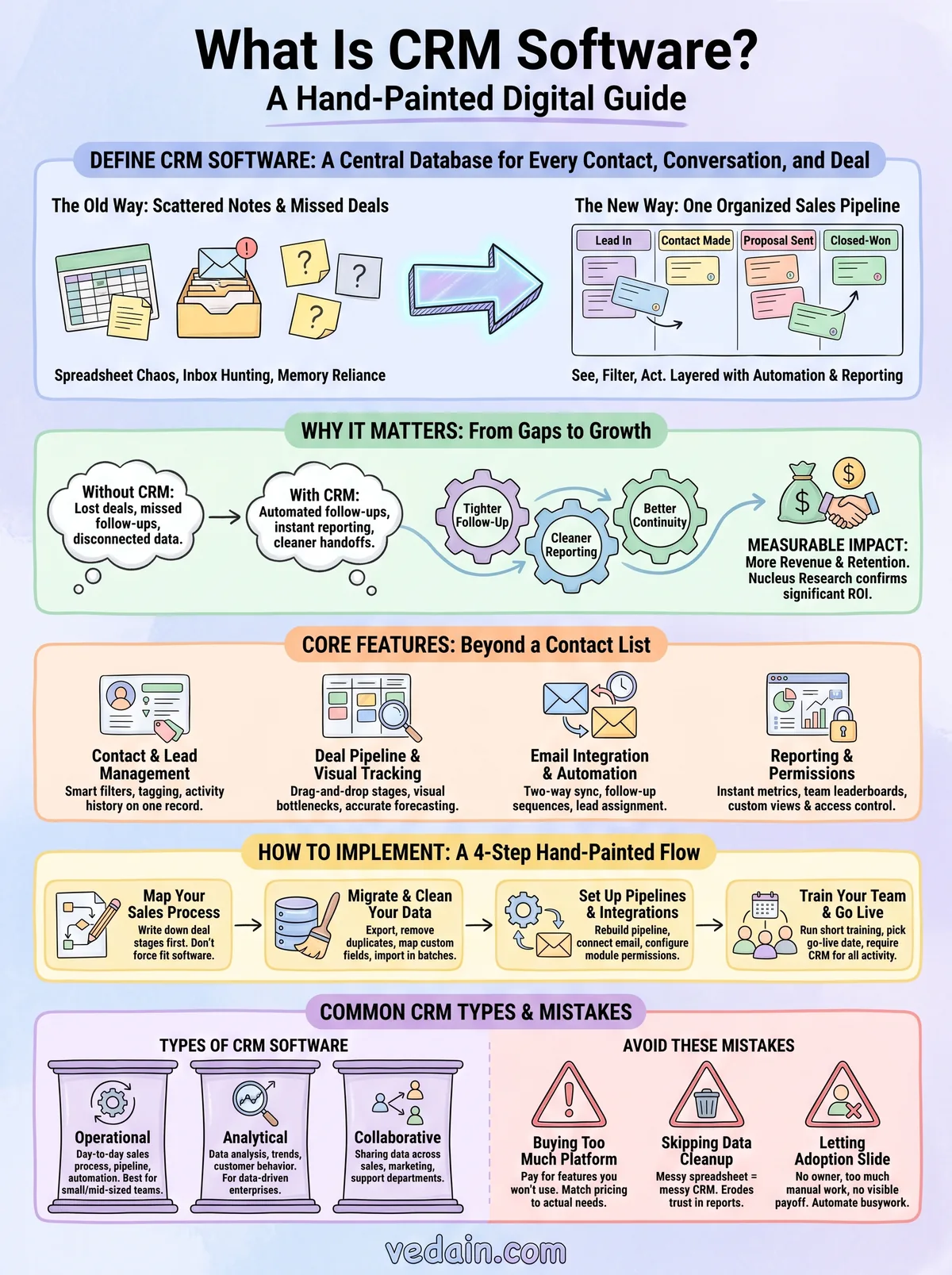
At its core, CRM software is a central database for every contact, conversation, and deal your business touches. It replaces scattered notes with one organized sales pipeline you can see, filter, and act on. The best platforms go further, layering in automation, reporting, and communication tools so your team spends less time on data entry and more time closing.
In this article, we'll break down what CRM software actually does, the core features that separate a real CRM from a glorified contact list, and how email automation fits into daily use. We'll also walk through real examples so you can picture how it works before you commit to one.
Why CRM software matters for sales teams
Sales teams lose deals for boring reasons. A follow-up email never gets sent. A lead goes cold because nobody remembered to call back. A rep leaves the company and takes six months of context with them. Customer relationship management software exists to close those gaps, and once you've watched a team run without one, the value stops being theoretical.
The cost of managing sales without a CRM
Without a shared system, every deal lives in someone's head, inbox, or personal spreadsheet. That works fine until a rep goes on vacation, a manager asks for a pipeline update, or two people email the same prospect without knowing it. Manual tracking doesn't scale past a handful of deals, and it punishes exactly the businesses that can least afford lost revenue: small teams without a bench of backup reps. Research from Salesforce has found that sales reps spend a significant share of their week on administrative work instead of selling, and disconnected tools are a big reason why. A CRM platform pulls that scattered information into one place so nothing depends on memory.
A CRM turns "I think we talked to them in March" into an actual, searchable answer.
What changes once you adopt CRM software
The shift is immediate and practical. Every contact, email thread, and deal stage lives in one visual pipeline instead of three different apps. A manager can open a dashboard and see exactly where every deal sits without pinging five people for updates. New hires ramp up faster because the full history of an account is already there, not locked in a former employee's inbox. Here's what typically changes in the first month:
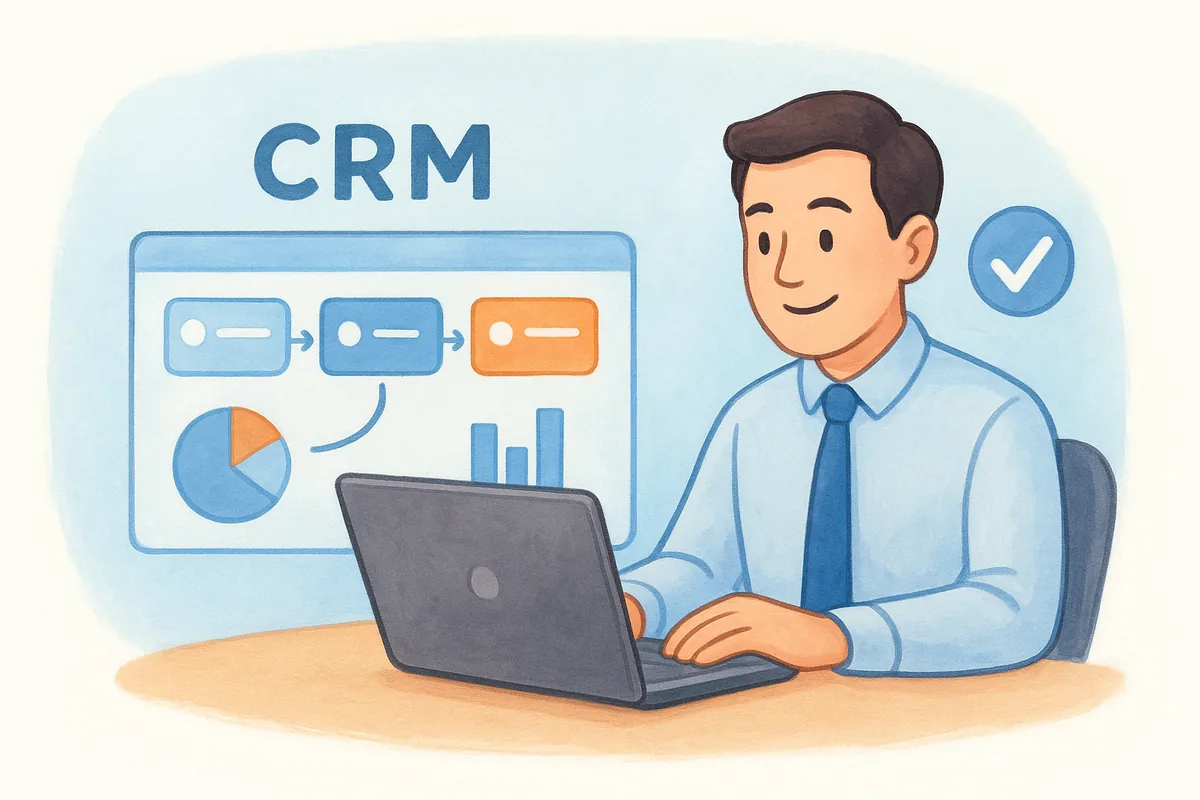
- •Follow-ups stop slipping. Automated reminders and sequences replace sticky notes and memory.
- •Reporting becomes instant. Pipeline value, conversion rates, and rep performance update in real time instead of living in a manual spreadsheet someone updates on Fridays.
- •Handoffs get cleaner. When a lead moves from marketing to sales, or from one rep to another, the context moves with it.
- •Email stays organized. Two-way sync means every message tied to a deal is visible to the whole team, not buried in one person's inbox.
The measurable impact on revenue and retention
Beyond convenience, CRM adoption shows up in the numbers that matter to a business owner. Teams that track deals in a structured pipeline forecast more accurately, because they're working from real stage-by-stage data instead of gut feel. They also lose fewer leads to poor follow-up, since automated workflows catch the tasks a busy rep might forget. Nucleus Research has published findings showing that CRM systems return several dollars in revenue for every dollar spent, largely because they reduce the number of deals that quietly die from neglect rather than rejection.
Retention benefits just as much as acquisition. A CRM keeps a full record of past conversations, contract terms, and support issues, so account managers don't have to reconstruct history every time a customer calls. That continuity builds trust, and trust is what keeps a customer renewing instead of shopping around. For a sales team of any size, that combination of tighter follow-up, cleaner reporting, and better customer continuity is the real answer to why so many businesses eventually search for a way to define CRM software in the first place: they've hit the ceiling of what spreadsheets and inboxes can handle.
How to implement CRM software step by step
Rolling out a CRM doesn't have to be a months-long project. Most small and mid-sized teams can go from spreadsheet chaos to a working sales pipeline in a single afternoon, provided they follow the steps in order instead of jumping straight to customization. The goal of any CRM implementation process is simple: get your existing sales process into the tool without losing data or momentum.
Map your sales process before you touch any software
Before you open a single settings menu, write down the stages a deal actually moves through, from first contact to closed-won. Skip this step and you'll end up forcing your team into whatever default pipeline the software ships with, which rarely matches how you actually sell. A clear sales pipeline on paper makes the software setup almost mechanical.
Map the process first, or the software will define your process for you.
Migrate and clean your data
This is the step people dread and skip corners on, which is exactly why so many CRM rollouts stall. Do it right the first time:
- Export existing contacts from spreadsheets, your inbox, and any old tools into CSV files.
- Remove duplicates and dead leads before importing anything. A clean list beats a big one.
- Map custom fields (deal size, source, industry) so nothing gets lost in translation.
- Import in batches and spot-check each one before moving to the next.
Set up pipelines, permissions, and integrations
Once your data is in, rebuild the pipeline you mapped earlier as actual deal stages, then connect your email. Platforms like Vedain sync two-way with Gmail and Outlook, so every message tied to a deal shows up automatically without anyone forwarding emails manually. Set module-level permissions here too, so reps see their own deals while managers get the full view.
Train your team and go live
Run one short session showing reps exactly where to log calls, move deals, and set follow-up tasks. Adoption fails more often from lack of habit-building than lack of features, so pick a go-live date and require the team to log everything in the CRM from that day forward, no exceptions. Because a well-built platform takes under five minutes to set up, there's little excuse to delay this final step once your data and pipeline are ready.
Core features every CRM platform should offer
Not every tool calling itself a CRM actually functions like one. A lot of "CRM software" on the market is really just a fancy address book with a price tag attached. If you want to properly define CRM software for your own evaluation, judge it against a specific feature list, not marketing copy. Here's what separates a real sales platform from a glorified spreadsheet.
Contact and lead management
Every CRM needs a central contact database that stores more than a name and email. Look for custom fields, tagging, and smart filters that let you segment leads by source, industry, or deal size without exporting anything to Excel. Notes and activity history should live on the contact record itself, so any rep can open a lead and immediately see every call, email, and meeting tied to it.
Deal pipeline and visual tracking
A visual pipeline, usually a Kanban-style board, is what turns a contact list into an actual sales tool. Reps drag deals between stages, managers see bottlenecks at a glance, and forecasting stops being a guessing game.
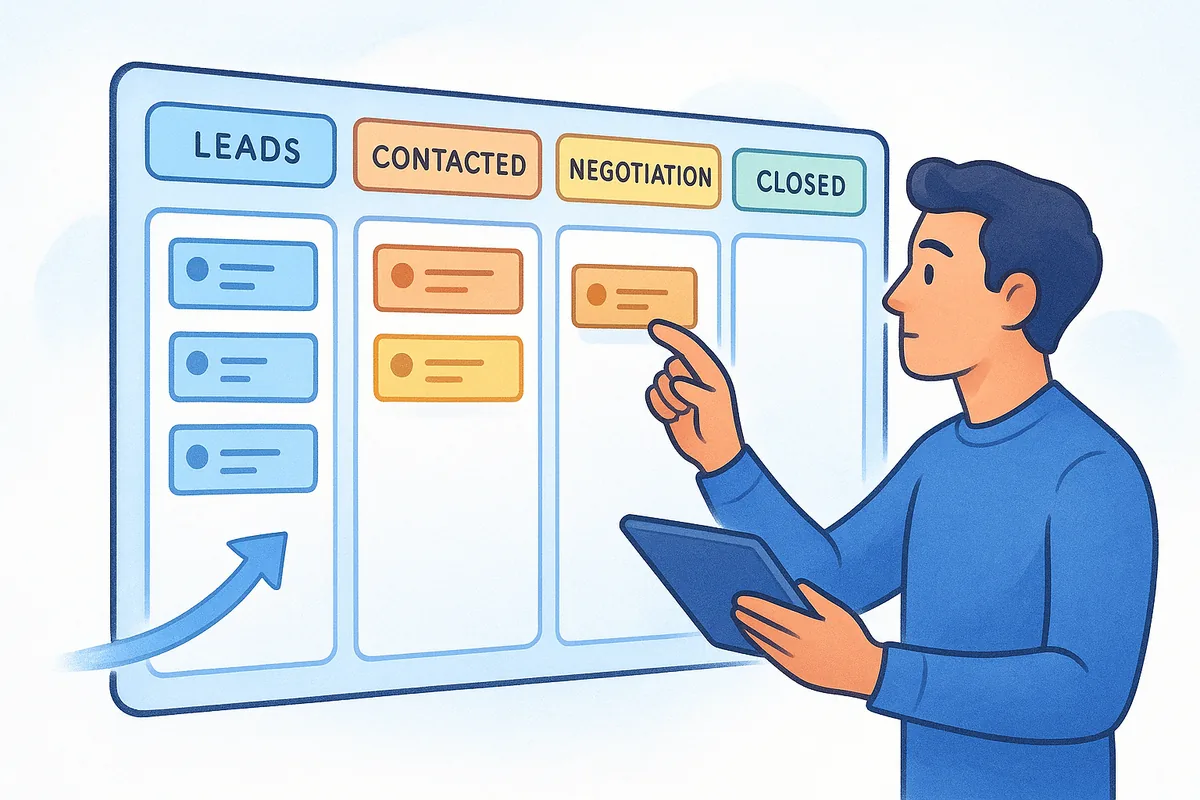
If you can't see your pipeline in one screen, it isn't a CRM, it's a filing cabinet.
Email integration and automation
Two-way email sync with Gmail or Outlook keeps every message tied to the right deal automatically. Layer in workflow automation for tasks like follow-up reminders, lead assignment, and multi-step email sequences, and reps stop losing time to manual data entry.
Reporting, permissions, and customization
The features above only matter if you can measure them and control who sees what:
A platform missing any row in that table isn't giving you the full picture, just a partial one. Vedain, for example, bundles all of this, plus email warmup and lead capture forms, into one flat rate instead of locking reporting or automation behind a pricier tier.
Types of CRM software and how they differ
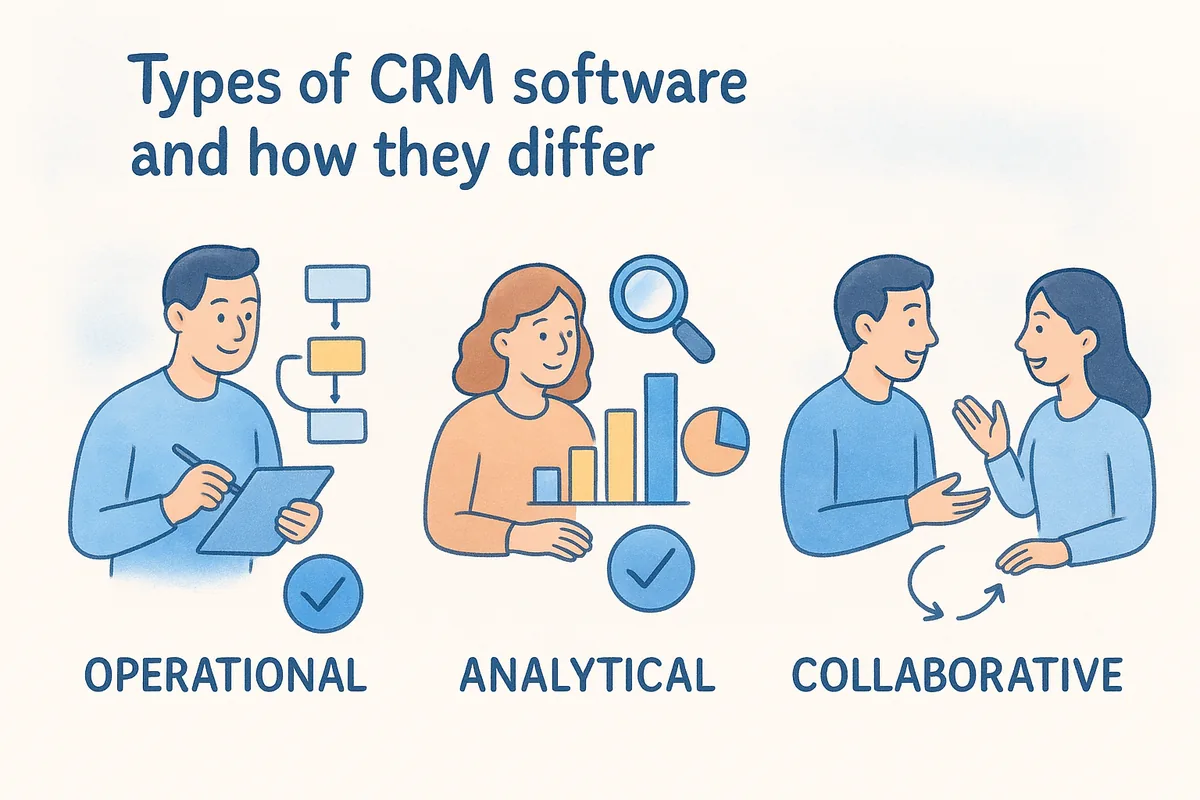
Not every CRM solves the same problem, and knowing the difference matters before you commit to one. Vendors sort CRM software types into three broad categories: operational, analytical, and collaborative. Most platforms lean heavily into one category while borrowing pieces from the others, so understanding the split helps you spot what you're actually buying instead of guessing from a features page.
Operational CRM
Operational CRM handles the day-to-day work of running a sales process: logging contacts, moving deals through a pipeline, and automating follow-up tasks. This is the category most small and mid-sized sales teams need, since it directly replaces the spreadsheet-and-inbox setup that breaks down as a team grows. A visual pipeline, workflow automation, and email sync all fall under this bucket, and it's where platforms like Vedain focus most of their feature set.
Operational CRM is the layer that actually runs your sales process, not just records it.
Analytical CRM
Analytical CRM is built around data analysis rather than day-to-day deal management. These systems dig into customer behavior, purchase patterns, and campaign performance to answer bigger questions, like which lead source produces the highest lifetime value or which segment is about to churn. Larger enterprises with dedicated data teams lean on this type most heavily, often layering it on top of an operational CRM rather than replacing it.
Collaborative CRM
Collaborative CRM focuses on keeping departments in sync, sharing customer data across sales, marketing, and support so nobody works from outdated information. If a support ticket reveals a customer is frustrated, a collaborative CRM makes sure the sales rep sees that before pushing a renewal conversation.
Comparing the three types
Most growing businesses don't need to pick just one category in the abstract. They need a platform strong enough operationally to run the pipeline, with enough reporting built in to cover the analytical side, without paying for enterprise-grade collaboration tools they'll never use. That's the practical way to define CRM software for your own shortlist: match the type to the problem you actually have, not the one a sales rep describes.
CRM software examples across industries
Abstract feature lists only go so far. Seeing how a CRM actually gets used in different industries makes the definition click, because the same sales pipeline structure adapts to wildly different sales cycles. A real estate agent and a SaaS account executive both need to track deals, but what they track and how fast they move through stages look nothing alike.
Real estate and property sales
Agents juggle dozens of buyers and listings at once, often over months. A CRM here tracks property preferences, showing history, and follow-up cadence, so no lead goes cold while an agent is out showing another house. Custom fields for budget, location, and financing status let agents filter their list instantly instead of scrolling through old texts and emails to remember who wanted a three-bedroom near downtown.
SaaS and technology companies
Software sales teams live and die by pipeline visibility, since deals often involve multiple stakeholders and a demo-to-close cycle that can stretch for weeks. Here, workflow automation handles trial follow-ups, and two-way email sync keeps every rep aware of what a prospect already asked about, so nobody repeats the same demo pitch twice.
Marketing and creative agencies
Agencies run client acquisition and client retention through the same system, tracking new leads alongside renewal conversations for existing accounts. A visual pipeline separates new business from account growth, while notes tied to each contact record capture project history that would otherwise live in one account manager's head.
The industry changes, but the job of a CRM stays the same: give every deal a home outside of someone's memory.
Retail, e-commerce, and professional services
Retail and e-commerce teams use CRM data to spot repeat buyers and flag accounts due for a reorder, while professional services firms like accounting or consulting practices track proposals, contract renewals, and referral sources.
Across every one of these industries, the underlying job of the software doesn't change: replace scattered notes with a central database everyone on the team can trust.
Common CRM mistakes and how to avoid them
Even a well-chosen CRM can fail if the rollout goes wrong. Most of the horror stories you hear about wasted software budgets trace back to a handful of repeat mistakes, not a flaw in the concept of a customer relationship management system itself. Knowing these pitfalls in advance is often the difference between a tool that sticks and one that quietly gets abandoned by month three.
Buying more platform than your team will use
Teams often shop for a CRM by feature count instead of by the problem they're solving, and end up paying for enterprise modules nobody touches. A five-person sales team doesn't need advanced territory management or a dozen approval layers. Before you sign anything, list the three problems you actually need solved, then check the pricing model against that list rather than a glossy features page.
Skipping data cleanup during migration
Importing a messy spreadsheet straight into a new system just moves the mess somewhere new. Duplicate contacts, dead leads, and mismatched fields make reports unreliable from day one, which erodes trust in the whole platform fast.
A CRM full of bad data is worse than no CRM at all, because people stop trusting the reports.
Letting adoption slide after launch
A CRM only works if reps actually log activity in it instead of falling back on personal notebooks or memory. Adoption tends to fail for a few predictable reasons:
- •No clear owner. Nobody is responsible for enforcing use, so it becomes optional.
- •Too much manual entry. Reps skip logging calls when it feels like extra work instead of automated tracking.
- •No visible payoff. If managers never pull reports from the system, reps assume it doesn't matter.
Addressing these three issues early, with automation handling the busywork, keeps the habit alive past the first excited week.
Ignoring permissions and reporting until it's too late
Many teams set up their pipeline and email sync, then never touch permissions or dashboards again. That works fine until a new hire sees deals they shouldn't, or a manager realizes the reports don't reflect how the team actually sells. Revisiting your setup every quarter, rather than only at launch, keeps the platform matched to how your team actually works. Getting this right is really the practical way to define CRM software success: not the sign-up, but the habits it builds over time.
Putting CRM software to work for your business
At this point, you can define CRM software without hesitation: it's the central database that replaces scattered spreadsheets and inboxes with one organized, trackable sales pipeline. You've seen why teams adopt it, how to roll one out without losing momentum, which features actually matter, and where rollouts tend to go wrong. None of that knowledge helps if it stays theoretical.
Questions worth asking before you pick a platform still matter: does it match the type of CRM your team actually needs, does the pricing cover automation and email sync without upsells, and can your reps start logging deals on day one instead of week three? Get those answers right, and the software stops being a line item and starts being the system your whole sales process runs on.
If you want to see this in action without a lengthy sales pitch, start a free trial with Vedain and build your first pipeline in under five minutes.
Frequently Asked Questions
What is CRM software and why do businesses need it?
CRM software is a platform that helps businesses manage customer relationships, sales pipelines, and interactions in one centralized location. It enables companies to track leads, automate follow-ups, and improve customer retention by organizing all customer data and communication history. Popular options like HubSpot (starting at $45/month), Salesforce (from $165/month), and Zoho (from $18/month) serve different business sizes and budgets.
How does CRM software track customer interactions and sales?
CRM software automatically logs all customer touchpoints—emails, calls, meetings, and social media interactions—into a unified database accessible to your entire team. It tracks deals through customizable sales pipelines, showing exactly where each prospect stands and what actions are needed next. Platforms like Pipedrive excel at visual pipeline management, while Salesforce and HubSpot offer more comprehensive tracking across multiple channels.
What's the difference between HubSpot and Salesforce CRM?
HubSpot is more user-friendly and ideal for small to mid-sized businesses, starting at $45/month with built-in marketing automation, while Salesforce is an enterprise-grade solution beginning at $165/month with advanced customization and scalability. Salesforce offers greater flexibility for complex organizations, whereas HubSpot provides faster implementation and easier onboarding for growing companies. Salesforce requires more technical expertise, while HubSpot emphasizes accessibility for non-technical users.
Is Zoho CRM cheaper than other CRM software options?
Zoho CRM is one of the most affordable options on the market, starting at just $18/month per user, making it significantly cheaper than HubSpot ($45/month), Salesforce ($165/month), or Pipedrive ($14-99/month depending on features). Despite its low price, Zoho includes robust features like automation, AI capabilities, and multi-channel communication tools. It's ideal for budget-conscious startups and small businesses that don't need enterprise-level functionality.
What CRM features should I look for when choosing software?
Essential CRM features include contact management, sales pipeline tracking, email integration, task automation, and reporting capabilities. Advanced features to consider are AI-powered lead scoring, mobile apps, third-party integrations, and customization options. Compare solutions like Freshsales (strong for customer support integration), Vedain (emerging competitor with unique workflows), and established players like Pipedrive (excellent for visual pipeline management) to find the right fit for your specific needs.
How long does it take to implement CRM software?
Basic CRM implementation typically takes 2-4 weeks for small teams, while enterprise deployments with Salesforce can take 3-6 months or longer. Cloud-based solutions like HubSpot, Zoho, and Pipedrive generally deploy faster (1-2 weeks) with minimal IT involvement compared to on-premise solutions. Implementation time depends on your team size, data migration complexity, customization needs, and the depth of training required for your users.