This guide answers that search directly. You'll get a breakdown of the top nine CRM platforms built or adapted for HVAC work, including heavy hitters like ServiceTitan and Housecall Pro alongside leaner options like QuoteIQ and Jobber. Each entry covers real pricing tiers, dispatch and scheduling capability, and how well the platform actually tracks deals from first call to signed contract.
We've also included Vedain CRM in the mix, since more HVAC sales teams are managing bids and follow-ups through a dedicated pipeline tool rather than relying on a field-service app's bolted-on contact list. If your priority is transparent pricing and a flat monthly rate with no feature gates, that comparison matters. Read on to find the CRM that fits how your team actually sells and services jobs.
1. What to look for in an HVAC CRM
Before you compare a single vendor, get clear on what an HVAC business actually needs from a crm for hvac companies search, starting with the core CRM capabilities worth demanding. Most field service software calls itself a CRM, but plenty of these tools are really dispatch and invoicing platforms with a contact list bolted on. A true CRM tracks the full sales relationship, from the first inbound call about a broken furnace to the signed maintenance agreement, and it should do that without forcing your techs to fight a clunky interface in the truck.
Scheduling and dispatch that techs will actually use
Dispatch is where HVAC software either earns its keep or gets abandoned within a month. Look for drag-and-drop scheduling, real-time GPS tracking of technicians, and a mobile app that works with spotty cell signal in basements and crawl spaces. If your dispatcher still calls techs to confirm the next job, the platform isn't doing its job.
Sales pipeline visibility for quotes and installs
Install sales and recurring maintenance contracts need their own pipeline, separate from service tickets. A visual deal pipeline shows you which quotes are stalling, which need a follow-up call, and which are about to close, so nothing sits untouched in an inbox.
A CRM that can't show you where every open quote stands is costing you closed deals, not just organization.
Integrations with accounting and field tools
Homeowners expect fast, accurate invoices, and your bookkeeper expects clean data. Confirm the platform syncs with QuickBooks or Xero, connects to your existing email provider, and plays nicely with payment processors so techs can collect payment on-site without a separate app.
Reporting that ties sales to service
You need to know which technicians upsell the most maintenance plans, which lead sources convert into signed installs, and how your average deal size trends quarter over quarter. Reporting that separates service revenue from install revenue gives owners a much clearer read on where the business actually grows.
Pricing structure and hidden fees
Field service software has a reputation for tiered pricing that locks basic features like automation or reporting behind a premium plan, unlike CRM options priced without feature gates. Before you sign a contract, check for these red flags:
- •Per-technician fees that balloon as your crew grows
- •Automation or workflow tools locked behind an "enterprise" tier
- •Setup fees disguised as "onboarding" charges
- •Contract minimums that lock you in for a year or more
- •Extra charges for features like email sync or lead forms
Some platforms, including field-service-first tools like ServiceTitan, are built primarily for dispatch and billing with sales tracking as an afterthought. Others, like Vedain CRM, are built sales-first with a flat rate that includes automation, email sync, and reporting from day one. Knowing which category a tool falls into before you demo it will save you a lot of wasted sales calls.
2. Vedain CRM
Vedain CRM takes a different approach than most tools on this list. It wasn't built as field service software with a contact list bolted on. It's a dedicated sales pipeline platform that HVAC companies use to manage the quote-to-close process, then pair with whatever dispatch tool their techs already know. If your bottleneck is lost quotes and slow follow-up rather than truck routing, this is worth a serious look as a crm for hvac companies searching for sales-first software.
Key features for HVAC teams
HVAC sales teams use Vedain to track install bids and maintenance contract renewals in a visual Kanban pipeline, so nothing sits forgotten in an inbox. Two-way email sync with Gmail or Outlook means every quote conversation stays logged against the deal automatically. The no-code workflow builder can auto-assign new leads to the right salesperson, send follow-up reminders after a quote goes cold, and trigger review requests once a job closes. Custom dashboards let owners separate install revenue from service revenue at a glance, and the AI Agent Marketplace brings AI-driven lead enrichment that fills in a new lead's contact details before your rep even makes the first call.
A CRM built for closing deals will always out-organize a dispatch app's afterthought contact list.
Pricing
Vedain runs one flat rate: $10 per user, per month, with every feature included. There's no premium tier hiding automation, email sync, or reporting, and no per-record limits that force an upgrade once your database grows. You can see the full pricing breakdown on the Vedain CRM pricing page, and the trial doesn't require a credit card, so your sales team can test the pipeline against real quotes before committing.
Best for
Vedain fits HVAC companies that already have field service or dispatch software they like but need a real sales pipeline on top of it. It's a strong match for growing teams that are tired of per-feature pricing and want automation and reporting included from day one, rather than negotiated as an add-on later.
3. ServiceTitan
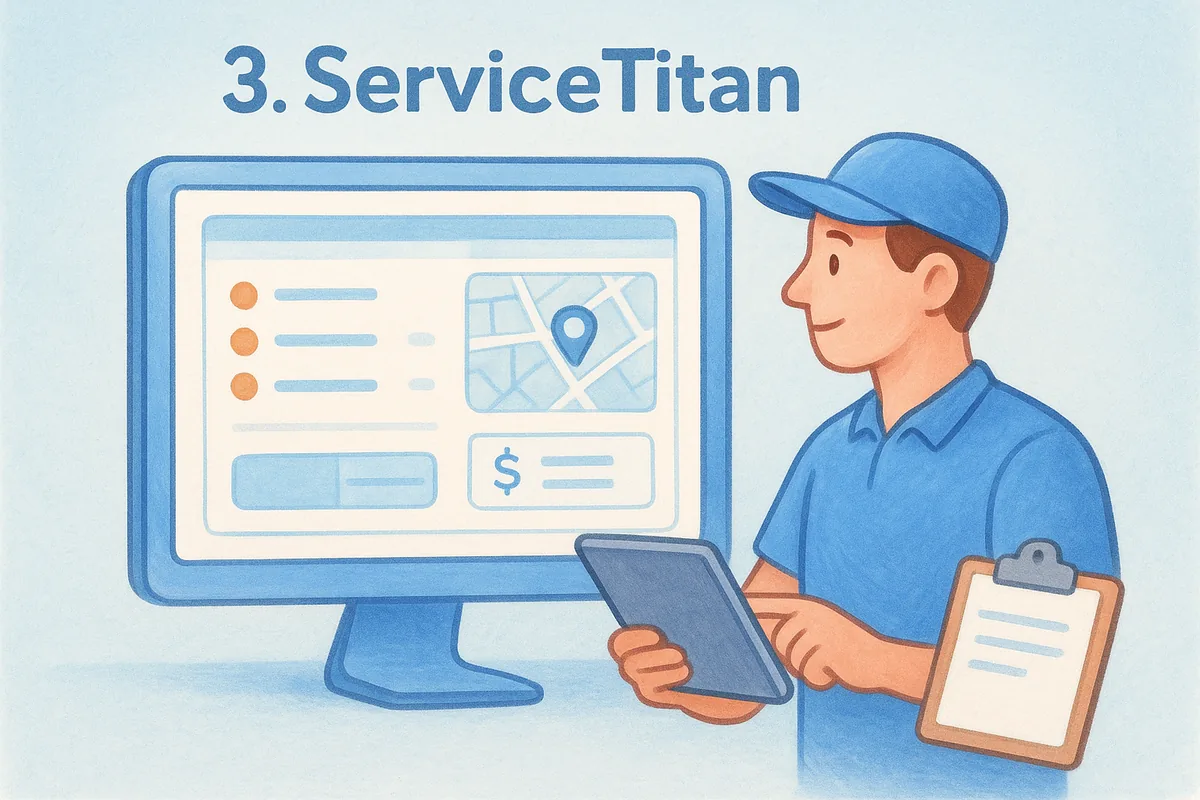
ServiceTitan is the name most HVAC owners hear first when they start shopping for field service management software, and for good reason. It's built specifically for residential and commercial HVAC, plumbing, and electrical contractors, with dispatch, sales, and marketing tools bundled into one enterprise-grade platform. Teams running 20+ trucks lean on it heavily, but that scale comes with a learning curve and a price tag that smaller shops feel immediately.
Key features for HVAC teams
Dispatching is where ServiceTitan shines, with a live technician map, automated job routing, and a mobile app techs use to build quotes on-site with pre-loaded price books. Its call booking module tracks marketing source all the way through to booked revenue, so owners can see exactly which ad campaigns actually produce installs. Membership and maintenance plan management is built in, which matters if recurring service contracts are a big part of your revenue.
The tools that win the most business are rarely the ones with the longest feature list, they're the ones your team actually opens every day.
Pricing
ServiceTitan doesn't publish pricing publicly. You'll need to schedule a demo and get a custom quote, and most reviews and reseller estimates put costs well into the hundreds of dollars per month, plus a separate onboarding fee that can run into the thousands. Contracts typically run annually, so it's worth pushing your sales rep for a detailed breakdown before you sign anything, since add-on modules like marketing pro or dispatch pro often cost extra on top of the base platform.
Best for
ServiceTitan suits established HVAC companies with 10 or more trucks and the budget to match the platform's complexity. If you have a dedicated office manager or ops person to own the setup and ongoing configuration, and your priority is dispatch efficiency across a large fleet rather than a lean sales pipeline, it's a legitimate contender. Smaller shops chasing a straightforward crm for hvac companies solution will likely find the price and onboarding lift hard to justify.
4. Housecall Pro
Housecall Pro built its name on simplicity, and that's still the platform's biggest selling point for smaller HVAC crews. It combines scheduling, invoicing, and basic customer tracking in an interface that a one-truck operator can learn in an afternoon, without the multi-week onboarding that comes with heavier field service platforms. That said, the CRM side stays fairly thin compared to a dedicated sales tool, which matters if your team runs a real quote-to-close process for install jobs.
Key features for HVAC teams
Housecall Pro covers the basics well: online booking, automated appointment reminders, and a mobile app techs use to send invoices and collect payment on-site. Its Pro Marketing add-on sends automated review requests and reactivation campaigns to past customers, which helps HVAC companies fill slow maintenance seasons. A built-in postcard and email marketing feature lets smaller shops run basic outreach without a separate tool.
Simple software gets used every day, and software that gets used every day beats a feature-rich platform sitting half-configured.
Pricing
Housecall Pro's plans start around $49 per month for a single user on the basic tier, with mid-tier plans running roughly $149 to $299 per month once you add features like QuickBooks sync, advanced reporting, or additional users. Per-user add-on fees apply beyond the included seats, and some automation features sit behind the higher tiers, so check the current pricing page before assuming a feature is included at your plan level.
Best for
Housecall Pro fits solo operators and small HVAC crews, typically under five trucks, who want dispatch and invoicing without a steep learning curve. It's a reasonable starting point if you're moving off paper tickets or a generic scheduling app for the first time. Teams that need a genuine sales pipeline for tracking install bids alongside service calls will likely outgrow its CRM features faster than they outgrow the scheduling side, and should weigh that against a more sales-focused crm for hvac companies option.
5. Jobber
Jobber sits in a similar lane to Housecall Pro, built for home service businesses that need scheduling, quoting, and invoicing without the enterprise price tag. HVAC contractors who run a mix of one-off repairs and recurring maintenance visits like Jobber's client hub, which gives homeowners a self-serve portal to approve quotes and pay invoices online. Compared to heavier platforms, Jobber trades some depth for a cleaner learning curve, which matters if you're the owner doing your own onboarding.
Key features for HVAC teams
Quoting is where Jobber earns its reputation, letting techs build multi-option quotes on a tablet, much like dedicated quotation management software, so homeowners can pick a good, better, or best package on the spot. Automated client reminders cut down on missed appointments, and the routing feature helps dispatchers cluster jobs by neighborhood to save drive time. Jobber also includes a basic follow-up sequence for unapproved quotes, though it's nowhere near the depth of a dedicated sales automation builder.
A good quote-on-the-spot feature closes more deals than any CRM report you'll read after the fact.
Pricing
Jobber's plans start at roughly $39 per month for a single user on the Core plan, moving up to around $129 per month for Connect and $349 per month for the Grow plan, which unlocks automated quote follow-ups and advanced reporting. Additional users cost extra past the included seats on each tier, and some integrations, like QuickBooks sync, require the mid-tier plan or higher.
Best for
Small to mid-size HVAC crews, generally under ten trucks, that value fast on-site quoting and a simple client experience will get the most out of Jobber. Teams searching for a crm for hvac companies solution with a genuine sales pipeline for tracking install bids through multiple stages should treat Jobber's CRM features as a starting point rather than a finished sales system, since deal tracking here stays closer to a status label than a true pipeline view.
6. FieldEdge
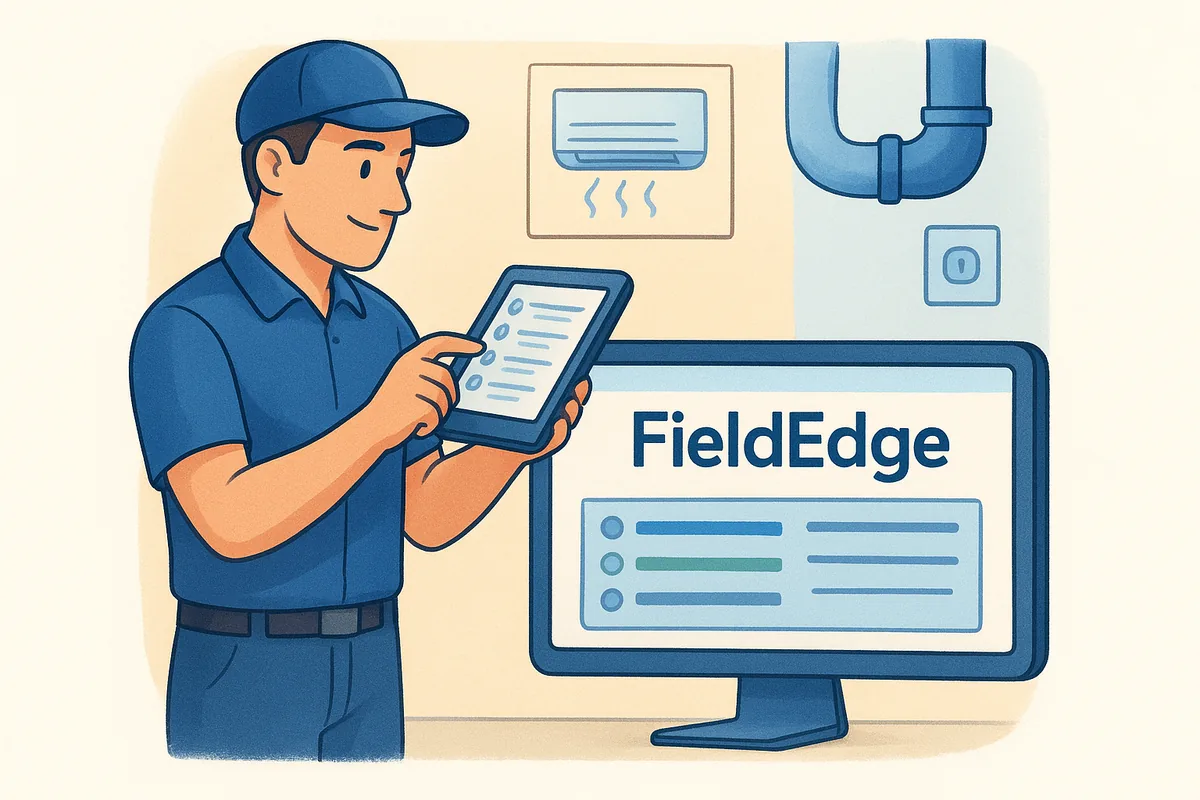
FieldEdge grew out of the HVAC dispatch software Desco, and that history shows in how deep the platform goes on service agreements and equipment history. It's aimed squarely at established HVAC, plumbing, and electrical contractors who need dispatch, billing, and inventory tied together, not a lightweight app for a two-truck operation. The tradeoff is a heavier setup process and a price point that puts it closer to ServiceTitan than to Jobber or Housecall Pro.
Key features for HVAC teams
FieldEdge's standout feature is equipment and service history tracking, which lets techs pull up a unit's full repair record on their tablet before they even knock on the door. Flat-rate pricing tools help techs present options on-site without calling the office, and built-in QuickBooks integration syncs invoices in real time rather than through a nightly batch job. Dispatch board views show technician availability by skill and location, which matters once you're running a mixed fleet of install and service crews.
Equipment history that a tech can pull up in seconds turns a routine callback into a chance to sell a replacement.
Pricing
FieldEdge doesn't list pricing publicly, so you'll need a demo call to get a quote. Based on reseller estimates and user reports, costs typically start around $99 to $150 per user per month, with setup and onboarding fees charged separately on top of the subscription. Contracts tend to run annually, and add-on modules for marketing or advanced reporting can push the total well past the base quote.
Best for
FieldEdge fits mid-size to larger HVAC companies, generally five or more trucks, that service a lot of recurring equipment and need deep service history at their fingertips. It suits teams with an office manager who can own the onboarding and ongoing configuration. Shops evaluating a crm for hvac companies shortlist mainly for sales pipeline tracking rather than equipment history will find FieldEdge's CRM layer secondary to its dispatch and billing strengths.
7. Service Fusion
Service Fusion markets itself as a budget-friendly alternative to the heavyweights, and it earns that reputation by bundling dispatch, invoicing, and basic customer tracking into a flat-rate plan with no per-user fees on its lower tiers. HVAC shops that felt priced out of ServiceTitan or FieldEdge often land here first, drawn by the promise of unlimited users on certain plans. The CRM layer stays functional rather than sophisticated, which is worth knowing before you commit.
Key features for HVAC teams
GPS tracking and a drag-and-drop dispatch board cover the day-to-day scheduling work, while the mobile app lets techs capture signatures, photos, and payments on-site. VoIP calling comes built in, which is unusual at this price point, and it logs call history straight against the customer record so dispatchers can see who called before dispatching a truck. Service Fusion also includes basic QuickBooks sync and a customer portal for online payments, rounding out the essentials without extra add-on purchases.
A flat-rate tool that includes VoIP and unlimited users saves real money for a growing crew, even if the sales pipeline stays basic.
Pricing
Service Fusion publishes its pricing openly, which is rare in this category. Plans start around $199 per month for unlimited users on the Starter tier, moving up to roughly $349 and $549 per month for Plus and Pro, which add features like advanced reporting, payroll integration, and marketing tools. Unlike many competitors, you won't pay per technician on the base tiers, though the Pro plan adds costs for certain premium integrations.
Best for
Service Fusion fits HVAC companies with a growing headcount that want to avoid per-user pricing as they scale past five or six trucks. It's a solid pick for owners who want VoIP and dispatch bundled together without shopping separately for a phone system. Teams running a real sales process for install bids will still want to pair it with a dedicated pipeline tool, since deal tracking here functions more like a job status list than a true CRM.
8. ServiceTrade
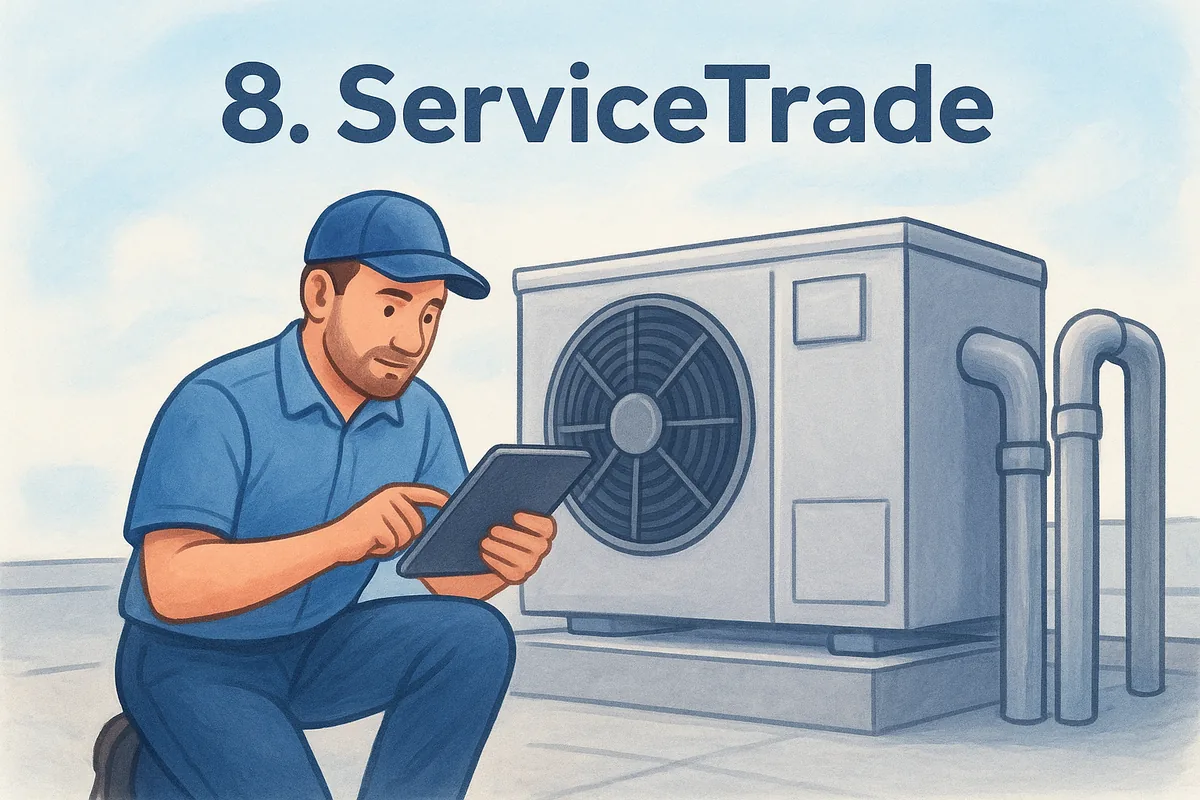
ServiceTrade built its platform around commercial and light-commercial HVAC work, which sets it apart from the residential-first tools earlier on this list. Contractors who service rooftop units, boilers, and building-wide systems use it to manage recurring inspections and technician documentation, not just quick repair calls. Unlike Housecall Pro or Jobber, ServiceTrade assumes your customers are property managers and facility teams who expect detailed service records, not homeowners approving a quote on a tablet.
Key features for HVAC teams
ServiceTrade's biggest strength is its technician-generated service reports, complete with photos and time-stamped checklists that get emailed to the customer automatically after every visit. Its quote-to-contract module tracks recurring maintenance agreements across multiple properties, which matters when one client account has ten locations under a single contract. Dispatch scheduling includes asset tracking by location, so a tech can pull up every piece of equipment at a building before arriving on-site.
Detailed service documentation builds trust with facility managers faster than any sales pitch.
Pricing
ServiceTrade doesn't publish pricing publicly, and quotes come after a sales demo based on technician count and modules selected. Industry estimates put costs in the range of $75 to $150 per user per month, with commercial-focused add-ons like asset management pushing the total higher. Contracts typically run annually, and onboarding for multi-location accounts can take several weeks depending on how much historical equipment data needs importing.
Best for
ServiceTrade suits HVAC contractors focused on commercial accounts rather than residential service calls, especially those managing recurring inspection contracts across office buildings, retail chains, or property portfolios. Companies searching for a crm for hvac companies platform built for pure residential install sales will find the commercial-first design a mismatch, since ServiceTrade's sales tracking centers on contract renewals rather than a traditional deal pipeline. Owners already committed to commercial service work get real value here that residential-focused tools simply don't offer.
9. FieldPulse
FieldPulse targets small and mid-size trade businesses that want field service software without the enterprise price tag or the multi-week onboarding of ServiceTitan or FieldEdge. HVAC contractors running a handful of trucks like its flexible customization, since the platform lets you rearrange workflows and forms without waiting on a vendor's support team to make changes. It's a newer name compared to some others on this list, but it's grown fast among owner-operators who want dispatch, invoicing, and basic sales tracking under one roof.
Key features for HVAC teams
Quoting and invoicing happen from the same mobile app, so a tech can turn a diagnostic call into a signed estimate before leaving the driveway. FieldPulse includes a customizable pipeline view for tracking install opportunities, along with automated follow-up reminders for quotes that go quiet. Route optimization and technician time tracking round out the dispatch side, and the platform's open API appeals to shops that already run other software and want everything talking to each other.
Software that bends to your workflow gets adopted faster than software that forces your team to bend to it.
Pricing
FieldPulse publishes tiered pricing starting around $99 per month for a single user, with additional users priced per seat on top of that base. Mid-tier plans that unlock advanced automation and reporting run higher, and the company generally requires a quote for teams past a handful of users. There's no permanently free tier, but FieldPulse does offer a trial period so you can test the quoting and dispatch flow against real jobs before committing to an annual plan.
Best for
FieldPulse suits small HVAC companies, roughly two to eight trucks, that want more customization than Housecall Pro offers without jumping straight to FieldEdge-level cost. Owners who like tinkering with their own workflows rather than accepting a rigid template will appreciate the flexibility here. Teams evaluating a crm for hvac companies shortlist purely on sales pipeline depth should still compare FieldPulse's deal tracking against a dedicated CRM, since its strength remains dispatch and invoicing rather than a full sales automation suite.
10. Simpro
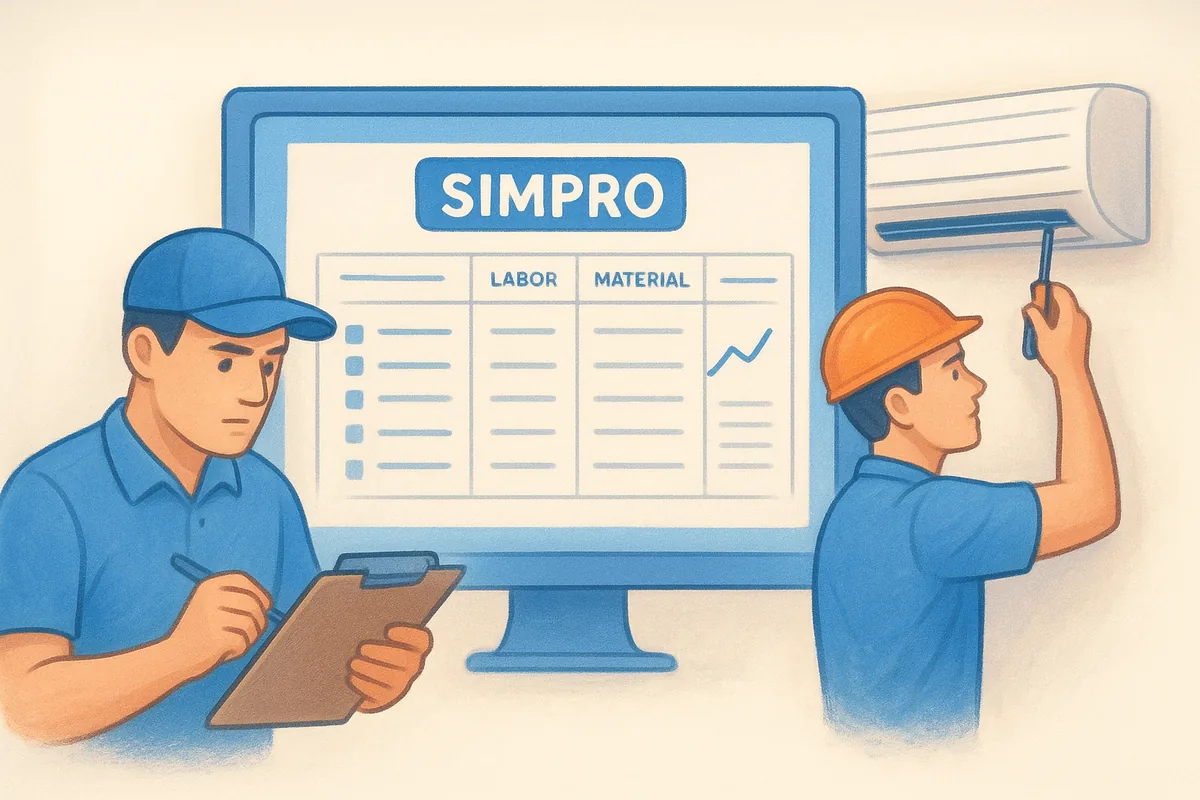
Simpro rounds out this list as the platform built for large, multi-trade contractors who need job costing and inventory management as much as they need dispatch. It started in Australia servicing electrical and plumbing trades before expanding into HVAC, and that commercial-project background shows in how deep the platform goes on quoting complex jobs with multiple line items, labor rates, and material costs. This isn't a tool for a two-truck residential shop chasing a simple crm for hvac companies fix; it's built for operations running both service calls and larger installation projects side by side.
Key features for HVAC teams
Simpro's core strength is detailed job costing, letting HVAC companies track labor, materials, and subcontractor costs against a quote in real time so margins stay visible before a job wraps. Its inventory management module ties stock levels across multiple warehouses or trucks to specific jobs, which matters for shops carrying expensive equipment inventory. A built-in project scheduling Gantt view helps larger install crews manage multi-week jobs alongside routine maintenance calls, and the reporting suite breaks out revenue by service type, technician, and project stage.
A platform built for job costing will always serve a multi-trade contractor better than a CRM built for quick service calls.
Pricing
Simpro doesn't publish pricing publicly, and quotes come after a sales consultation based on user count and modules selected. Industry estimates place costs around $100 to $200 per user per month, with implementation fees for larger accounts running into the thousands given the platform's configuration depth. Contracts typically run annually, and companies should budget real time for onboarding, since Simpro's flexibility comes with a genuinely steep setup curve compared to lighter tools earlier on this list.
Best for
Simpro fits HVAC companies that run large installation projects alongside service work, particularly those juggling complex job costing, multi-location inventory, or subcontractor billing, much like the contractors covered in our CRM picks for small construction businesses. It suits operations with a dedicated operations manager who can own the configuration. Owners searching for a lean sales pipeline rather than project-level job costing will find Simpro's complexity outweighs the benefit.
11. How to choose the right CRM for your HVAC business
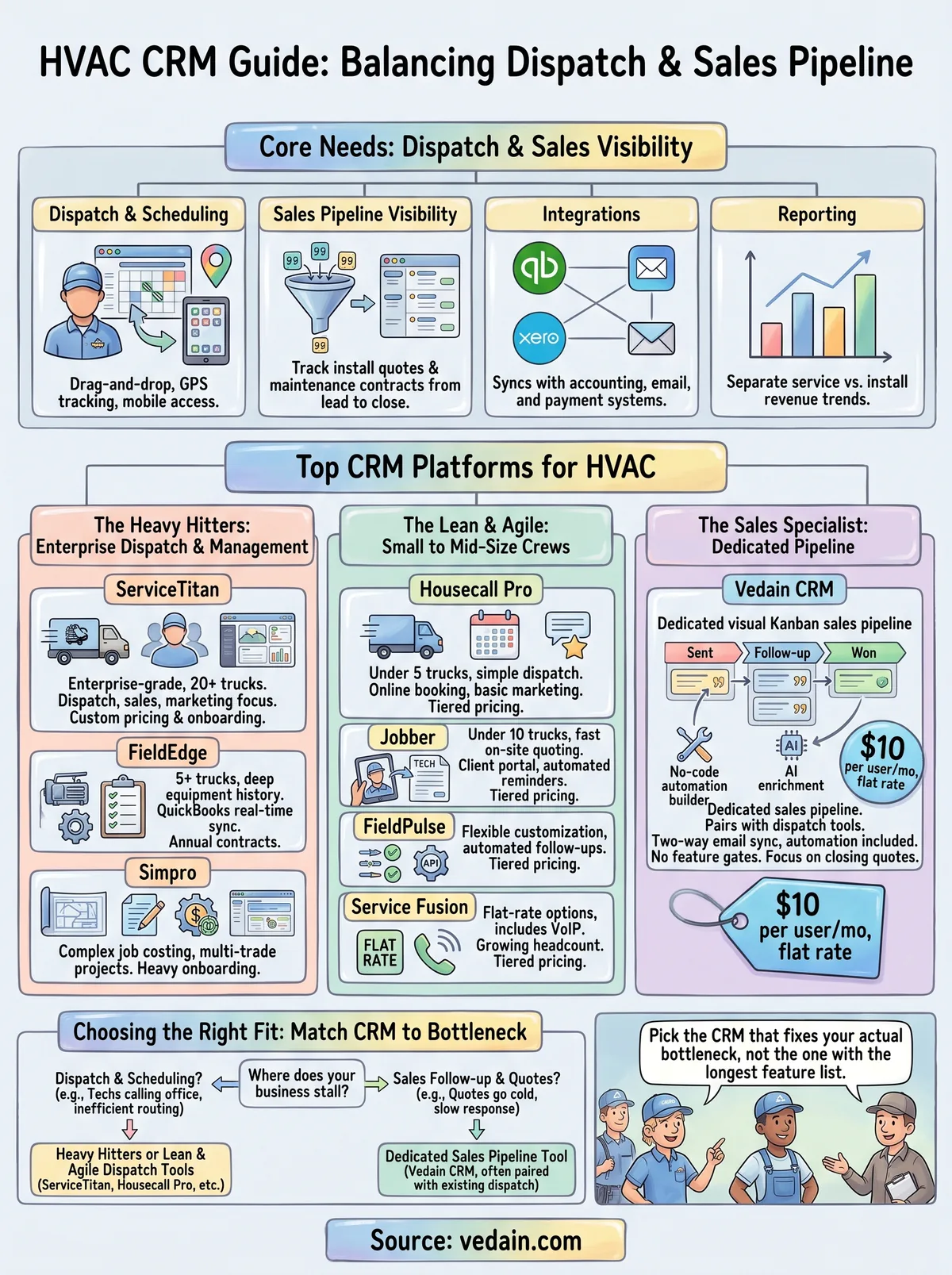
Matching a platform to your business starts with an honest look at where deals actually stall today. If quotes sit in someone's inbox for a week before a follow-up call happens, you need a dedicated sales pipeline more than another dispatch board. If techs are still calling the office to confirm the next stop, dispatch and routing should top your list instead. Most HVAC owners searching for a crm for hvac companies solution are really solving one of these two problems, and rarely both at once with a single tool.
Counting your trucks and your sales process length narrows the field fast. A two-truck residential shop closing same-day repairs doesn't need Simpro's job costing depth, and a 30-truck commercial operation juggling multi-location contracts will outgrow Housecall Pro's CRM layer within a quarter. Use this quick filter before you book a single demo, and work through a fuller CRM selection checklist if you want more structure:
- •Under 5 trucks, mostly residential: Housecall Pro, Jobber, or FieldPulse cover the basics without heavy onboarding.
- •5 to 20 trucks, mixed install and service: FieldEdge or Service Fusion balance dispatch depth with manageable cost.
- •20+ trucks or heavy commercial work: ServiceTitan, ServiceTrade, or Simpro justify their price and setup time.
- •Sales pipeline is the real bottleneck, regardless of fleet size: Vedain CRM pairs with whatever dispatch tool you already run.
Demoing before you commit matters more than any spec sheet. Ask each vendor to show you exactly how a quote moves from "sent" to "signed," not just how a job moves from "scheduled" to "complete."
Pick the CRM that fixes your actual bottleneck, not the one with the longest feature list.
Pricing transparency deserves its own line item in your evaluation. Vendors who won't publish a number until after a sales call usually have room to negotiate, but they also make it harder to compare true CRM costs and hidden fees across a shortlist. Weigh that friction against the depth you actually need, and don't pay for enterprise dispatch features if your real problem is a sales pipeline nobody's watching.
Finding the right fit for your team
No single platform on this list wins every category, and that's the real takeaway. Heavy dispatch operations with 20+ trucks belong with ServiceTitan or Simpro, budget-conscious crews still building their process fit well with Housecall Pro or FieldPulse, and companies losing quotes to slow follow-up need a dedicated pipeline more than another job board. The best crm for hvac companies search ends with an honest read of where your deals actually stall, not the vendor with the flashiest demo.
If your bottleneck is quotes going cold instead of trucks going idle, that's a sales problem, not a dispatch problem. Vedain CRM was built for exactly that gap, pairing with whatever field service tool your techs already trust while giving your sales team a real pipeline, automated follow-ups, and reporting that separates install revenue from service calls. Start your free trial, no credit card needed, and see how quickly a quote moves from first call to signed contract.
Related reading
- •9 Best CRMs for Event Management Companies in 2026
- •8 Best CRMs for Solar Companies in 2026
- •9 Best CRMs for Logistics Companies in 2026
- •8 Best CRMs for Car Dealerships in 2026
Frequently Asked Questions
Do HVAC companies actually need a CRM, or is field service software enough?
Most field service platforms track jobs, not relationships, which leaves a gap once your business grows past word-of-mouth referrals. A dedicated CRM captures every quote conversation, follow-up call, and contract renewal in one place, so a salesperson isn't reconstructing history from memory before a callback. If your team already has dispatch and invoicing sorted but keeps losing quotes to slow follow-up, that's the clearest sign you need a sales pipeline tool layered on top.
Can I use a general CRM instead of an HVAC-specific one?
Yes, and many growing HVAC companies do exactly that, pairing a general sales CRM like Vedain with whatever dispatch software their techs already know. General CRMs skip industry-specific dispatch features but usually offer stronger deal tracking and automation than a bolted-on contact list inside a field service app. The tradeoff works well as long as your dispatch tool already handles scheduling and routing on its own. The right CRM setup is often two tools working together, not one platform trying to do everything.
How much should a small HVAC company budget for CRM software?
Expect flat-rate options like Vedain or Service Fusion to run $10 to $50 per user per month , mid-tier platforms like Jobber or Housecall Pro to land between $50 and $150, and enterprise tools like ServiceTitan or Simpro to climb past $150 per user once modules and onboarding fees get added in, which is roughly how CRM prices compare across vendors generally.
Does switching CRMs mean losing customer history?
Not if you plan the migration properly. Most reputable vendors, including the ones on this list, offer CSV import tools or implementation and migration support to bring over contacts, deal history, and notes. Ask about data export options before you sign with your current provider, since some field service platforms make it deliberately hard to pull your own data out.