The right platform needs to handle high deal volume without charging extra for every automation or integration you add on. Logistics sales cycles move quickly, so you need pipeline visibility that shows exactly where each shipper or carrier relationship stands, plus reporting that tells you which reps and routes actually drive revenue.
This list breaks down nine CRMs built to handle the pace and complexity of freight, trucking, and supply chain sales. You'll see how each one handles lead tracking and deal management, what automation and email tools come standard, and where pricing transparency separates the platforms worth your budget from the ones that nickel-and-dime you as your team grows.
1. What to look for in a CRM for logistics companies
Logistics sales don't look like typical B2B sales. You're often juggling dozens of active quotes, seasonal freight volume, and relationships with both shippers and carriers at once. A crm for logistics companies has to keep up with that pace, which means the standard checklist of "contacts and deals" isn't enough. Before you compare vendors, get clear on the specific capabilities that actually move the needle for freight, trucking, and supply chain teams.
Automation matters more here than in most industries because reps spend so much time on repetitive follow-ups: rate confirmations, load updates, renewal check-ins. Look for a no-code workflow builder that lets you trigger emails and tasks based on deal stage, not just a basic reminder system. Email integration is just as critical since most logistics deals still close over email threads with carriers and brokers, so CRMs that sync your inbox both ways with Gmail or Outlook save reps from manually logging every message.
A CRM that can't automate follow-ups or sync your inbox just becomes another spreadsheet with a nicer interface.
Pricing structure deserves close scrutiny too. Many CRMs advertise a low entry price, then gate automation, reporting, or API access behind higher tiers, which hurts fast-growing logistics teams the most, so it pays to know the hidden fees buried in CRM plans. Watch for these red flags when you evaluate vendors:
- •Automation or workflow features locked behind a "Professional" or "Enterprise" plan
- •Per-user costs that jump sharply once you cross 10 or 20 seats
- •Email sync or campaign tools sold as a separate add-on
- •Limits on custom fields or records that force an upgrade as your book of business grows
Scalability is the last piece. A three-person freight brokerage and a 200-person 3PL have very different needs, but you don't want to switch platforms every time you add headcount. Check whether the CRM offers granular permissions so dispatchers, sales reps, and account managers each see only what they need, and confirm the reporting tools can break down performance by lane, region, or rep without requiring a custom build.
Teams researching a logistics crm software option should also weigh implementation time. Freight sales windows close fast, and a platform that takes weeks to configure means lost revenue during the transition, so check how long a CRM takes to configure before you commit. The nine platforms below get scored against these exact criteria: automation depth, email integration, pricing transparency, and how quickly a logistics team can actually get up and running.
2. Vedain CRM
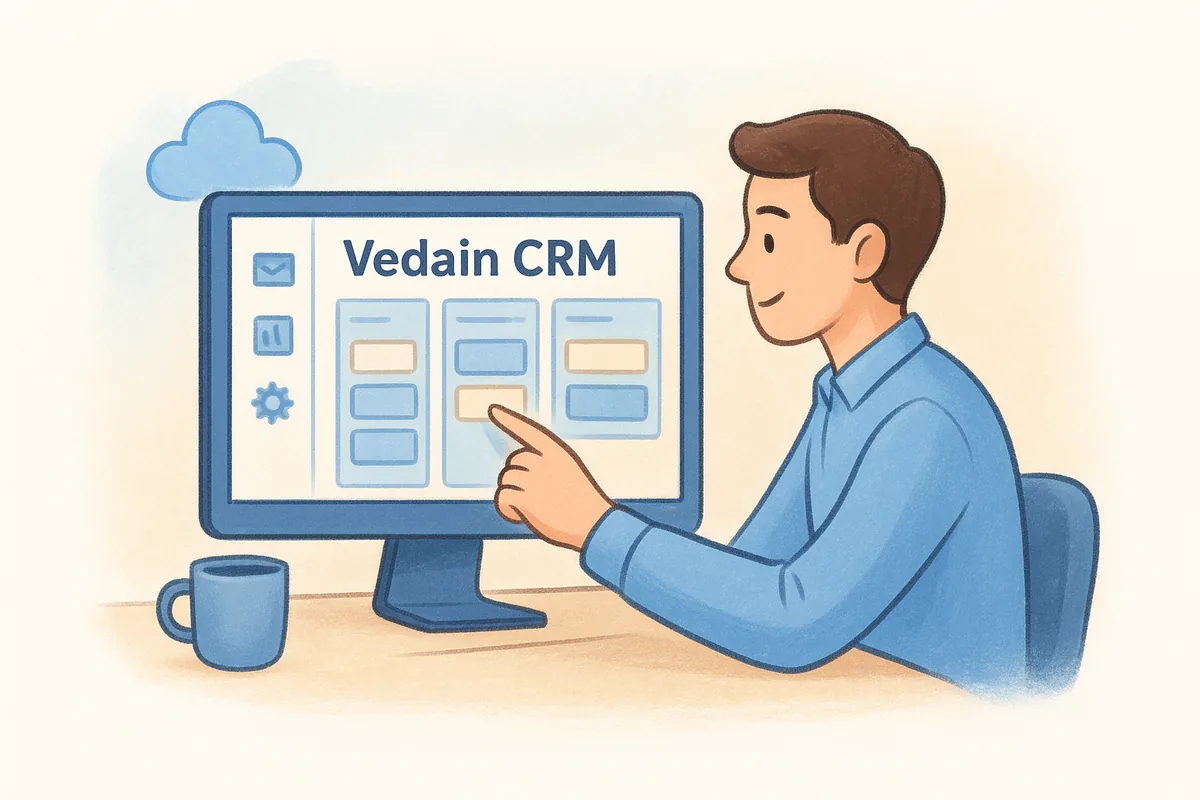
Vedain built its platform around the idea that a CRM shouldn't punish you for growing, which fits how logistics teams scale during peak freight seasons. It's a cloud-based system with a flat all-inclusive pricing model, so a freight brokerage running rate negotiations over email doesn't get hit with surprise add-on fees once the team doubles.
Key features for logistics
The deal pipeline uses a drag-and-drop deal board, so you can track quotes and carrier contracts by stage without building a custom report just to see what's stuck. Two-way email sync for Gmail and Outlook logs every rate confirmation and follow-up automatically, and the no-code workflow builder triggers reminders when a quote sits untouched for too long. Email warmup, the kind you'd otherwise buy from separate cold email tools with built-in warmup, helps outbound reps land in shipper inboxes instead of spam, which matters when you're cold-emailing new lanes.
A logistics CRM should let a three-person team and a three-hundred-person 3PL run on the exact same plan without either one losing features.
Pricing
Vedain charges $10 per user per month across the board, an affordable CRM that doesn't cut corners, with every feature, including automation, email sync, and unlimited records, included at that single rate. There's no tiered gating, and you can start a 14-day trial without a credit card.
Best for
Teams that want a logistics crm software option without negotiating separate quotes for automation or reporting access. It suits brokerages, 3PLs, and freight sales teams of five to five hundred users who need fast setup.
Limitations to consider
Vedain doesn't offer freight-specific modules like load tracking or carrier compliance documents, so you'll still need a TMS alongside it for dispatch-heavy operations.
3. Salesdash CRM
Salesdash CRM was built specifically with freight brokers in mind, which sets it apart from the general-purpose tools on this list. Instead of adapting a generic sales pipeline to fit logistics, the platform starts from the assumption that you're managing carriers, shippers, and load volume from day one, making it a strong pick if you want a freight broker crm without retrofitting features that weren't designed for the industry.
Key features for logistics
Commission tracking sits at the core of Salesdash, letting brokerages calculate rep payouts directly from closed deals instead of exporting data to a spreadsheet or bolting on dedicated commission tracking tools. The platform also includes carrier and shipper tracking fields tailored to freight terminology, plus task automation for follow-ups on aging quotes. Reporting dashboards break down performance by rep and account, which matters when you're managing a small team chasing volume targets.
A CRM built around freight terminology from the start saves your team from renaming fields and rebuilding pipelines just to make a generic tool fit.
Pricing
Salesdash prices per user with tiered plans that unlock more automation and reporting depth at higher levels, so smaller brokerages typically start on a lower tier and upgrade as their pipeline visibility needs grow.
Best for
Freight brokerages and small logistics sales teams that want industry-specific terminology and commission tools baked into the CRM rather than configured after the fact.
Limitations to consider
Because Salesdash focuses narrowly on freight brokerage workflows, teams outside that niche, like general 3PLs or supply chain sales orgs, may find the feature set too specialized. Tiered pricing also means automation depth depends on which plan you choose.
4. Magaya CRM
Magaya built its reputation on freight forwarding and warehouse management software, and its CRM module lives inside that larger ecosystem rather than standing alone. That makes it a natural fit if you already run Magaya Supply Chain for customs documents, warehouse receipts, or freight forwarding, since your sales data sits next to your operational data instead of in a separate system you have to reconcile manually.
Key features for logistics
Contact and lead records in Magaya connect directly to shipment and warehouse data, so a rep can see a customer's full shipment history without switching platforms. The CRM also supports quote generation tied to live rate data, and it integrates with Magaya's accounting and documentation tools for a single source of truth across sales and operations.
A CRM tied to your freight forwarding platform only pays off if you're already running that platform for everything else.
Pricing
Magaya doesn't publish flat CRM pricing. Costs depend on which Magaya Supply Chain modules you license, and you'll need a sales call to get a quote tailored to your operation's size and complexity.
Best for
Freight forwarders and warehouse operators already invested in the Magaya ecosystem who want CRM data connected to shipment and customs records without a separate integration project.
Limitations to consider
Magaya's CRM isn't built to compete as a standalone sales tool. Teams that don't use Magaya for freight forwarding or warehousing gain little from the CRM module alone, and the lack of published pricing makes it hard to budget without a sales conversation. Implementation also tends to run longer than lightweight, sales-first platforms designed for quick setup.
5. Salesforce Transportation Cloud
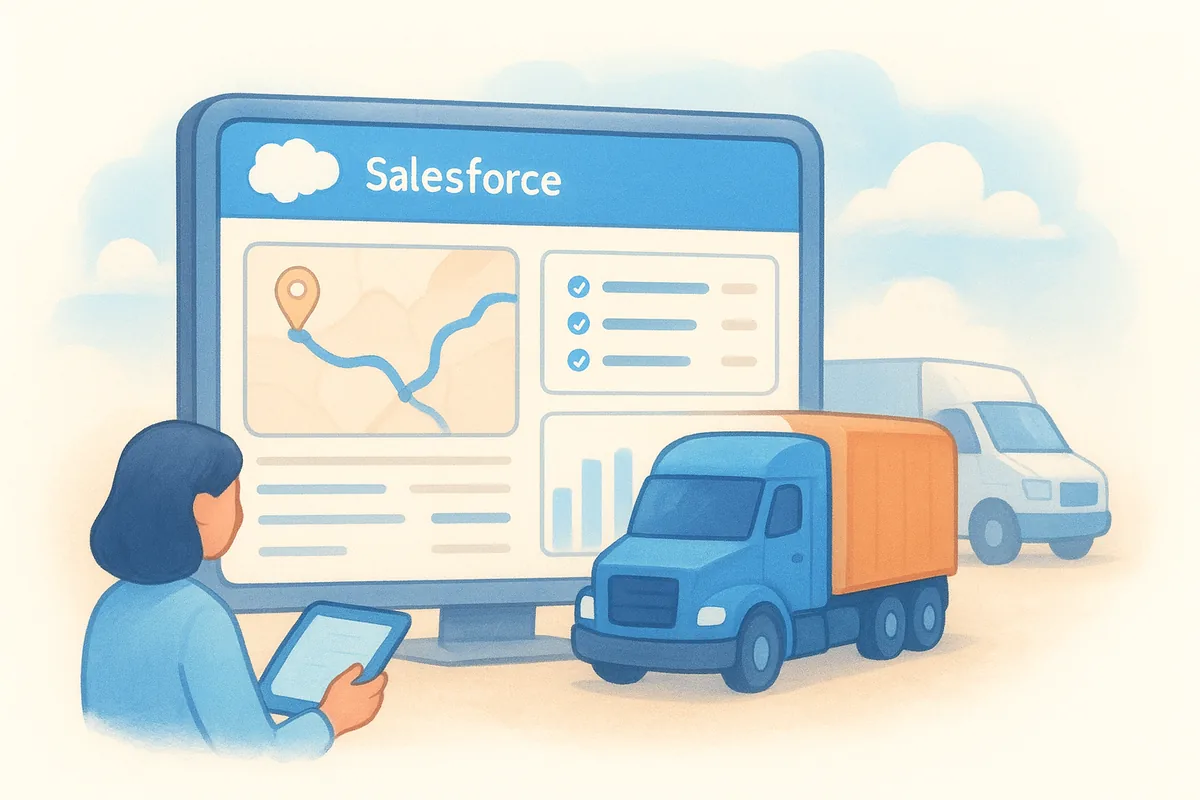
Salesforce built Transportation Cloud as an industry-specific layer on top of its core CRM, aimed at carriers, freight forwarders, and logistics providers that already lean on Salesforce for other parts of the business. It brings transportation-specific data models for shipments, routes, and carrier contracts directly into the familiar Salesforce interface, so enterprise logistics teams get industry context without building custom objects from scratch.
Key features for logistics
Dispatch and shipment visibility tools let sales and operations teams see load status alongside deal records, closing the gap between quoting and execution. Built-in AI-powered forecasting flags at-risk shipments and revenue opportunities based on historical patterns, and the platform connects to Salesforce's broader ecosystem of integrations for ERP, TMS, and EDI systems logistics companies already run.
Enterprise-grade transportation tools only pay off if your team has the budget and IT support to configure them properly.
Pricing
Salesforce doesn't publish flat rates for Transportation Cloud. Expect a custom quote built on top of standard Salesforce per-user licensing, which typically starts well above $150 per user monthly before you add the transportation-specific modules.
Best for
Large carriers, freight forwarders, and 3PLs with dedicated IT resources and existing Salesforce infrastructure who need deep shipment-to-deal integration across enterprise-scale operations.
Limitations to consider
Cost puts this out of reach for most small and mid-sized logistics teams, who are usually better served by smaller-budget alternatives to Salesforce, and implementation often requires a Salesforce consultant or in-house admin to configure objects, workflows, and integrations correctly. Teams without that technical support tend to underuse the platform's full capability relative to what they're paying.
6. HubSpot CRM
HubSpot brings a familiar, polished interface to logistics sales teams that want a well-known name backing their CRM. Its free tier and marketing-heavy ecosystem make it a common starting point for freight companies expanding beyond spreadsheets, though the platform wasn't built with freight-specific workflows in mind, so you'll spend time customizing pipelines and fields to match carrier or shipper terminology.
Key features for logistics
Contact and company records support custom properties, letting you track load types, lanes, or carrier certifications alongside standard deal data. The marketing automation tools are genuinely strong, useful if your logistics company runs email nurture campaigns for shipper prospects. HubSpot also connects to hundreds of integrations through its app marketplace, covering TMS and accounting tools many logistics teams already run.
A CRM built for general marketing and sales rarely feels purpose-built once you start tracking lanes, carriers, and load volume.
Pricing
HubSpot's free CRM covers basic contact and deal tracking, but automation, reporting, and advanced pipeline features sit behind paid tiers starting around $20 per user monthly and climbing sharply at the Professional and Enterprise levels, often exceeding $800 to $3,600 per month for the full suite according to HubSpot's own pricing page.
Best for
Small logistics teams already using HubSpot for marketing, or companies that want a recognizable brand and don't mind a longer ramp-up to configure freight-specific fields and pipelines.
Limitations to consider
Costs escalate quickly once you need workflow automation or custom reporting, and the generic sales structure requires real setup work to reflect freight or trucking operations. Teams comparing total cost against flat-rate alternatives often find HubSpot's per-seat cost considerably more expensive at scale.
7. Pipedrive
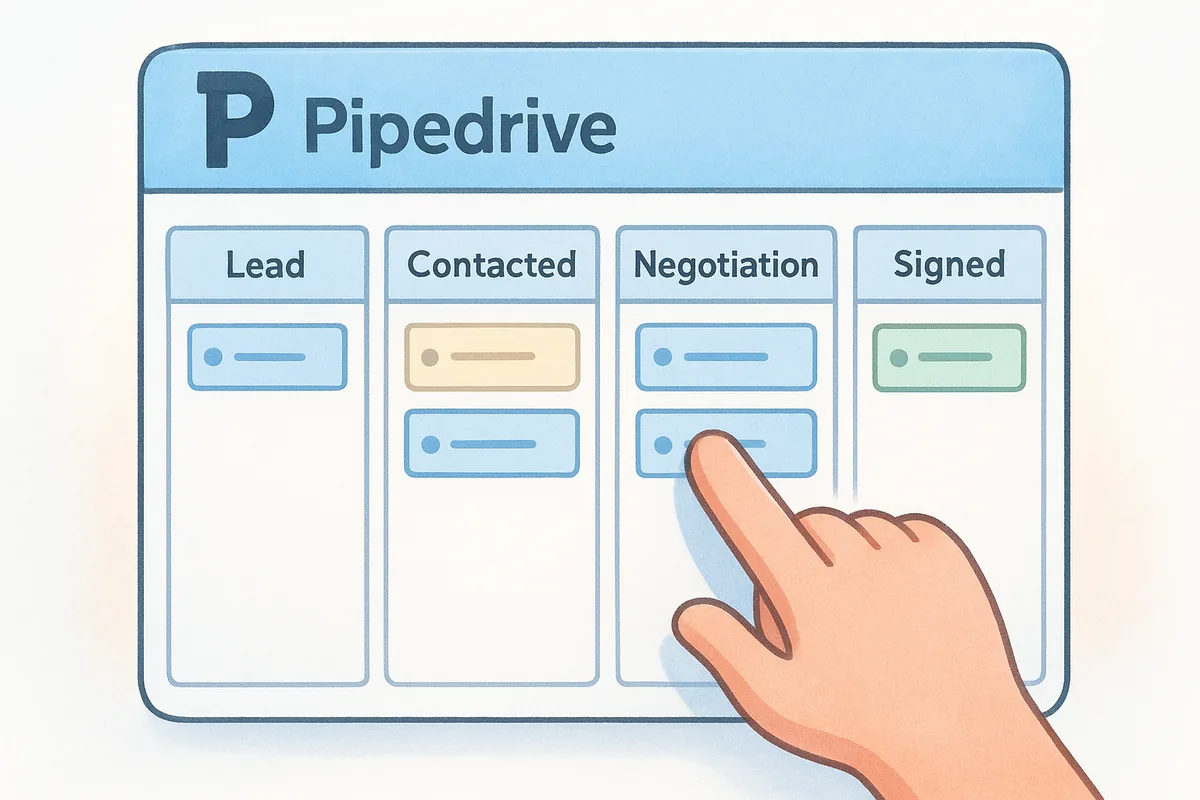
Pipedrive built its reputation on a clean, visual pipeline interface that sales reps actually enjoy using, which matters for logistics teams tired of fighting clunky software just to log a quote. Freight and trucking sales teams often pick Pipedrive as a straightforward upgrade from spreadsheets, since the deal-stage view mirrors how a broker already thinks about moving a shipper from first contact to signed contract.
Key features for logistics
Customizable pipelines let you build stages that match your quoting process, whether that's rate request, negotiation, or contract signed. The activity-based selling model nudges reps to log the next call or email before moving a deal forward, which keeps aging quotes from stalling silently. Pipedrive also offers email sync, basic workflow automation, and a reporting suite that breaks down win rates by rep or pipeline.
A pipeline view that mirrors your actual sales process beats a feature-heavy CRM your team avoids opening.
Pricing
Pipedrive starts around $14 per user monthly on its Essential plan, with automation, email sync limits, and advanced reporting reserved for the Advanced, Professional, and Power tiers, which run up to roughly $99 per user monthly according to Pipedrive's pricing page.
Best for
Small to mid-sized logistics sales teams that want an intuitive, deal-focused interface and are willing to pay more as they need deeper automation or reporting.
Limitations to consider
Out of the box, Pipedrive lacks freight-specific fields or shipment context, so you'll spend setup time customizing it for carrier and lane tracking. Automation and advanced reporting sit behind higher tiers, which pushes total cost up fast for growing teams that need those features early and often sends them looking at Pipedrive alternatives that don't gate automation.
8. Zoho CRM
Zoho CRM appeals to logistics companies already running other Zoho products, like Zoho Books or Zoho Desk, since the CRM plugs into that wider suite without extra integration work. It's a deeply customizable platform, which means a freight brokerage can build out lane tracking or carrier fields, but that flexibility comes with a steeper learning curve than simpler, more focused tools on this list.
Key features for logistics
Zoho's Blueprint feature lets you map out a strict quote-to-contract process with required steps at each stage, useful for brokerages that need consistent handoffs between sales and operations. Zia, Zoho's built-in AI, scores leads and flags deals likely to stall. The platform also supports custom modules, so you can build shipment or carrier records that don't exist in Zoho's default setup.
Flexibility only helps a logistics team when someone has the time to configure it correctly.
Pricing
Zoho CRM starts around $14 per user monthly on the Standard plan, with Professional, Enterprise, and Ultimate tiers climbing to roughly $52 per user monthly, each unlocking more automation, AI features, and customization depth according to Zoho's pricing page.
Best for
Logistics companies already invested in the Zoho ecosystem, or teams with the technical patience to build a custom logistics crm software setup from Zoho's building blocks rather than a pre-configured template.
Limitations to consider
Configuration takes real time, and teams without a dedicated admin often underuse Zoho's deeper features. Higher tiers also add cost quickly, narrowing the gap with more purpose-built freight platforms and with cheaper Zoho CRM options for SMBs.
9. Pipeline CRM
Pipeline CRM (formerly PipelineDeals) markets itself as a straightforward sales tool for teams that want deal tracking without a steep learning curve. Logistics sales managers often land here after outgrowing spreadsheets but before they're ready for a heavier platform, since the setup favors speed over deep customization. It won't replace a TMS, but as a freight broker crm alternative for pure sales tracking, it holds its own against pricier competitors.
Key features for logistics
Pipeline CRM gives you customizable pipeline stages, so you can map out quote, negotiation, and booked-load steps to match how your brokerage actually sells. Contact and company profiles support custom fields for lane data or carrier details, and the platform includes email tracking that shows when a shipper opens a quote. Reporting covers rep-level performance and deal velocity, useful for spotting which lanes convert fastest.
A simple CRM that your team actually opens every day beats a robust one that sits unused.
Pricing
Pipeline CRM starts at $25 per user monthly on its Start plan, with Develop and Grow tiers running up to $69 per user monthly for added automation and reporting depth, according to Pipeline CRM's own pricing page.
Best for
Small to mid-sized freight brokerages and logistics sales teams that want a no-frills, easy-to-adopt CRM without building extensive automation or working through a long onboarding process.
Limitations to consider
Pipeline CRM lacks freight-specific modules out of the box, so you'll configure fields manually for carrier and shipment tracking. Automation and integration options also trail behind more feature-dense sales pipeline management tools, and costs climb fast once you need the higher tiers for reporting or workflow automation that a logistics crm software buyer would expect included at the base price.
10. Microsoft Dynamics 365
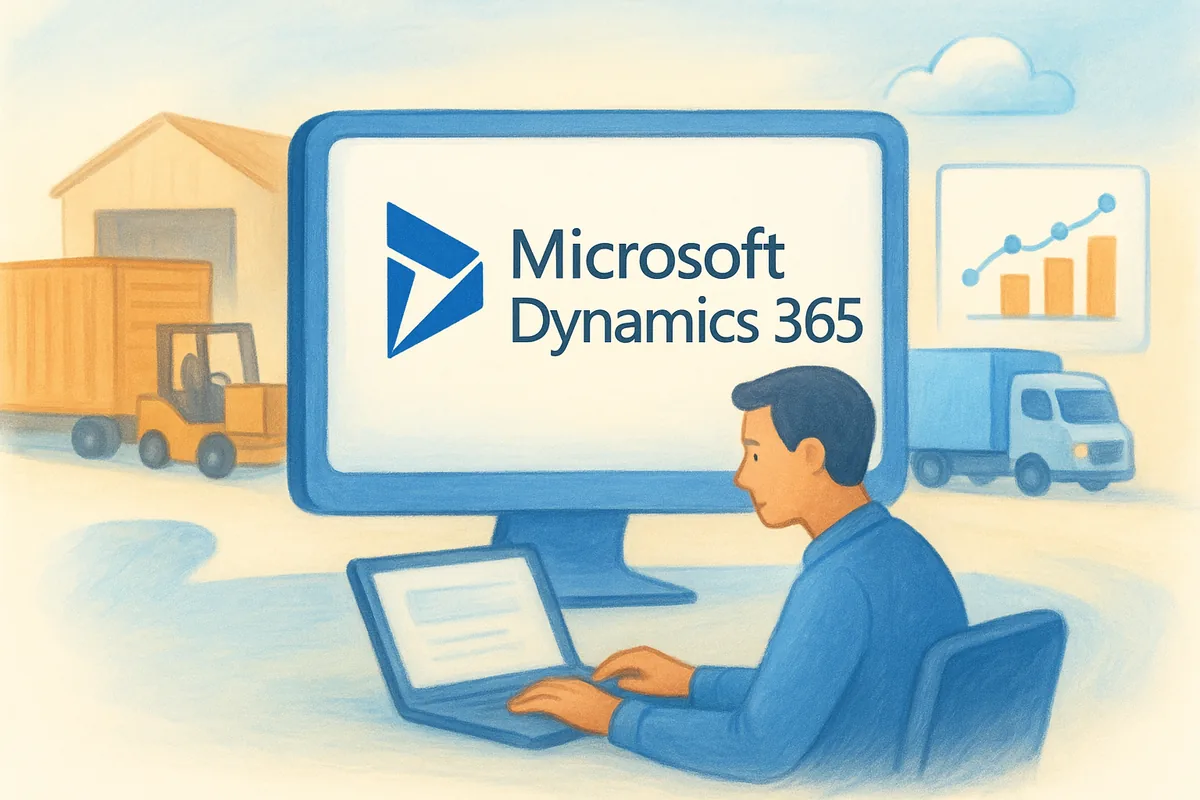
Microsoft Dynamics 365 brings enterprise-grade CRM and ERP tools together, which appeals to logistics companies already running Microsoft's broader business stack. Large carriers and 3PLs that use Azure, Power BI, or Microsoft 365 for email and office tools often pick Dynamics because it plugs into that existing infrastructure rather than requiring a separate login and a fresh integration project.
Key features for logistics
Dynamics 365 offers modular apps you can combine, so a logistics company might run Sales alongside Supply Chain Management for a connected view of quotes and inventory. Power Automate lets teams build workflows across Dynamics and other Microsoft products without writing code, and Power BI dashboards break down rep performance, lane profitability, and pipeline health in real time. The platform also supports AI-driven lead scoring through Copilot, which flags deals likely to close based on historical patterns.
Enterprise integration only pays off when your team already lives inside the same ecosystem it connects to.
Pricing
Dynamics 365 Sales starts around $65 per user monthly for the Professional plan, with the Enterprise plan running roughly $95 per user monthly according to Microsoft's own pricing page. Supply chain and logistics-specific modules cost extra and require separate licensing.
Best for
Large logistics companies and enterprise carriers already running Microsoft's business suite who need shipment-to-deal integration across sales, operations, and finance without stitching together separate platforms.
Limitations to consider
Cost and configuration complexity put Dynamics out of reach for smaller logistics teams. Implementation typically requires a Microsoft partner or in-house administrator, and teams without that support often underuse the platform relative to what they're paying for it.
11. How to choose the right CRM for your logistics business
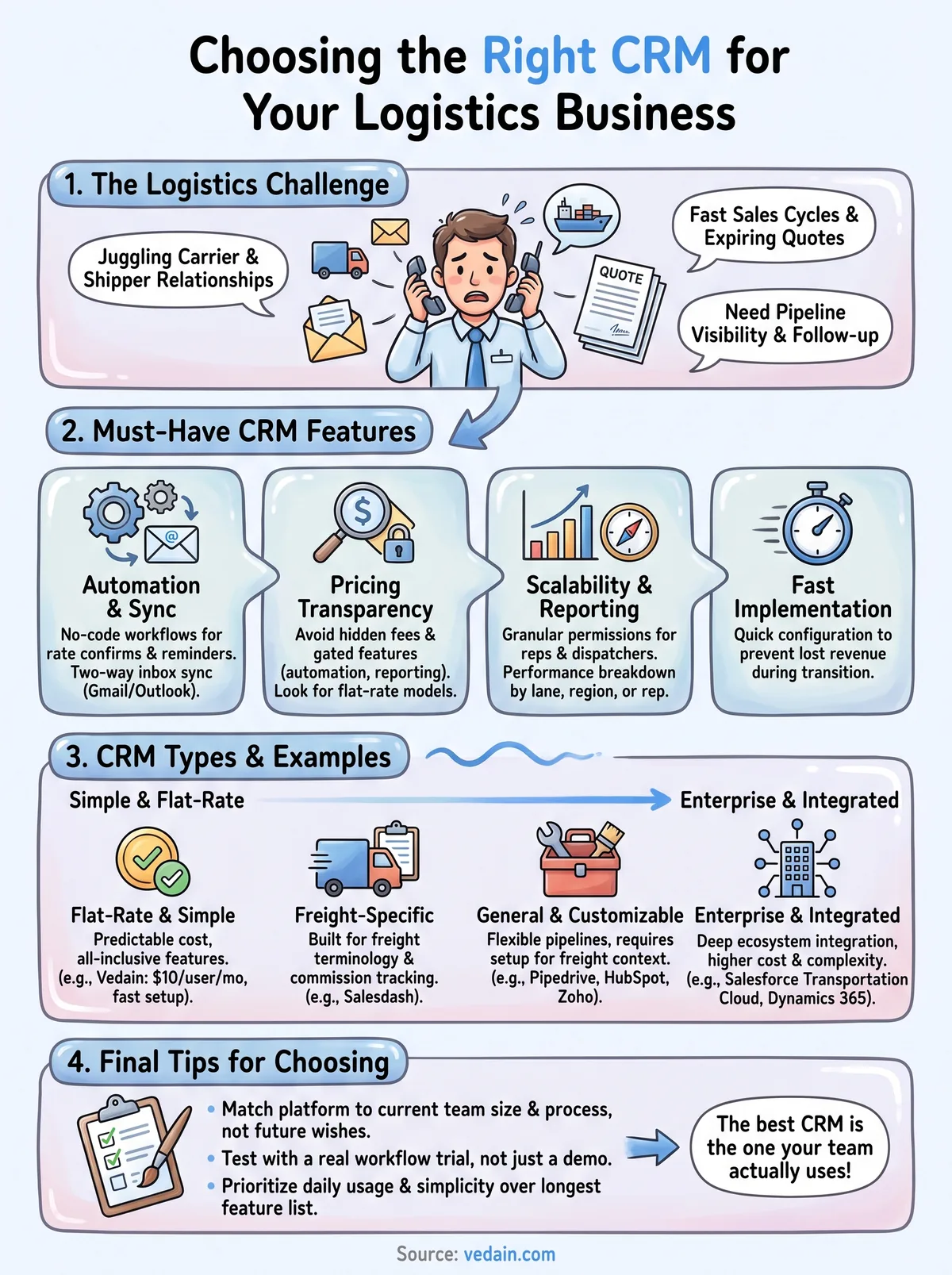
Narrowing nine options down to one starts with an honest look at your team size and sales complexity. A five-person freight brokerage negotiating spot rates over email needs something different than a 200-person 3PL running dedicated account managers across multiple regions. Match the platform to where your team actually operates today, not where you hope to be in three years, since most CRMs let you add seats without switching systems entirely.
Budget clarity matters just as much as feature lists. Run the math on total cost at your actual headcount, not just the entry-tier price, because automation and reporting locked behind higher plans can double your monthly bill once you cross ten or twenty users. A crm for logistics companies should scale in cost predictably, not punish growth with surprise upgrades.
The best CRM for your logistics business is the one your reps actually use every day, not the one with the longest feature list.
Run through a checklist for narrowing CRM options and set your priorities before you demo anything:
- •Does automation come standard, or does it require a higher tier?
- •Can you sync Gmail or Outlook without a separate add-on fee?
- •Will reporting break down performance by lane, rep, or region out of the box?
- •Does setup take under a week, or does it require a consultant?
- •Are permissions granular enough for dispatchers, reps, and managers to see only what they need?
Request a trial before committing. Set up a real pipeline with actual deal stages, add a handful of contacts, and have your team run through a normal week of quoting and follow-up. Testing a logistics crm software option against your actual workflow reveals gaps that a sales demo never will.
12. Frequently asked questions about logistics CRMs
What makes a CRM different for logistics companies versus general sales teams?
General CRMs assume a simple product and a single buyer, but logistics sales involve carrier and shipper relationships running in parallel, seasonal freight swings, and quotes that expire in hours. A crm for logistics companies needs pipeline stages that reflect quoting and booking, not just "prospect to close," plus reporting that breaks performance down by lane or region instead of a generic sales funnel.
Do I need a TMS instead of a CRM?
Neither replaces the other. A transportation management system handles dispatch, load tracking, and carrier compliance, while a CRM manages the relationship and sales side, tracking quotes, follow-ups, and account history. Most logistics teams run both, and some platforms on this list, like Magaya, blend the two more tightly than others.
Choosing between a CRM and a TMS is the wrong question. Most logistics teams need both working together.
How much should a logistics CRM cost per user?
Pricing varies widely, from $10 per user monthly on flat-rate platforms like Vedain to $95 or more per user on enterprise systems like Dynamics 365, as a vendor-by-vendor CRM cost comparison makes clear. Smaller brokerages typically get the best value from flat, all-inclusive pricing, while large 3PLs with dedicated IT support can justify higher costs if the platform integrates deeply with existing operations software.
Can a logistics CRM handle load tracking or shipment status?
Most general CRMs don't track loads natively, which is why teams pair them with a TMS or freight forwarding platform. A handful of options, including Magaya and Salesforce Transportation Cloud, build shipment visibility directly into the CRM, but that convenience usually comes with a higher price tag and longer setup than lightweight, sales-first tools built for speed.
Finding the right fit for your team
Most logistics companies don't need a freight-specific CRM loaded with load tracking and customs modules. They need a system reps will actually open every morning, one that logs emails automatically, nudges follow-ups on aging quotes, and reports on which lanes convert without extra configuration. Enterprise platforms like Salesforce Transportation Cloud or Dynamics 365 make sense once you've got dedicated IT support and a budget to match, but most brokerages and 3PLs get more value from a flat-rate crm for logistics companies that scales without punishing growth.
Weigh the nine options here against your actual headcount and sales process, not a wishlist of features you might use someday. If transparent pricing and fast setup matter more than industry-specific bells and whistles, Vedain's all-inclusive model deserves a serious look. Check the full plan details at $10 per user per month and decide for yourself whether it fits how your team sells.
Related reading
- •9 Best CRMs for Event Management Companies in 2026
- •9 Best CRMs for HVAC Companies in 2026
- •8 Best CRMs for Solar Companies in 2026
Frequently Asked Questions
What makes a CRM different for logistics companies versus general sales teams?
General CRMs assume a simple product and a single buyer, but logistics sales involve carrier and shipper relationships running in parallel, seasonal freight swings, and quotes that expire in hours. A crm for logistics companies needs pipeline stages that reflect quoting and booking, not just "prospect to close," plus reporting that breaks performance down by lane or region instead of a generic sales funnel.
Do I need a TMS instead of a CRM?
Neither replaces the other. A transportation management system handles dispatch, load tracking, and carrier compliance, while a CRM manages the relationship and sales side, tracking quotes, follow-ups, and account history. Most logistics teams run both, and some platforms on this list, like Magaya, blend the two more tightly than others. Choosing between a CRM and a TMS is the wrong question. Most logistics teams need both working together.
How much should a logistics CRM cost per user?
Pricing varies widely, from $10 per user monthly on flat-rate platforms like Vedain to $95 or more per user on enterprise systems like Dynamics 365, as a vendor-by-vendor CRM cost comparison makes clear. Smaller brokerages typically get the best value from flat, all-inclusive pricing, while large 3PLs with dedicated IT support can justify higher costs if the platform integrates deeply with existing operations software.
Can a logistics CRM handle load tracking or shipment status?
Most general CRMs don't track loads natively, which is why teams pair them with a TMS or freight forwarding platform. A handful of options, including Magaya and Salesforce Transportation Cloud, build shipment visibility directly into the CRM, but that convenience usually comes with a higher price tag and longer setup than lightweight, sales-first tools built for speed.